Operating the unit
60 Operating instructions
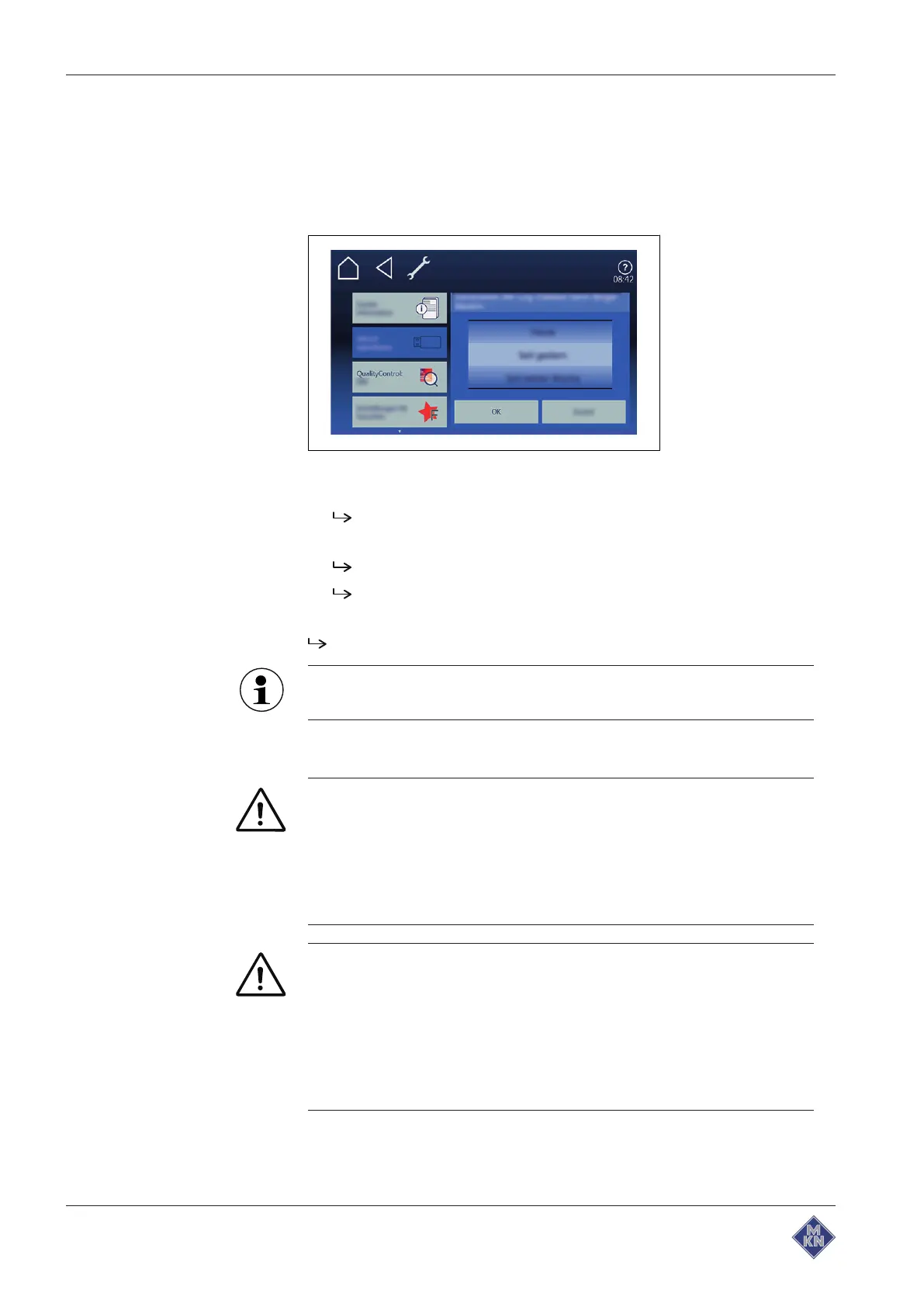
4.6.21 Exporting the HACCP log
Requirement USB flash drive inserted
Registered under unit settings with password
1. Tap on "Export HACCP" field.
2. Select period of the logs.
3. Tap on
OK
button.
The
operating instructions
window is opened.
4. Tap on
OK
button.
HACCP protocol is exported to the USB flash drive.
OK
window is opened.
5. Tap on
Confirmation
button.
Confirmation
window is closed.
The HACCP log can also be transferred via a kitchen
management system.
4.7 Using the core temperature sensor
WARNING
Risk of injury from a bursting core temperature sensor
• The core temperature sensor can burst as the result of
overheating of the measuring tip.
• Never heat a core temperature sensor with an open flame or
other heat source.
CAUTION
Risk of burns from hot surfaces
• Grip the core temperature sensor by the handle, remove it
from the food being cooked and put it carefully into the
holder.
• Protect arms and hands by wearing suitable protective
gloves.
4127003--0ABBE-E



 To Next Page