Operating the unit
66 Operating instructions
4.9.1 Creating a cooking program
Creating a Cooking program step
Requirement
Manual cooking
menu displayed
1. Tap on desired Cooking mode field.
The first step of the Cooking program is created.
The Cooking program step display shows "Step 1 of 1".
2. Adjust the desired settings for the first step.
The Cooking program has been created with the first step.
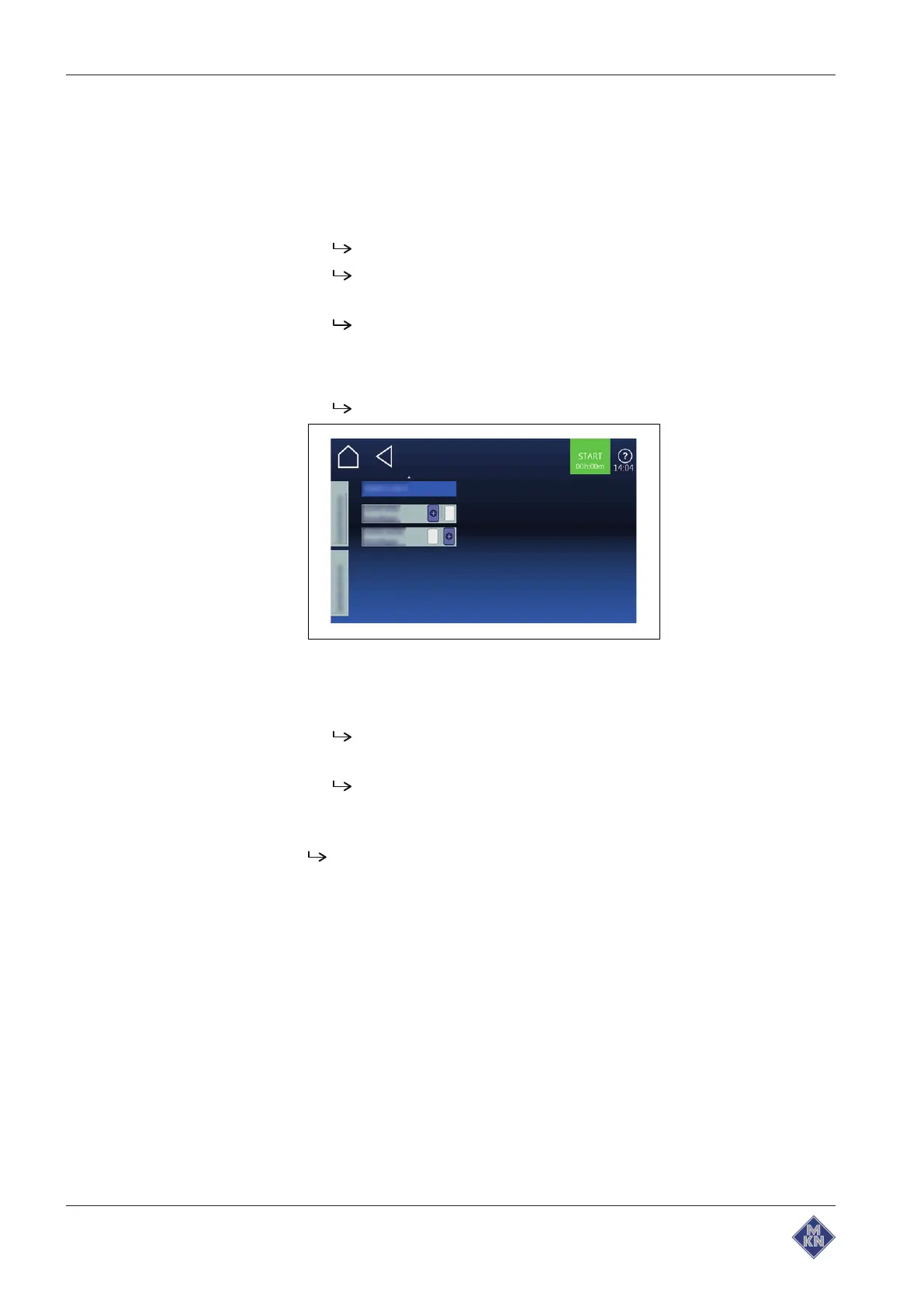
Adding the Cooking program step
1. The next page is opened with a wiping gesture.
Next page is displayed.
2. Tap on "Add prior step" field.
or
3. Add the "Add step after" field.
The "New Step" window opens.
4. Select the Cooking mode or function from the window by tapping.
Cooking program step display of the window shows the current
position of the new step in the Cooking program.
5. Adjust the settings of the step.
New step is added.
4127003--0ABBE-E



 To Next Page