Operating the unit
37Operating instructions
4.5.12 Importing video
Requirement WMV format
Data size <50 MB
1. Create the
VideosCustom
directory on a USB flash drive.
2. Save the desired video in this directory.
USB flash drive prepared.
3. Insert USB flash drive into the multiport.
4. Open
Equipment functions
menu.
5. Open
Settings
menu.
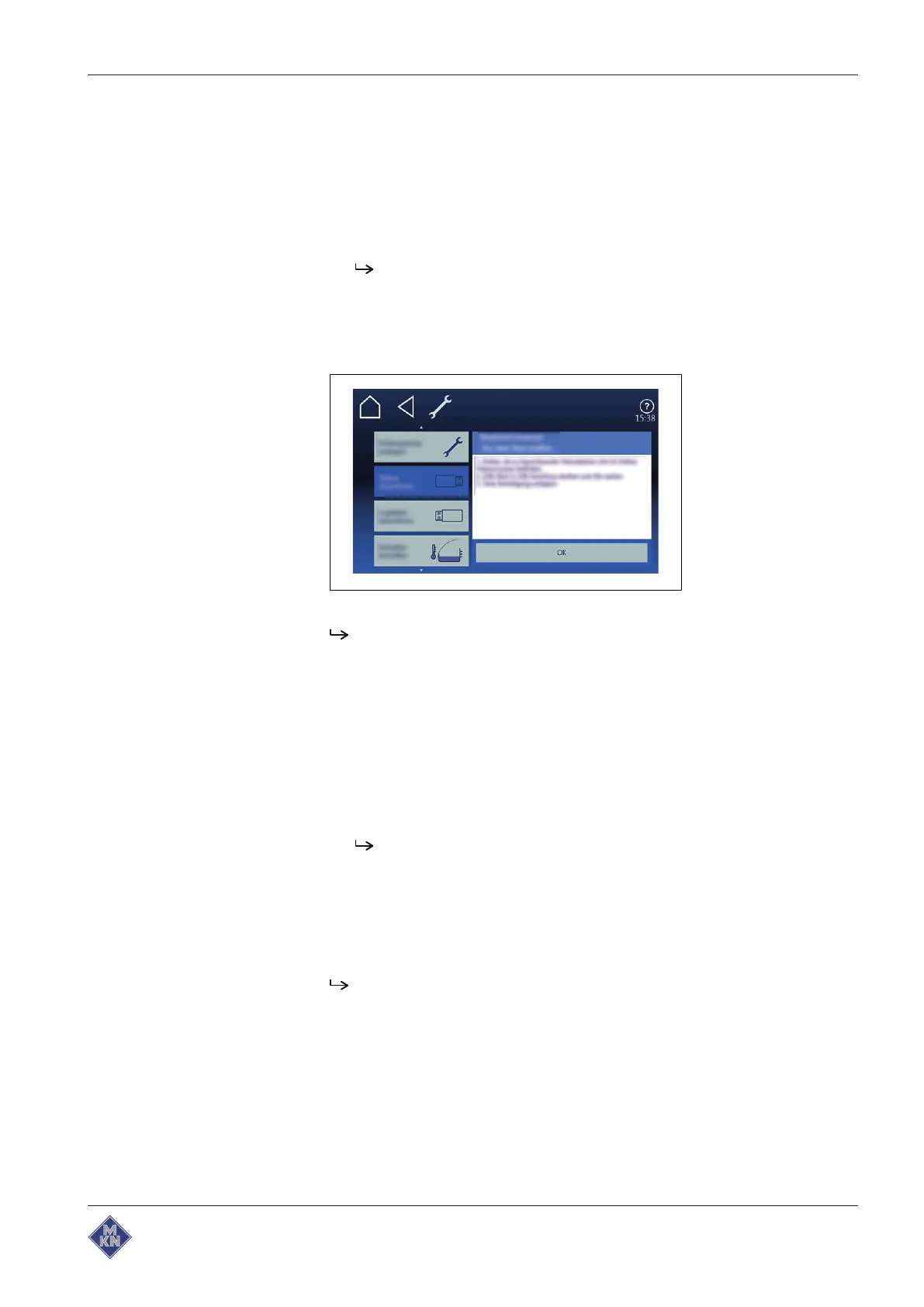
6. Select
Import videos
menu.
7. Follow the operating instructions.
Video imported.
4.5.13 Importing images
Requirement PNG format
Image size 249x111 Pixel
Data size <50 MB
1. Create the directory
autoChefImages
on a USB flash drive.
2. Save the desired image in this directory.
USB flash drive prepared.
3. Insert USB flash drive into the multiport.
4. Open
Equipment functions
menu .
5. Open
Settings
menu.
6. Select menu
Additional Content
.
7. Follow the operating instructions.
Image imported.
4127003--0ABBE-E



 To Next Page