Operating the unit
54 Operating instructions
4.6.14 Setting manual humidification
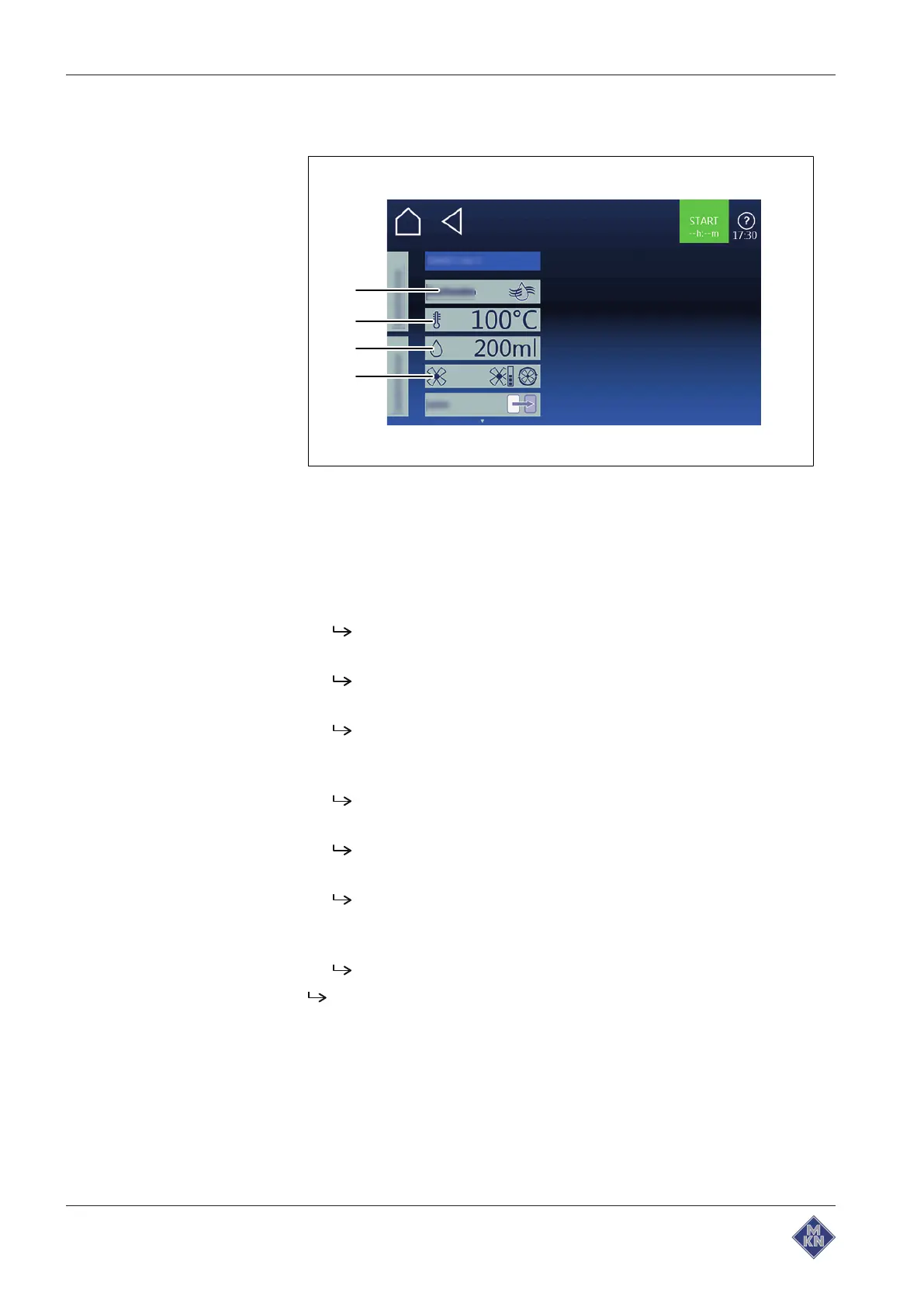
Image:
Manual humidification setting
window
a
Fan setting
field c
Temperature
field
b
Amount of moisture
field d
Manual humidification
field
Requirement The cooking program is running
1. Tap on the
Equipment functions
field.
The
Equipment functions
menu is open.
2. Tap on the
Manual humidification
field.
The
Manual humidification
menu is open.
3. Using a wiping gesture, set the rollers to the desired value.
Upwards or downwards, cooking temperature is increased or
reduced.
4. Tap on the
OK
button.
The
Setting
window is closed.
5. Tap on the
Target injection quantity
field.
The
Setting
window is displayed.
6. Using a wiping gesture, set the rollers to the desired value.
Upwards or downwards, injection quantity is increased or
reduced.
7. Tap on the
Confirmation
button.
The
Setting
window is closed.
Manual humidification is set.
4127003--0ABBE-E



 To Next Page