Operating the unit
53Operating instructions
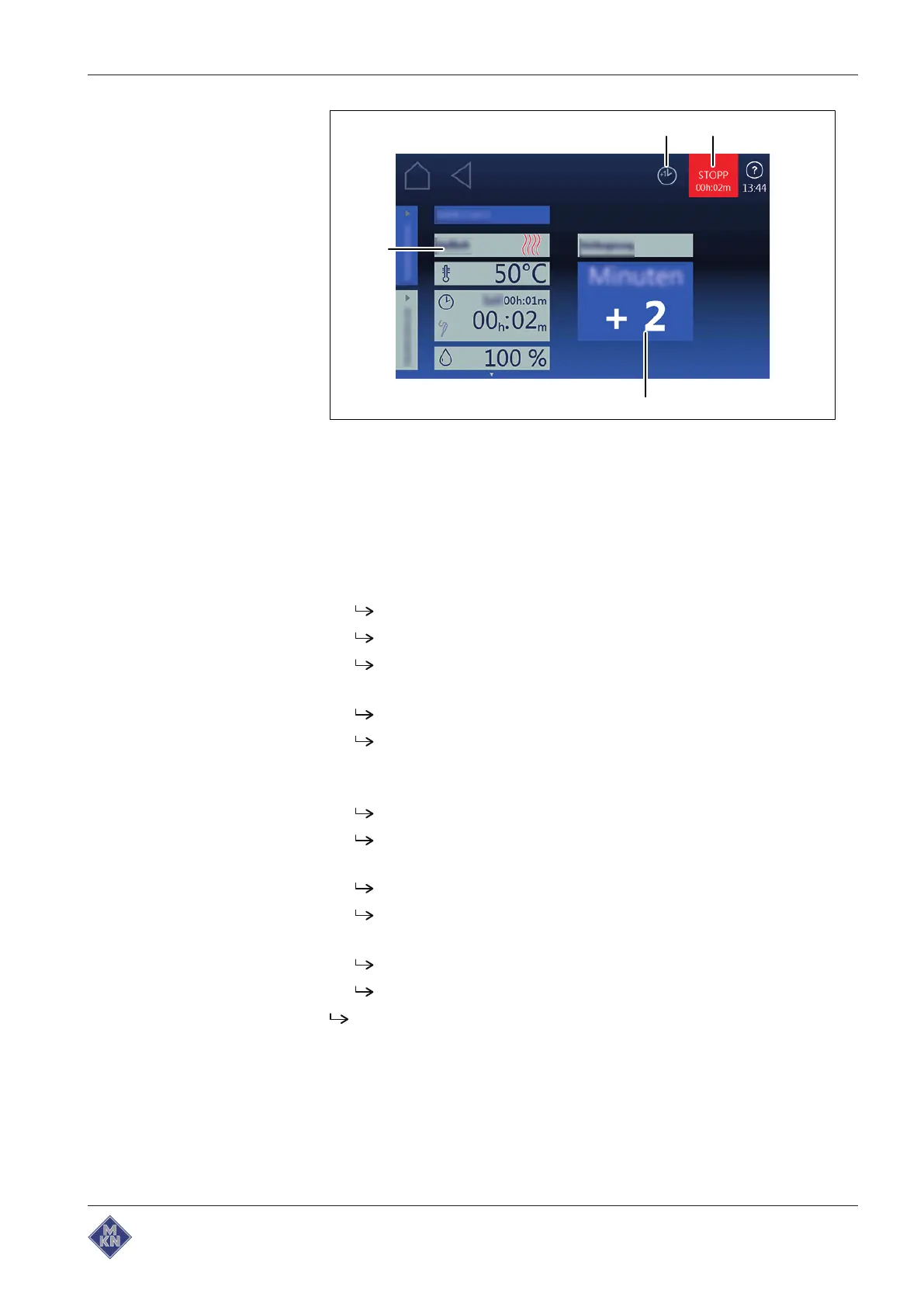
Image: Cooking time extension selection window
a
Simmer
button c
Simmer
field
b
Stop
button d
Equipment settings
field
Requirements Cooking program selected
RackTimer
function set
1. Tap the "Start" button.
The unit heats up.
The cooking program starts.
The "Start" button is replaced with the "Stop" button.
2. Press the "Stop" button.
The cooking program is interrupted.
The "Continue cooking" button appears in the information bar.
3. Tap the "Continue cooking" button.
4. Set the desired time for Continue cooking.
The cooking time is increased in 1-minute increments.
The altered cooking time only applies to the current cooking
program.
It does not change the saved cooking program.
The
Continue cooking
function is set.
5. Tap the "Start" button.
The cooking program starts.
The cooking time is extended by the desired time.
The
Continue cooking
function is performed.
4127003--0ABBE-E



 To Next Page