Operating the unit
65Operating instructions
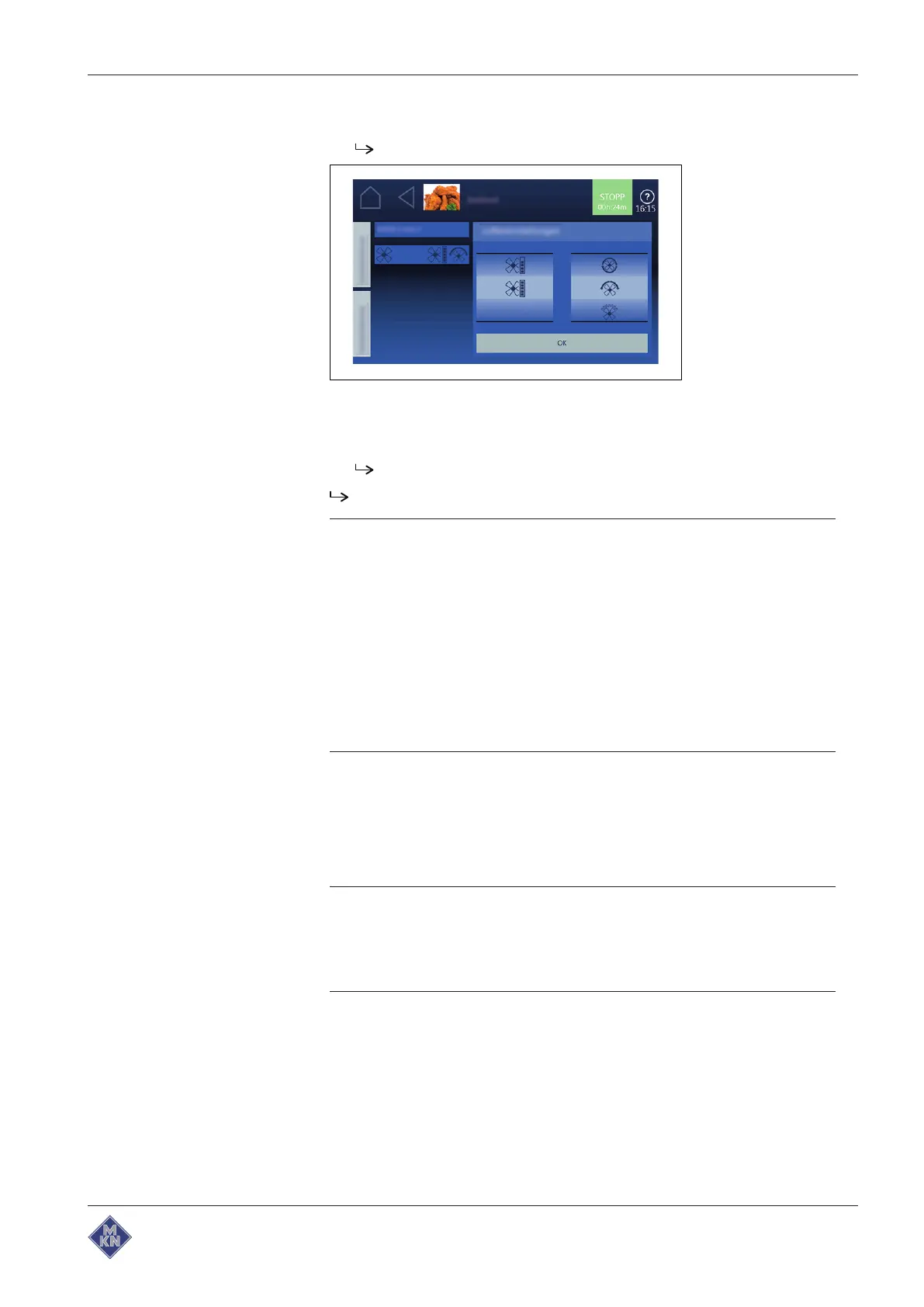
12.Tap on
Fan
field.
The
Setting
window is displayed.
13.Set fan speed and direction of rotation.
14.Set rollers to the desired value with wiping gesture.
15.Tap on
OK
button.
The
Setting
window is closed.
Cooking program step can be started.
Tip
The cooking mode can also be changed while entering the
cooking step.
• Tap the
Cooking mode
field.
ð Possible selections appear.
• Tap the cooking mode.
ð The standard values of the selected cooking mode are
displayed.
• Modify the values.
ð Cooking mode for this cooking step is changed.
4.9 Creating and managing your own cooking programs
Cooking modes and other functions are available in the
Manual
cooking
menu. Using these components, users can create their own
programs.
ATTENTION
Risk of physical damage from data loss
Regularly save your own cooking programs on an external
memory medium, for example a USB flash drive.
4127003--0ABBE-E



 To Next Page