Operating the unit
64 Operating instructions
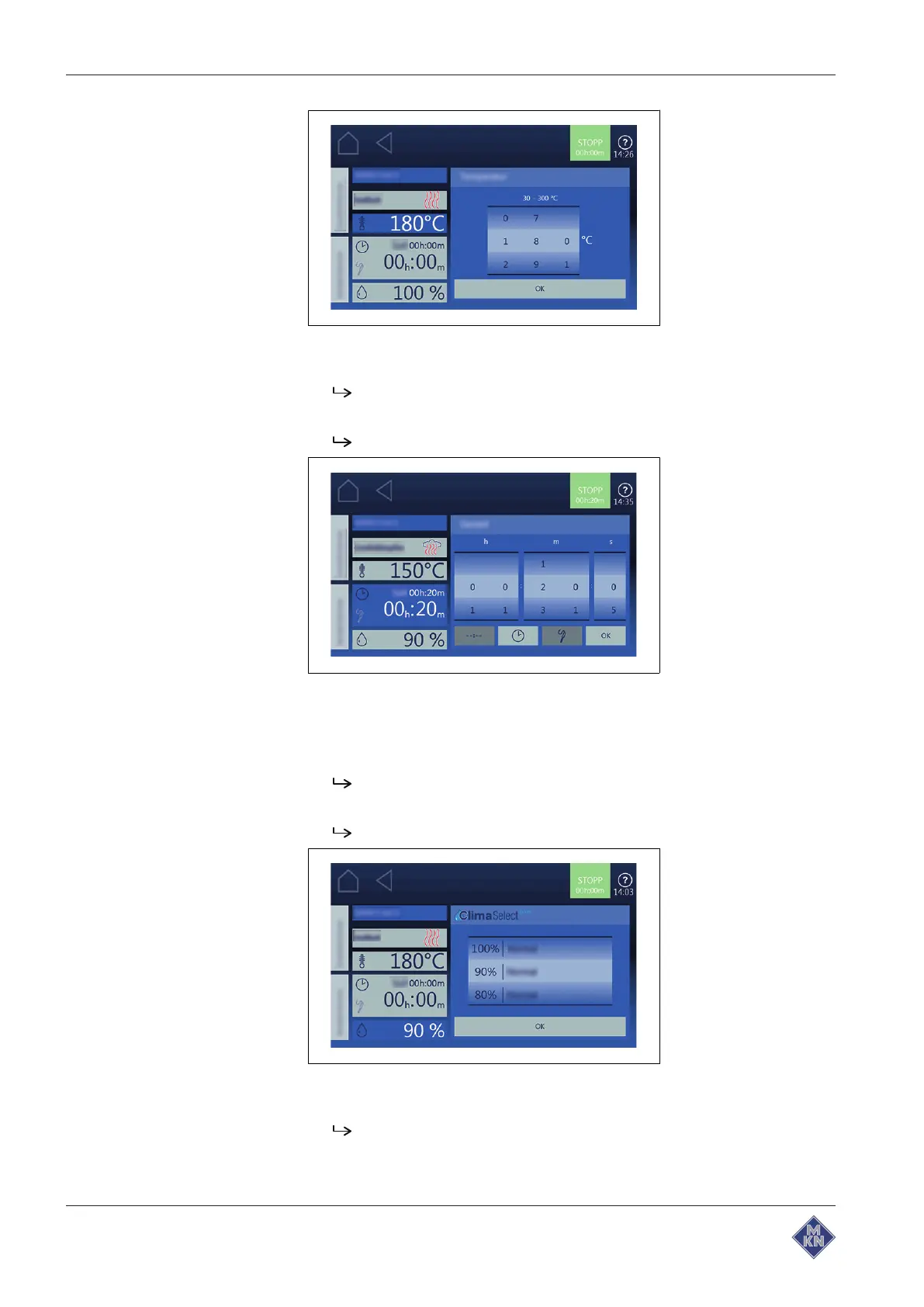
2. Set rollers to the desired value with wiping gesture.
3. Tap on
OK
button.
The
Setting
window is closed.
4. Tap on
Cooking time
field.
The
Setting
window is displayed.
5. Tap on
Continuous operation
button
Cooking time
button or
Core
temperature
button.
6. Set rollers to the desired value with wiping gesture.
7. Tap on
OK
button.
The
Setting
window is closed.
8. Tap on Cooking zone humidity.
The
Setting
window is displayed.
9. Set roller to the desired value with wiping gesture.
10.Tap on
OK
button.
The
Setting
window is closed.
11.Change to the next page with wiping gesture and make further
settings.
4127003--0ABBE-E



 To Next Page