Operating the unit
45Operating instructions
4.6.6 Using Perfection (regeneration)
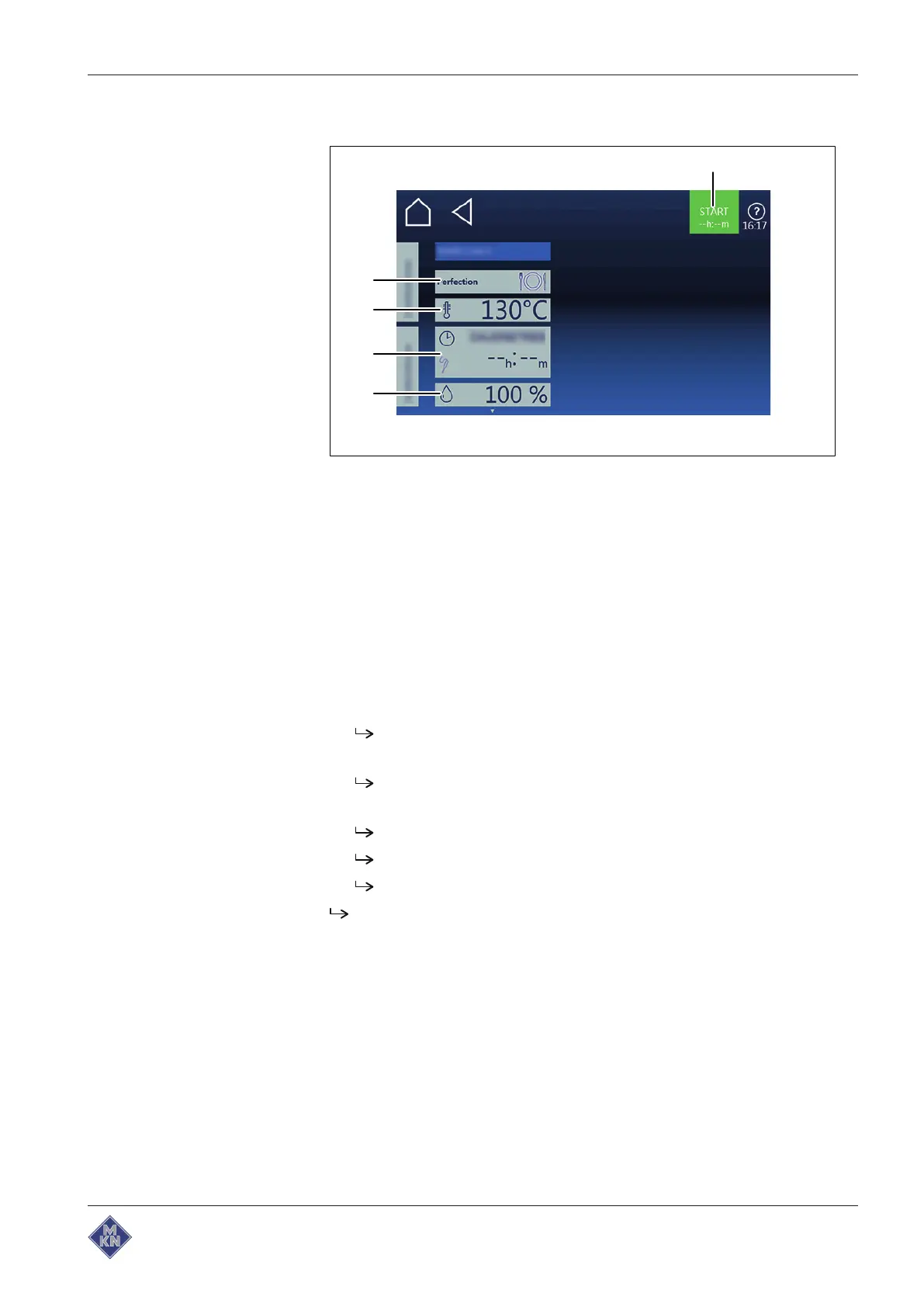
Image: Perfection cooking mode setting window
a "Start" button d
Cooking time
field
b
Cooking mode
field e
Moisture
field
c
Temperature
field
Starting Perfection
Requirements Food to be cooked is on the insert in the rack
Door closed
Manual cooking
menu displayed
1. Tap the
Perfection
cooking mode field.
The
Cooking mode
window is displayed.
2. Configure the settings.
The
Cooking mode
window shows the configured settings.
3. Tap the "Start" button in the information bar.
The unit heats up.
The "Start" button is replaced with the "Stop" button.
The cooking time is updated in the
Cooking mode
window.
Perfection is started.
Ending Perfection
Requirements Perfection started
Cooking time has not elapsed
1. Tap the "Stop" button in the information bar.
4127003--0ABBE-E



 To Next Page