Operating the unit
56 Operating instructions
4.6.16 Using QualityControl
QualityControl
is a cooking time optimisation function, which
adjusts the temperature automatically. It optimises the
preheating process.
It is switched on as standard and can be switched off for
individual programs.
The particular setting applies to all cooking programs until it is
changed.
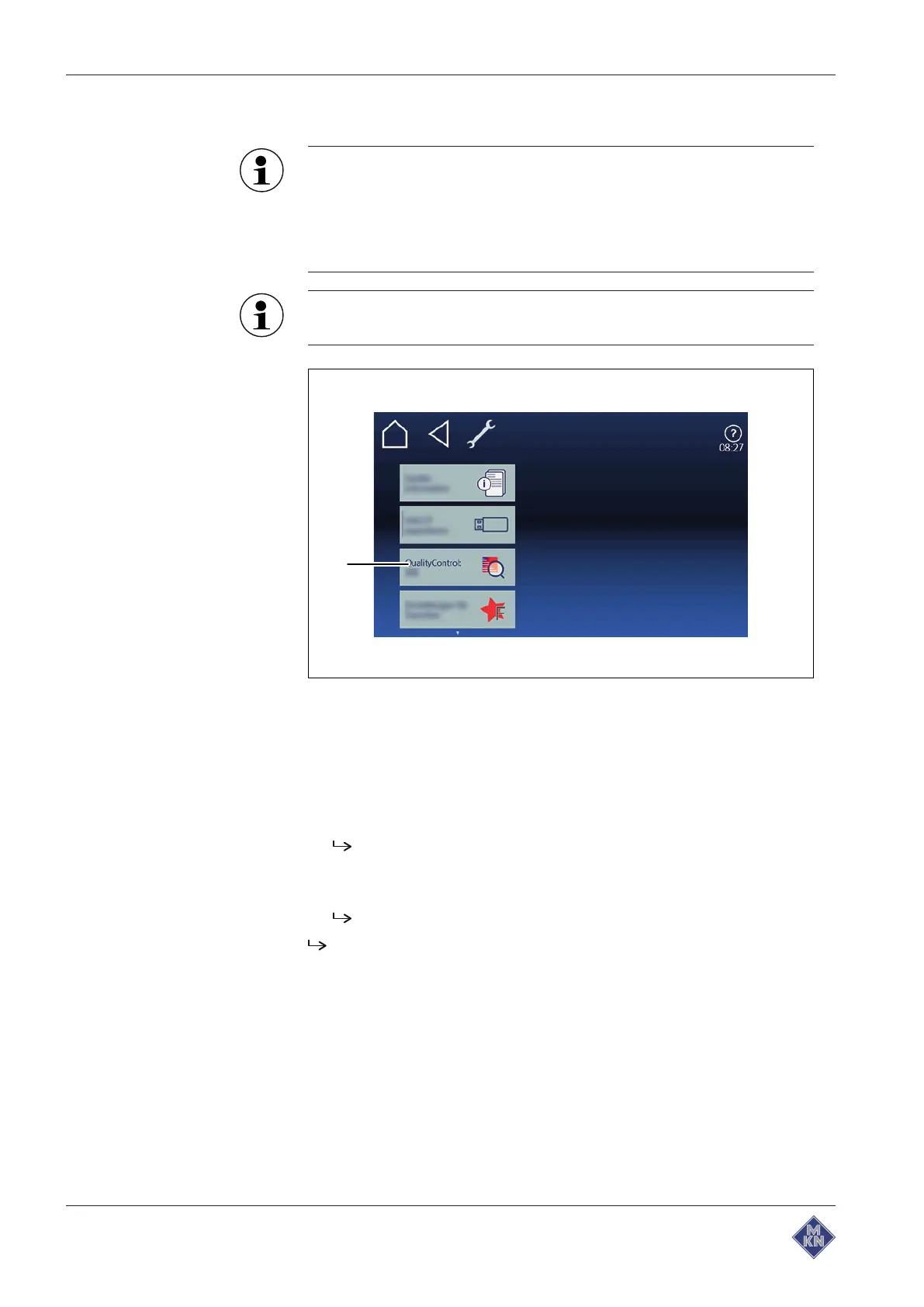
Image: QualityControl selection window
a
QualityControl
field
Requirement
Equipment functions
menu open
1. Tap on "Equipment settings" field.
2. Set PIN
111
and confirm.
QualityControl
field is displayed.
3. Switch the function on or off if necessary.
4. Tap on
QualityControl
field.
The
ON
display automatically changes to
OFF
and vice versa.
QualityControl
function is set.
4127003--0ABBE-E



 To Next Page