Operating the unit
41Operating instructions
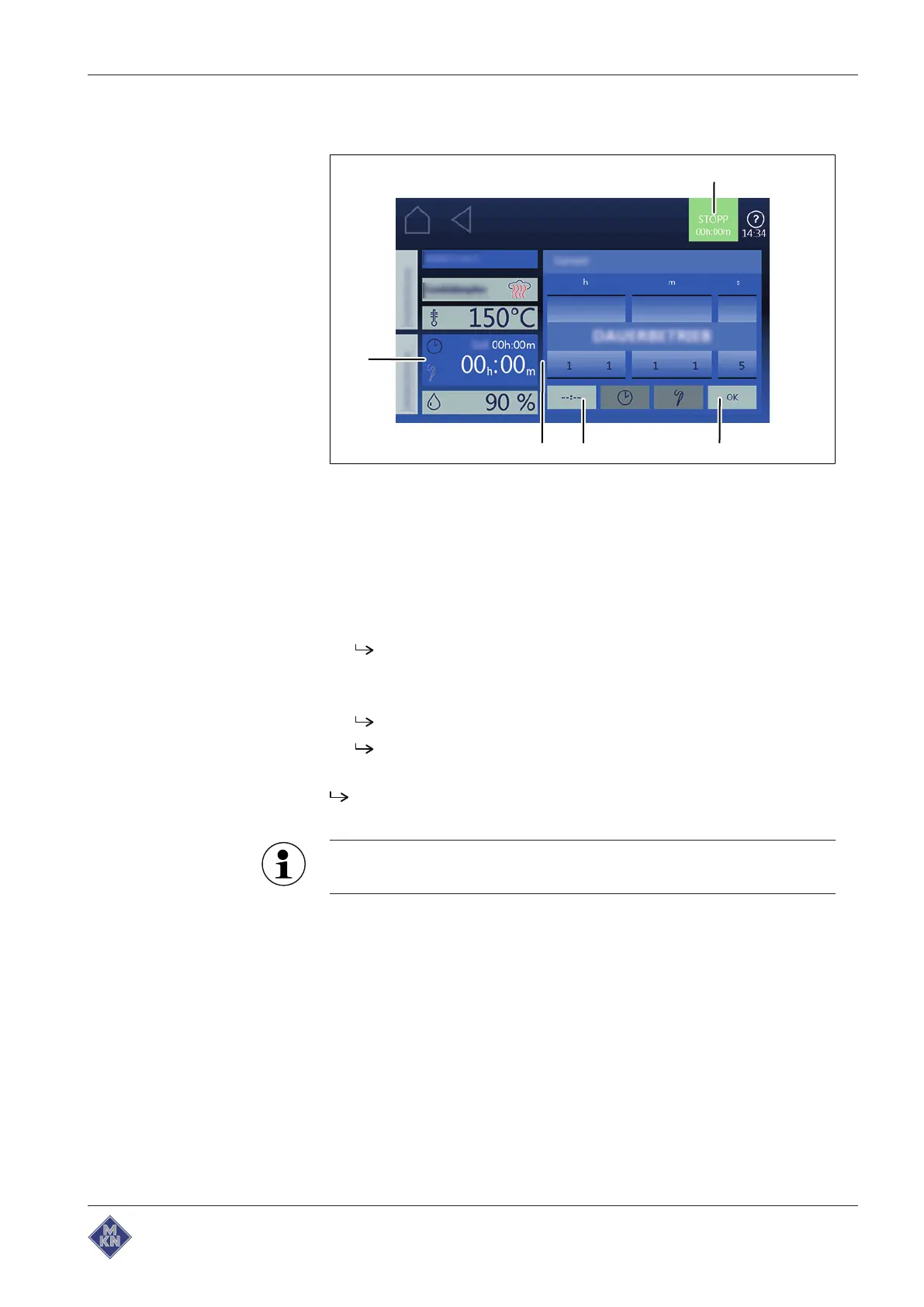
Setting continuous operation
Image: Setting the cooking time to continuous operation
a
OK
button d
Cooking time
field
b
Continuous operation
button e
Start
button
c
Setting
window
Requirement Cooking program selected
1. Tap on
Cooking time
field.
The
Setting
window is displayed.
2. Tap on
Continuous operation
button.
3. Tap on
OK
button.
The
Setting
window is closed.
The
Cooking mode window
window displays the set cooking
time.
The cooking time is set to continuous operation and ends after 24
hours.
A cooking step, which is running in continuous operation, can be
converted to Remaining time.
4127003--0ABBE-E



 To Next Page