Digital Interface Input and Output Options Chapter Four: Analog and Digital Interfaces
41
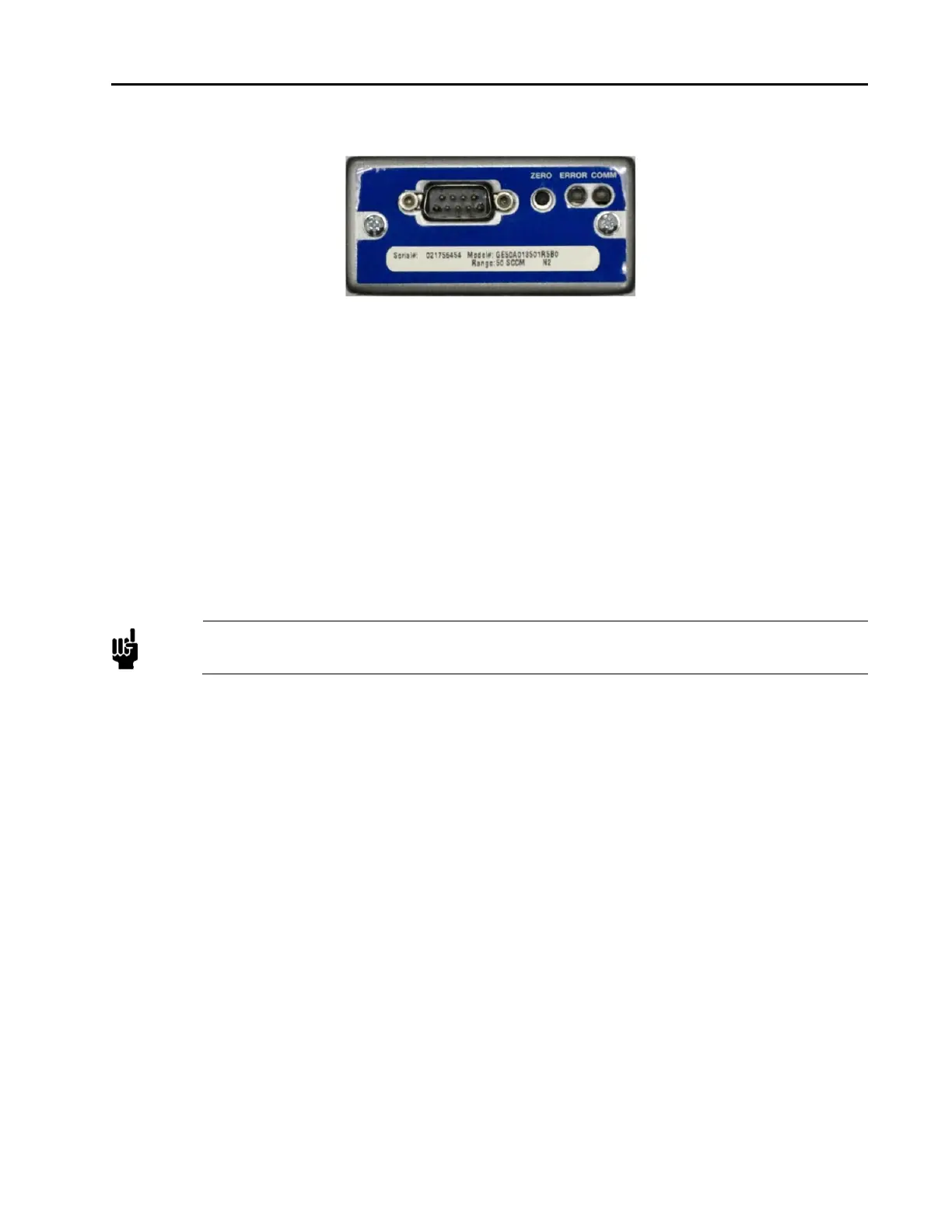
Figure 8: RS485 Top View
Setting the RS485 Device MACID and Baud Rate
For RS485 the baud rate and MAC ID must be set up prior to installation into a network. The baud rate and
MAC ID may be setup up individually from the host computer or via a PC using the Ethernet UI. These are
the only ways to configure an RS485 MFC. There are no Baud Rate or MAC ID switches on the device. See
the RS485 supplement for information to set the device up over the host or Chapter 6 of this manual.
Unrecoverable Fault Condition
A hardware problem with the EEPROM, or a memory problem with the RAM are major unrecoverable faults.
This fault condition sets its exception status bit, and the LED illuminates solid red
Note
A major unrecoverable fault prevents operation because the device cannot communicate on the
network. Contact MKS Instruments, Inc. for assistance.
Warm-Up and Zero the MFC
After installation and power up, allow the MFC to warm up for a minimum of 30 minutes, then refer to the
installation section to Zero the MFC.
Warm Up Time
After installation and power connection, allow the MKS MFC to warm up for a minimum of 30 minutes.
This is to account for both warm-up of the device electronics as well as for the device to reach ambient
temperature conditions.
Zeroing the Device
Although MKS flow devices are zeroed at the factory prior to shipment, it is normal to check the zero and re-
zero them, if needed, when they are first installed on the tool.
A mass flow meter or mass flow device will provide a zero output signal under no flow gas conditions.
Zero offset from improper zeroing procedures can contribute to flow measurement inaccuracy. This is more
apparent at the lower end of the device flow range.
In order to complete a true zeroing of the device, ensure the following conditions are satisfied prior to



 To Next Page