Chapter Four: Analog and Digital Interfaces Digital Interface Input and Output Options
34
The G-SERIES (G-SERIES) MFC DeviceNet Mass Flow Device complies with the ODVA DeviceNet
Specification Volume I and Volume II [1, 2], and the SEMI Standards Common and Specific Device Models
[3, 4]. Refer to those documents for a complete functional description of the MFC Mass Flow device along
with the MKS G-Series MFC DeviceNet Supplement, 1046412-001. Please contact MKS for this document.
Power Requirements
The MFC requires an input voltage of 11 to 25 VDC with 500 mA max @ 11 VDC (230 mA @ 24 VDC,
nominal). The input voltage, provided by the DeviceNet network, is introduced to the mass flow controller
through the 5-pin micro-style connector located on the top of the instrument.
DeviceNet Controls and Indicators
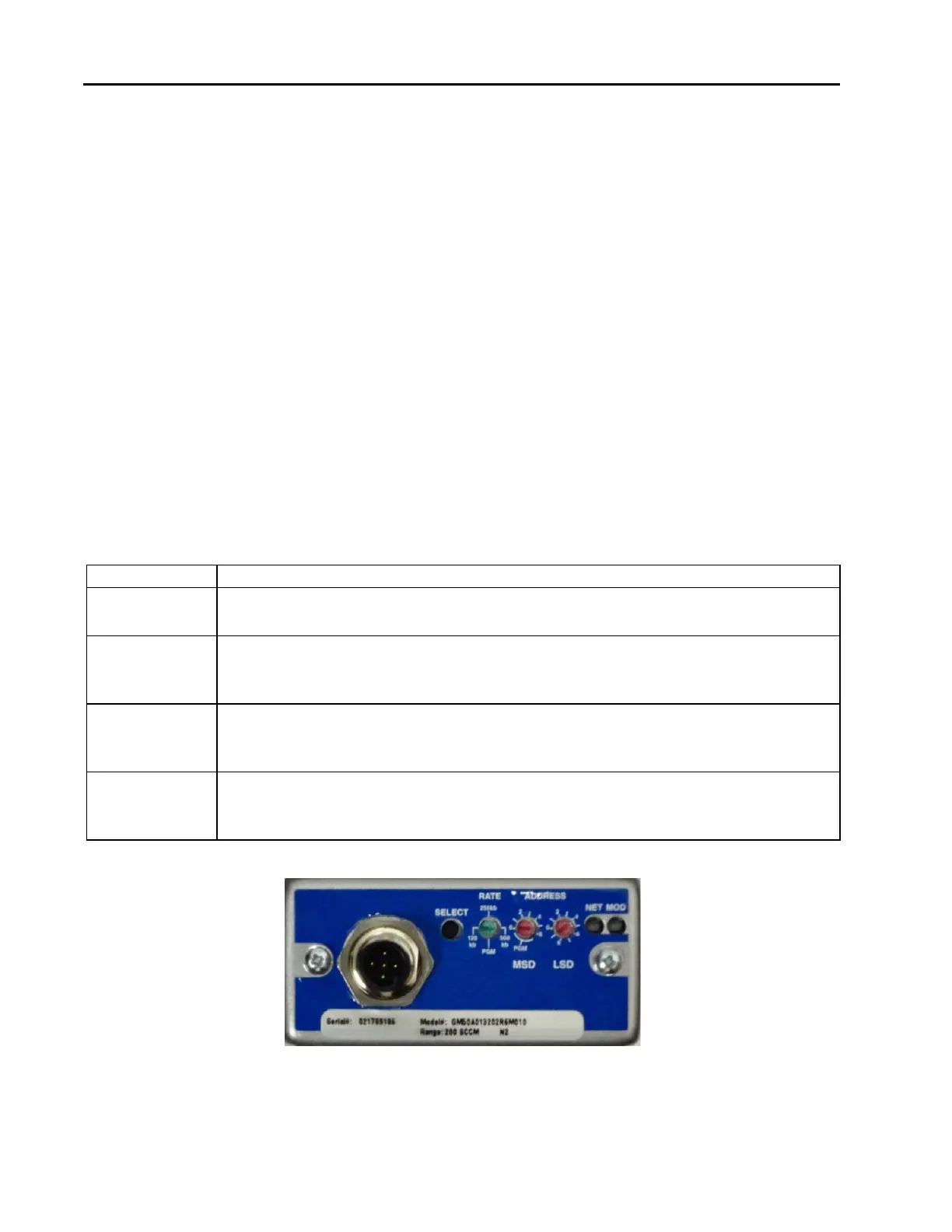
The top panel of the MFC contains several DeviceNet controls and indicators.
The mass flow device has two standard bi-color (green/red) DeviceNet status LEDs, (Module Status LED and
Network Status LED) located on top of the instrument. The power-up sequence of these LEDs conforms to
the requirements in the ODVA DeviceNet Specification, Volume 1 [1].DeviceNet Network Status LED
(MOD & NET)
The Network Status LED indicates the status of the communications link. If no problems are detected, the
Network Status LED illuminates a solid green. A red, dark, or flashing green Network Status LED indicates a
fault condition on the network.
Table 11: Network (NET) Status LED Indicators
LED Status Meaning
Solid Green Communications link is OK.
The device is online and connections are established.
Flashing Green The device is online but no connections are established.
The device has passed the Dup MAC_ID test and is online, but has no established
connections to other nodes.
Solid Red
Critical link failure.
The device has detected an error that prevents network communication (Duplicate
MAC_ID or bus-off.).
Dark
Not powered / Not online.
The device has not completed the Dup_MAC_ID test, or the device is not powered;
check the module status LED.
Figure 3: Devicenet Top View



 To Next Page