Troubleshooting Chart Chapter Eight: Troubleshooting
73
Chapter Eight: Troubleshooting
Troubleshooting Chart
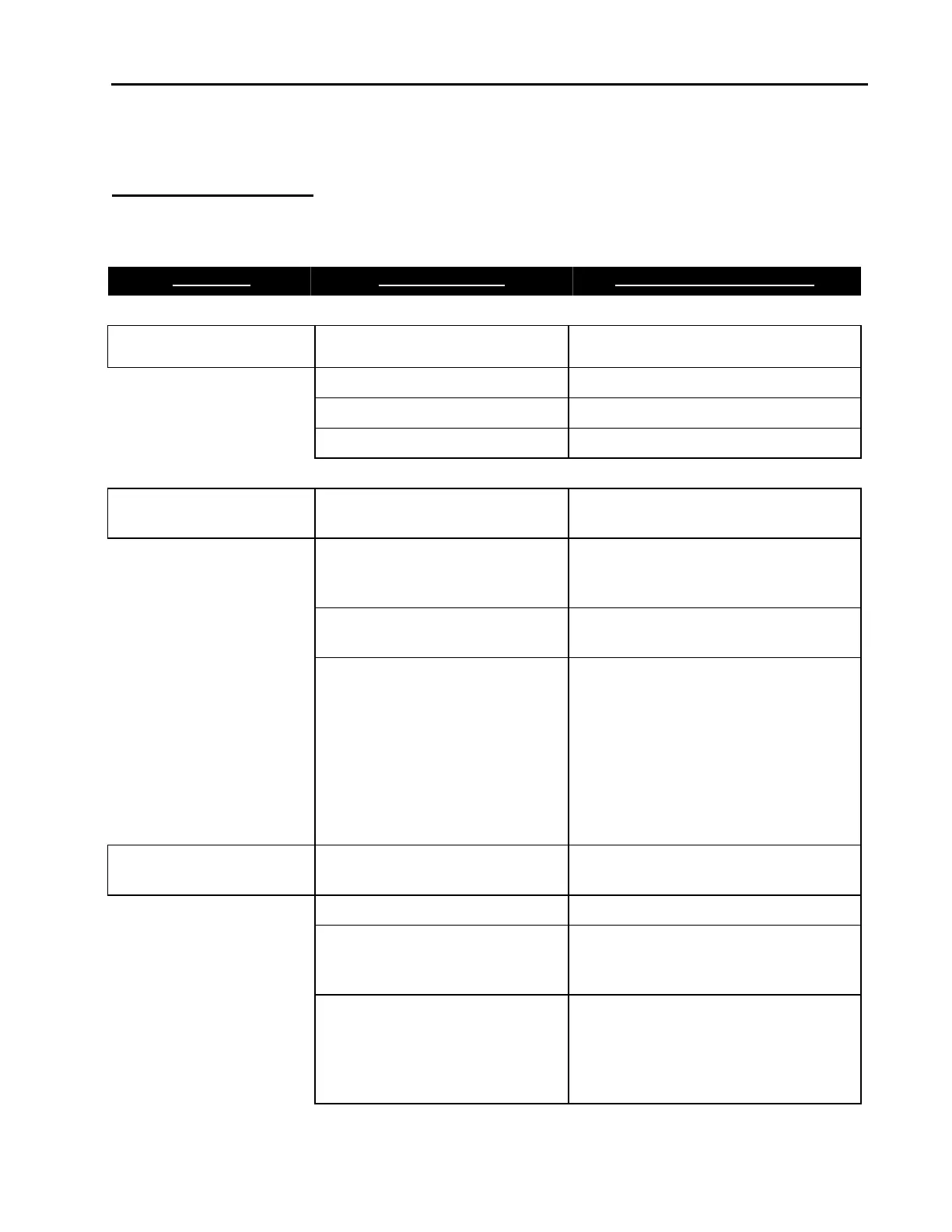
Table 15: Troubleshooting Chart
Symptom Possible Cause Check/Corrective Action
MFC LED does not light No power Check power source
Low power Check supply voltage
Wrong cable Check cable
Bad cable connection Check pin(s) continuity
MFC does not respond to
any setpoint
Bad DNet connection Verify correct DNet I/O instance
Control circuit failure Provide setpoint, gas & pressure to
device, run diagnostic using Ethernet
interface.
Low or no power Check power source, measure
voltage
Contamination/Clogged -
blocked MFC device or gas line
Check inlet pressure @ MFC. Check
outlet pressure MFC using pressure
gauge. Check outlet pressure
downstream of positive shut off
(pneumatic) valve downstream of
MFC. Check air line to pneumatic
valve. Check for any restriction such
as filter or check valve downstream
of MFC.
MFC shows 0 flow when
given setpoint
Closed upstream and/or
downstream pneumatic valves
Open valves, check inlet pressure
No gas supply Turn on gas supply
Upstream clogged
filter/component
Check flow through of components
by measuring pressure drop across
device
MFC clogged orifice Verify MFC inlet pressure, check
valve current for open valve
condition. Check for gas flow
downstream of MFC - If flow does
not exist, possible clogged orifice



 To Next Page