Chapter Six: Embedded Web-Based GUI and Diagnostics Setup Mode
60
Device Page – Setup Mode
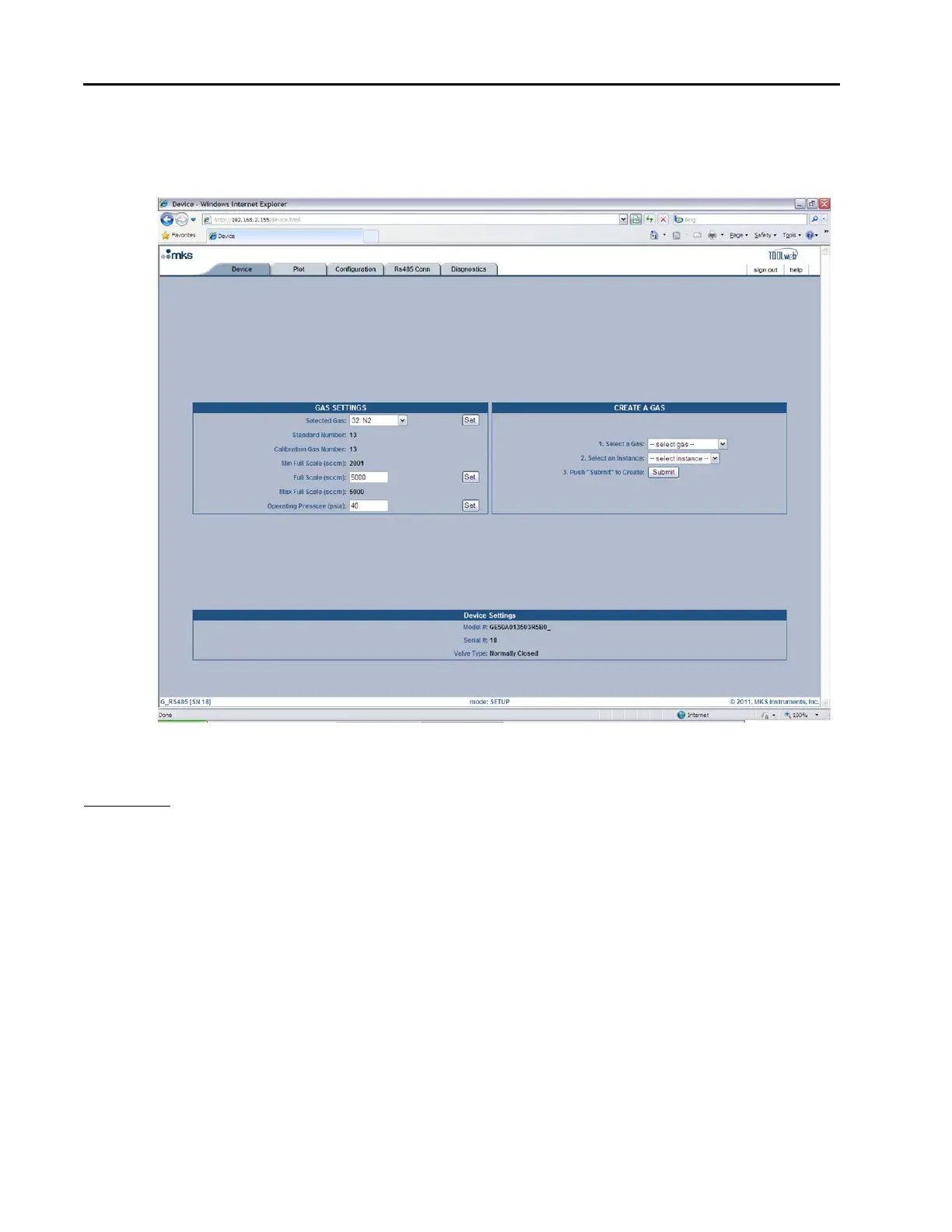
In “Setup Mode” this page gives you the ability to modify the gas settings.
Figure 14: Embedded GUI, Device Page in Setup Mode
Gas Settings: The Device Page enables the user to change the MFC’s gas settings. To change the gas settings
review the following possible operations and go to the appropriate page.
o To create a new gas instance, see page 60.
o To change the full scale range of the current gas instance, see page 61.
o To set the MFC to a different gas instance, see page 61.
Creating A New Gas Instance
(Refer to Figure 15, Embedded GUI, Creating a New Gas Instance during the following steps.)
In the “Create A Gas” section of the Device Page:
1. Click on the “select gas” drop-down menu arrow and find the gas you’d like to create.
2. Click on the “select instance” drop-down menu arrow and find an instance that says “No Gas.” Please
note that you can write or re-write to any instance except instance 32, which is the Factory calibration.
3. Press the “Submit” button.



 To Next Page