8 ADJUSTMENTS
68 Rev. 01/2015
8.1.4 Menu Bar and Buttons
Menu Bar
The following functions are available to you via the entries in the menu bar:
Menu Function
File -> Exit
Finishes Ignition Control.
Config -> RS232
Opens the Configuration window for the configuration of
the RS232 interface.
? -> About Ignition Control
Opens information on the program.
? -> Warning
Opens the warning that is displayed when the program is
launched.
Buttons
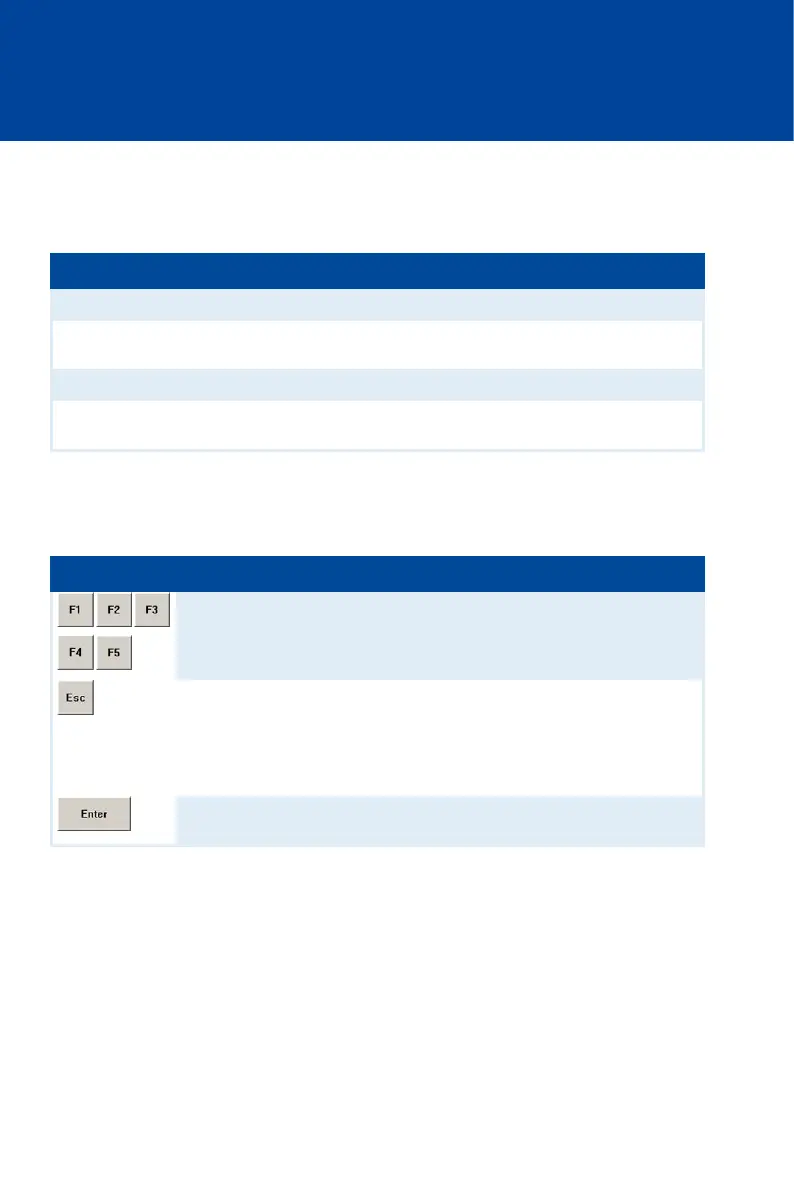
The following table gives an overview on the buttons and their functions. Instead of the buttons,
you can also use the corresponding keys on the computer keyboard.
Button Key Function
[F1] to [F5] Function keys
Depending on the opened view, the function keys are
assigned differently. The respective assignment is
shown in the view.
[Esc] Leave/open parameterization level
With this button, you close the currently opened view
and return back to main view.
In the main view, you open the parameterization level
with this button.
[Enter] Confirm
With this button, you confirm a selection or entry.



 To Next Page