Rev. 01/2015 95
8.5.14 Set Timing Offset for Schedule B
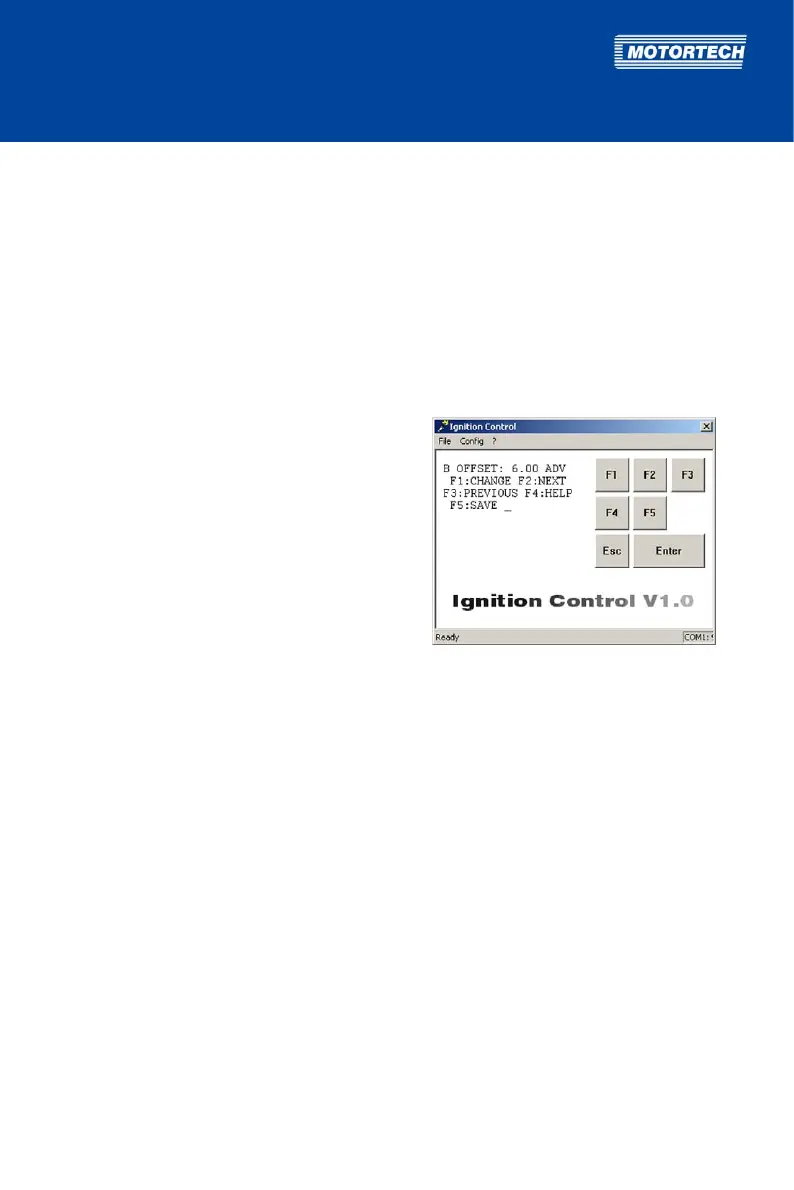
With the B OFFSET parameter, you can set an ignition timing offset to offset the ignition timing
for active schedule B (= digital input is closed) in addition to all other timing adjustments.
This function is only available if the digital input is set to the Switch A/B function, and therefore
switching between both schedules is enabled (see Select Function for Digital Input on page 87).
Value range:
– 40.00 ADV (advance) to 40.00 RET (retard) with up to two decimal places
Enter decimal places with a period as the delimiter, e.g. 35.55.
Proceed as follows:
Open parameterization level ->
[F2] to B OFFSET -> [F1] ->
Enter timing offset -> [Enter] ->
Select [F1] for ADVANCE
or [F2] for RETARD -> [F5]
8.5.15 Set Limits for 4-20 mA Input
In order to set limits for the 4-20 mA input, the 4-20 mA input must be activated for at least one
of the schedules A or B (see Activate Functions for Schedules A and B on page 89).
If the 4-20 mA input is activated, you have the possibility of adjusting the ignition timing via an
external analog 4-20 mA signal.
Via the 4 mA value (parameter 4mA TIMING) and the 20 mA value (parameter 20mA TIMING), you
can specify the span for the ignition timing adjustment. For the signals between 4 and 20 mA,
the adjustment is calculated linearly towards the 20 mA value. Please refer to the example at the
end of the section.
With the parameter DFLT 4-20, you additionally define an ignition timing adjustment in case the
ignition controller detects no signal (e.g. due to a broken wire) or the incoming signal undercuts
4 mA.
Value ranges:
– 40.00 ADV (advance) to 40.00 RET (retard) with up to two decimal places
Enter decimal places with a period as the delimiter, e.g. 35.55.
– The values for 4mA TIMING and 20mA TIMING may not differ more than 40°.



 To Next Page