Rev. 01/2015 89
Proceed as follows:
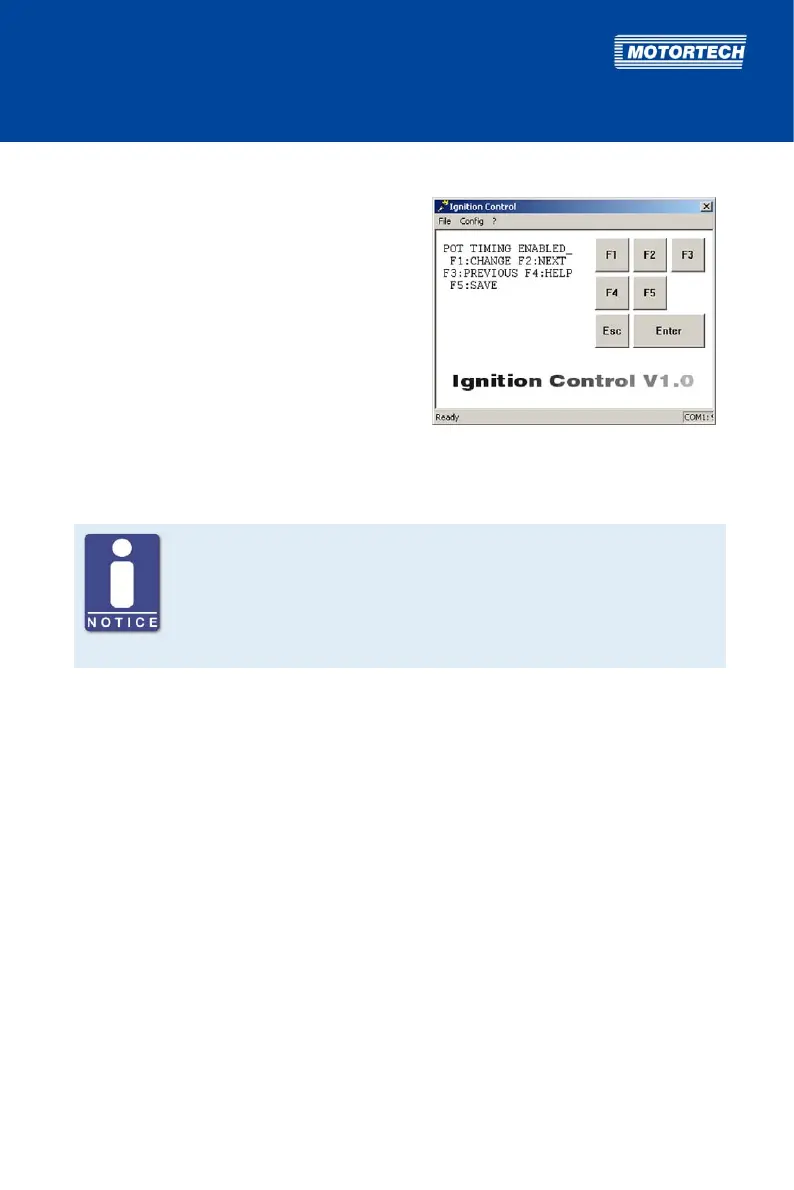
Open parameterization level ->
[F2] to POT TIMING -> [F1] ->
Set with [F1] to ENABLE
or with [F2] to DISABLE -> [F5]
8.5.11 Activate Functions for Schedules A and B
No digital input at P/N 06.00.513
The device type P/N 06.00.513 is designed as a replacement for the ignition
controller Caterpillar® 163-6164. Thus, the device does not have the digital
input (Switch A/B, Switch Start/Stop) as described in this operating manual.
With this device type, schedule A settings are applied solely for ignition
timing configuration.
For both schedules, you can activate the SPEED CURVE and the ignition timing adjustment via
the 4-20 mA input.
Schedule B can only be used by a master control if you select the function Switch A/B for the
digital input (see Select Function for Digital Input on page 87).
The conduct of the speed curve and the 4-20 mA signal is defined in further settings, which, if
activated, apply equally to schedule A and B. For more information, read section Set Speed Curve
on page 97 and Set Limits for 4-20 mA Input on page 95.
Possible values:
– IN A/IN B: The respective parameter (SPEED CURVE or 4-20) is activated in schedule A or
B.
– NOT IN A/NOT IN B: The respective parameter (SPEED CURVE or 4-20) is deactivated in
schedule A or B.



 To Next Page