8 ADJUSTMENTS
80 Rev. 01/2015
8.5.3 Set Sequence Number
Operational safety!
Please ensure that the set sequence number of the MIC500 ignition
controller corresponds to your engine.
An incorrect configuration can result in damage to the engine.
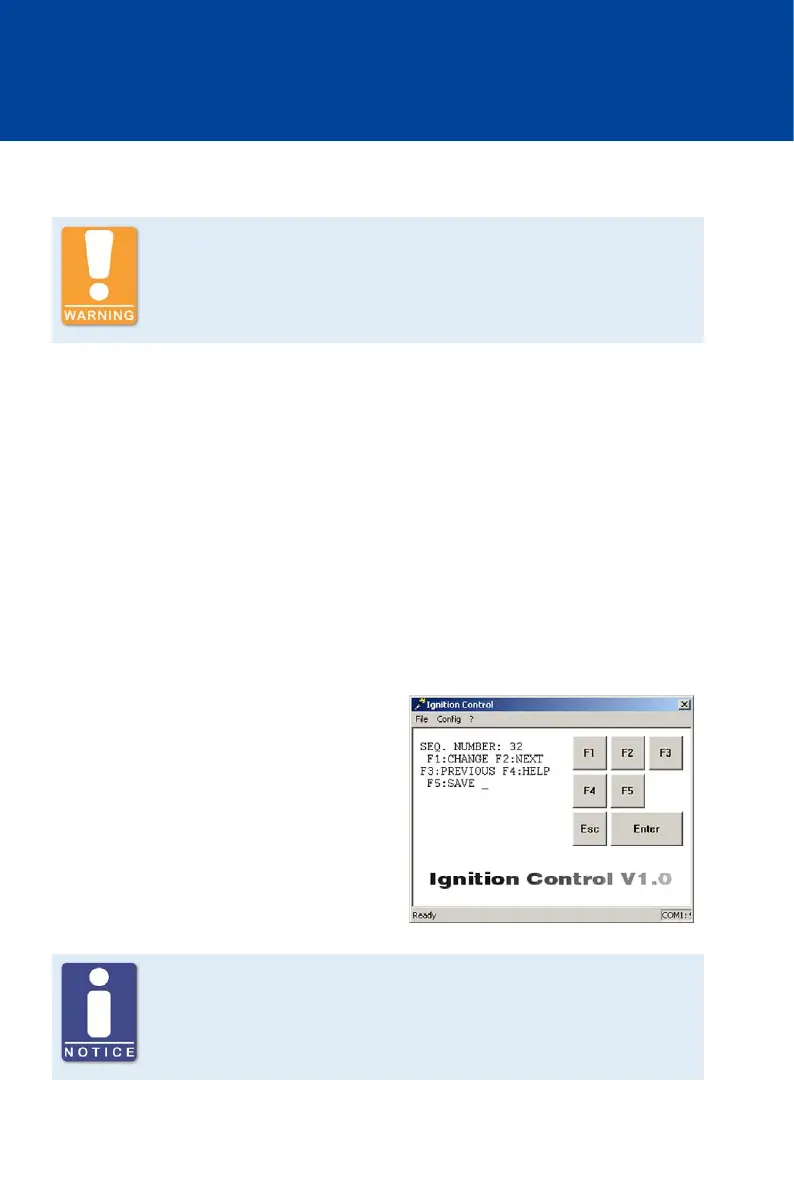
The sequence number (SEQ. NUMBER) reflects the engine's configuration. The following
application properties can be set with the sequence number:
– Number of outputs
– Ignition offset
– Pattern and mounting location of trigger disc
– Output firing order
– Number of combustion strokes of the engine
The sequence number that corresponds to your application can be found on the following
configuration table.
If the sequence number is changed, all ignition timing adjustments of the cylinder-to-cylinder
alignment (see Cylinder-to-Cylinder Alignment on page 103) are reset to 0°.
Proceed as follows:
Open parameterization level ->
[F2] to SEQ. NUMBER -> [F1] ->
Enter sequence number (see below) ->
[Enter] -> [F5]
Deactivate misfire monitoring
For sequences 22, 23, 29, 34 and 36, indicated by a star (*), it is necessary
to set the MISFIRE RATE to via Ignition Control, which deactivates misfire
monitoring.



 To Next Page