Rev. 01/2015 67
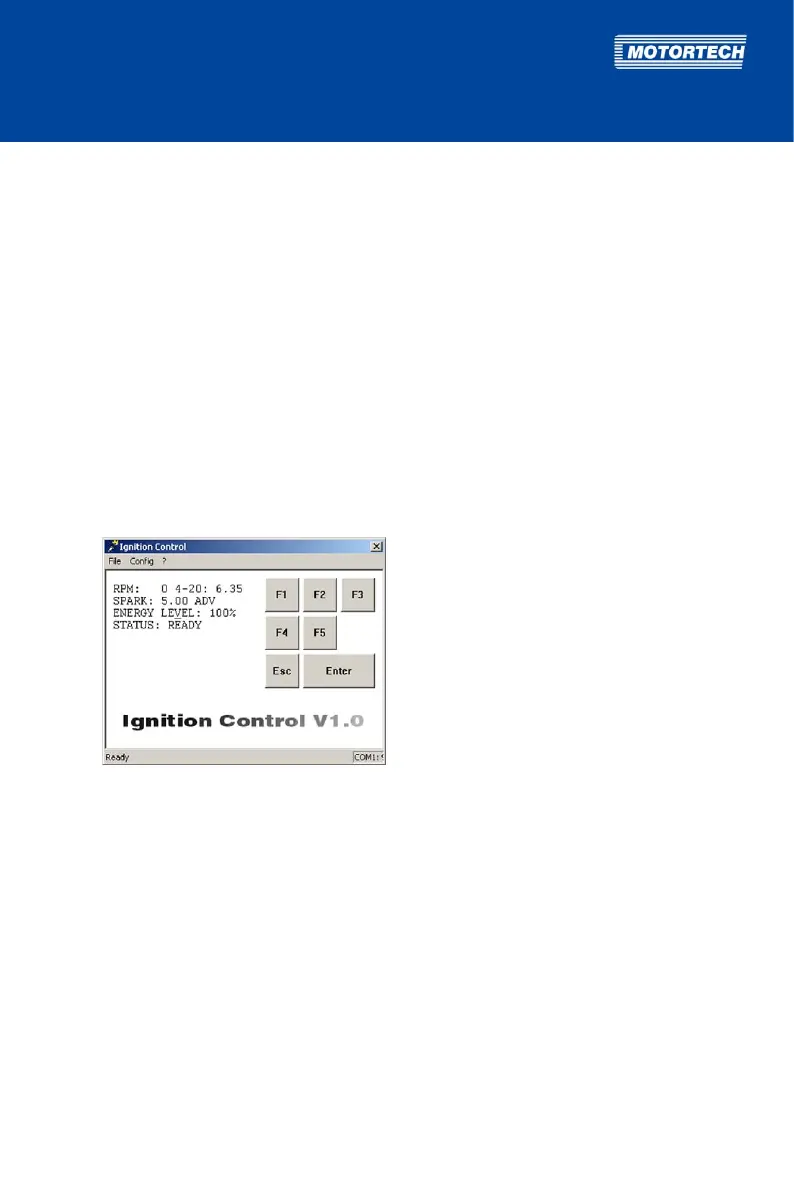
After correctly selecting the port, you will see status values on the left side of the main
view. Ignition Control is installed and ready for operation.
If there are still no status values displayed on the left side of the main view, check the
cable connection between the ignition controller and the computer (see step 4), ensure
that the ignition controller is ready for operation (see step 5) as well as the selected
communication interface (see step 8).
8.1.3 Starting Ignition Control
To start Ignition Control after installing it on your computer, proceed as follows:
1. Ensure that the ignition controller is connected to the power supply and that the status LED
on the ignition controller is flashing every 2 seconds for the device to be ready for operation.
2. Ensure that your computer is connected with the ignition controller via the RS232 interface
cable.
3. Launch the Ignition Control software on your computer by double-clicking the IC.exe file.
You see the main view.



 To Next Page