Rev. 01/2015 73
Screen Views
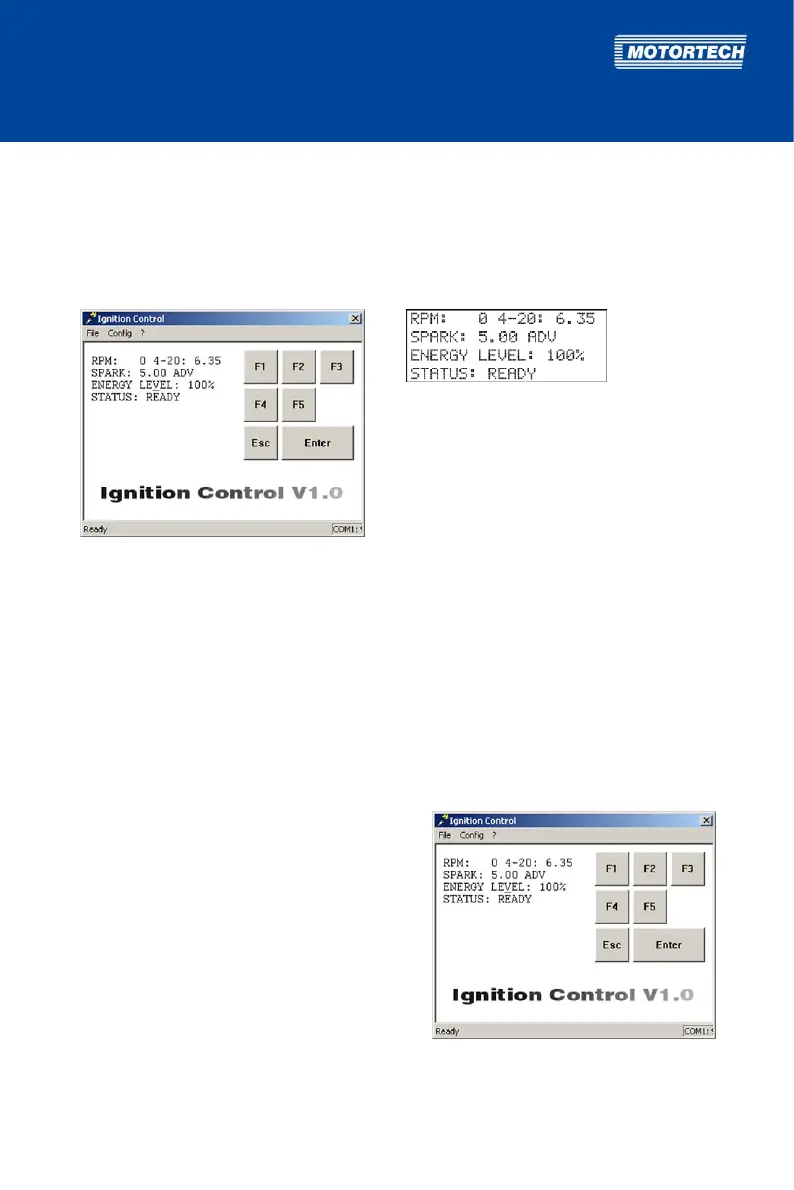
In the following, the screen views are limited to the views in the Ignition Control software. The
hand-held programmer views correspond to the Ignition Control views.
Example
Ignition Control view: Hand-held programmer view:
8.4 Main View
The main view is shown:
– automatically when the Ignition Control software is started or when the hand-held
programmer is switched on
– when leaving other views including the parameterization level by pressing [Esc]
In the main view, you receive the following information on the current status of the MIC500
ignition controller:
– RPM:
current engine speed
– 4-20:
current value of the analog current signal in
mA
– SPARK:
currently set timing
– ENERGY LEVEL:
currently set energy level
– STATUS:
current status of the ignition controller



 To Next Page