Rev. 01/2015 75
8.5 Parameterization Level
8.5.1 General Operation of the Parameterization Level
Opening Parameterization Level
The parameterization of the ignition controller is done on the parameterization level. To open
this level, proceed as follows:
1. First ensure that the engine connected to the ignition controller is not running.
2. Ensure that the ignition controller is connected to the power supply and that the status LED
on the ignition controller is flashing every 2 seconds for the device to be ready for operation.
3. Ensure that the ignition controller is connected to the computer or the hand-held
programmer via the RS232 interface cable.
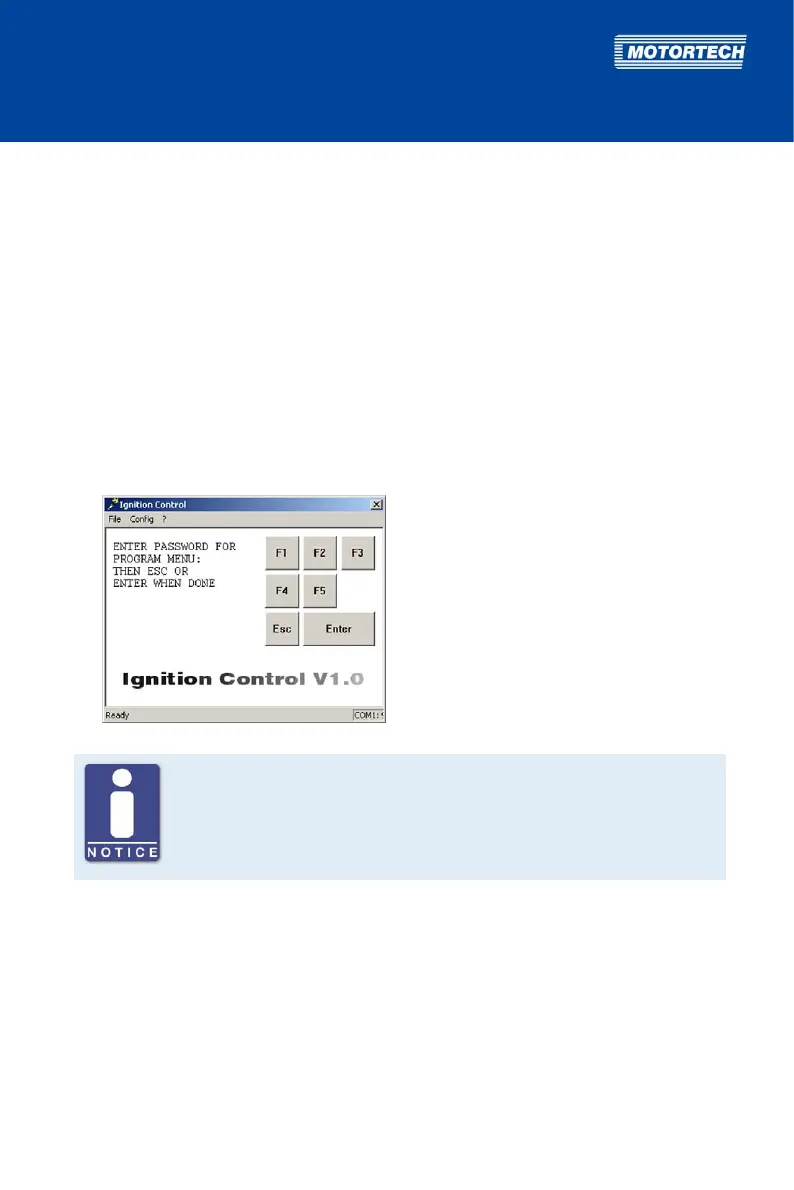
4. In order to open the parameterization level, press the [Esc] key from the main view.
You are requested to enter your password.
Password for the parameterization level
The password required for access to the parameterization level is obtained
from your MOTORTECH contact person (see Customer Service Information on
page 117).



 To Next Page