Rev. 01/2015 85
Proceed as follows:
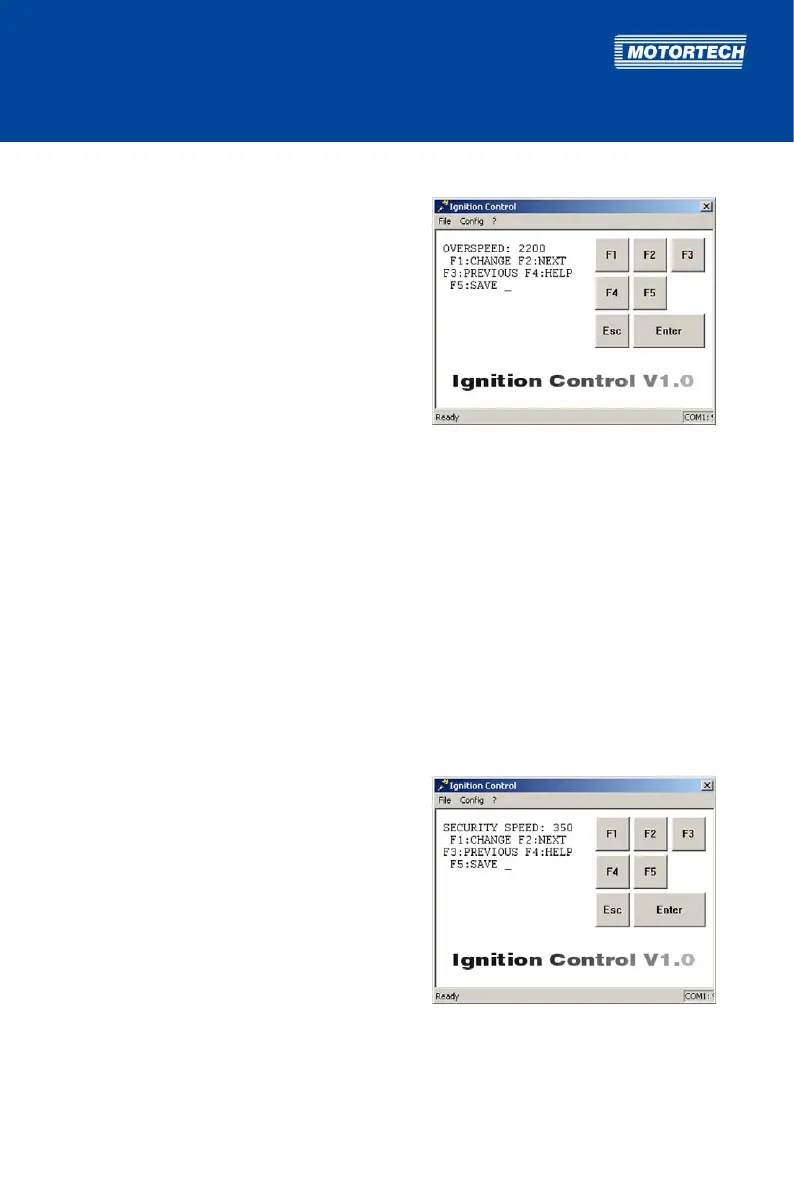
Open parameterization level ->
[F2] to OVERSPEED -> [F1] ->
Enter overspeed ->
[Enter] -> [F5]
8.5.6 Set Security Speed
With the SECURITY SPEED parameter, you can specify the speed value for the security speed.
Below this speed, the ignition can be switched on or off via the digital input if set to function
Switch Start/Stop (see Select Function for Digital Input on page 87). The instant this speed is
exceeded, the ignition cannot be restarted until the engine is at a standstill if shut down via the
digital input.
The security speed must be greater than the maximum starter speed. It is not possible to enter
values higher than the currently set overspeed (Parameter OVERSPEED, see Set Overspeed on
page 84).
Value range:
– 0 to OVERSPEED, whole numbers
Proceed as follows:
Open parameterization level ->
[F2] to SECURITY SPEED -> [F1] ->
Enter security speed ->
[Enter] -> [F5]



 To Next Page