Rev. 01/2015 87
8.5.8 Activate Cylinder-to-Cylinder Alignment
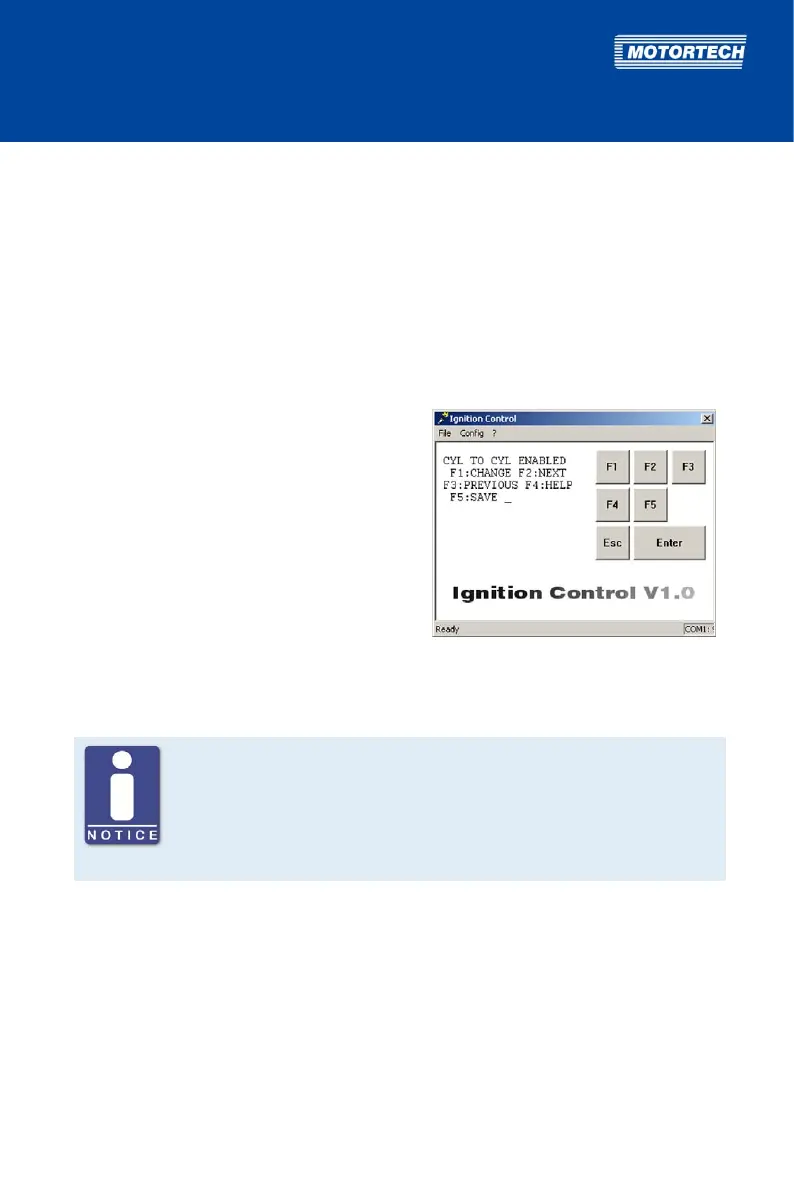
With the CYL TO CYL parameter, you can activate the cylinder-to-cylinder alignment. This
optimizes the ignition timing of the individual cylinders based on your specifications. Ignition
timing optimization is carried out in a separate view outside the parameterization level. See
section Cylinder-to-Cylinder Alignment on page 103.
Possible values:
– ENABLE: Cylinder-to-cylinder alignment is activated.
– DISABLE: Cylinder-to-cylinder alignment is deactivated.
Proceed as follows:
Open parameterization level ->
[F2] to CYL TO CYL -> [F1] ->
Set with [F1] to ENABLE
or with [F2] to DISABLE -> [F5]
8.5.9 Select Function for Digital Input
No digital input at P/N 06.00.513
The device type P/N 06.00.513 is designed as a replacement for the ignition
controller Caterpillar® 163-6164. Thus, the device does not have the digital
input (Switch A/B, Switch Start/Stop) as described in this operating manual.
With this device type, schedule A settings are applied solely for ignition
timing configuration.
The function of the digital input is set by the CONTACT I/P parameter. You can choose from the
following functions:
– FOR STOP: The digital input is set to the Switch Start/Stop function and is used to switch on
and off the ignition. The ignition controller only applies schedule A in this configuration. For
more information, read the section Remote-Controlled Ignition Release on page 58.
– FOR A/B: The digital input is set to the Switch A/B function and is used to switch back and
forth between schedules A and B. For more information, read the section Schedules A/B on
page 59.



 To Next Page