Rev. 01/2015 91
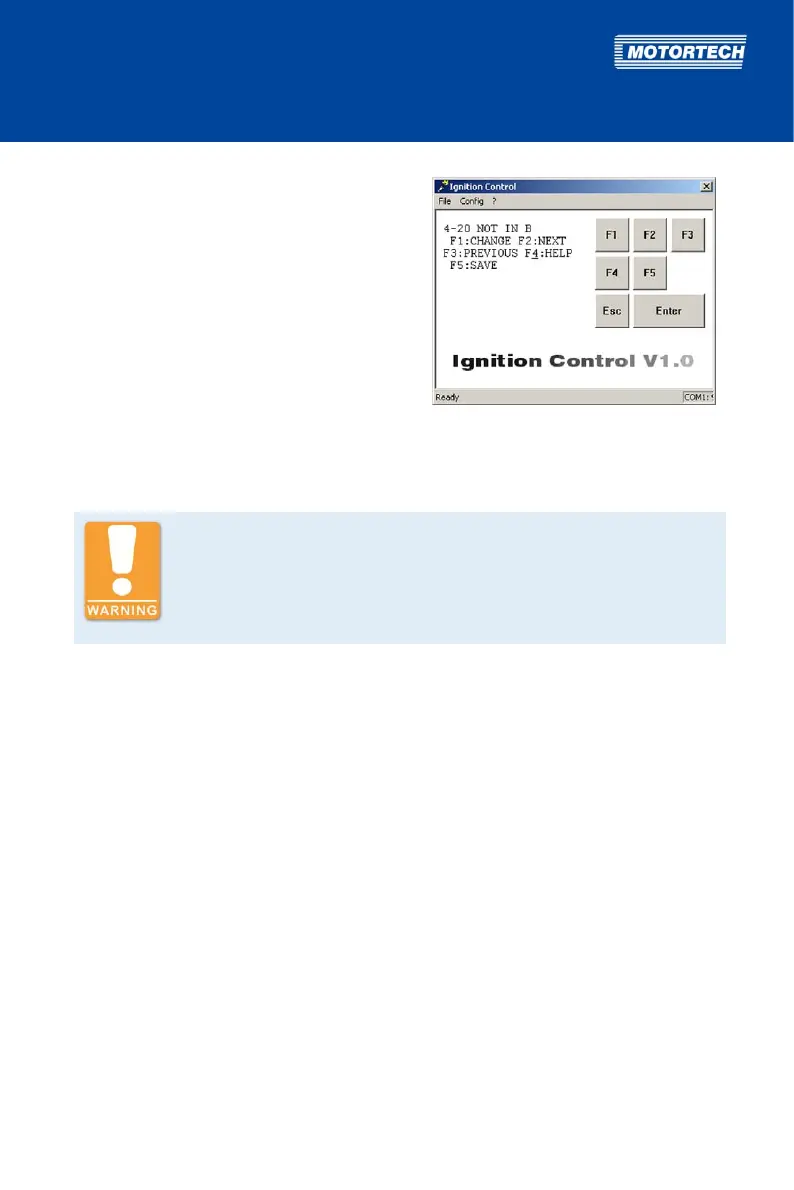
Activate 4-20 mA Input for Schedule B
Open parameterization level ->
[F2] to 4-20 IN B/NOT IN B-> [F1] ->
Set with [F1] to IN B
or with [F2] to NOT IN B -> [F5]
8.5.12 Set Potentiometer Limits
Explosion hazard!
Never remove the cover for timing adjustment, unless the system is not
located in an explosive environment.
Reinsert the cover after every ignition timing adjustment made using the
potentiometer.
You can define the range, within which the ignition timing can be adjusted with the
potentiometer of the ignition controller, with the POT CCW and POT CW parameters. The rotation
direction is determined by the values of both parameters. It is only possible to set values in the
advance direction (ADV).
The current potentiometer setting is only applied if the potentiometer is activated (see Activate
Potentiometer on page 88). The setting range applies equally to schedule A and B.
Value range:
– 0.00 to 58.00 with up to two decimal places
Enter decimal places with a period as the delimiter, e.g. 35.55.



 To Next Page