8 ADJUSTMENTS
70 Rev. 01/2015
8.2.2 Switching on the Hand-Held Programmer
Explosion hazard!
Never remove the RS232 interface cover, unless the system is not located in
an explosive environment.
Explosion hazard!
Use the RS232 interface solely in a non-explosive atmosphere.
Reinsert the RS232 interface cover after each usage and tighten it with a
tightening torque of 1 Nm (0.7 lb-ft).
To switch the hand-held programmer on, proceed as follows:
1. Connect the hand-held programmer to the MIC500 ignition controller via the RS232
connector.
2. Ensure that the ignition controller is connected to the power supply and that the status LED
on the ignition controller is flashing every 2 seconds for the device to be ready for operation.
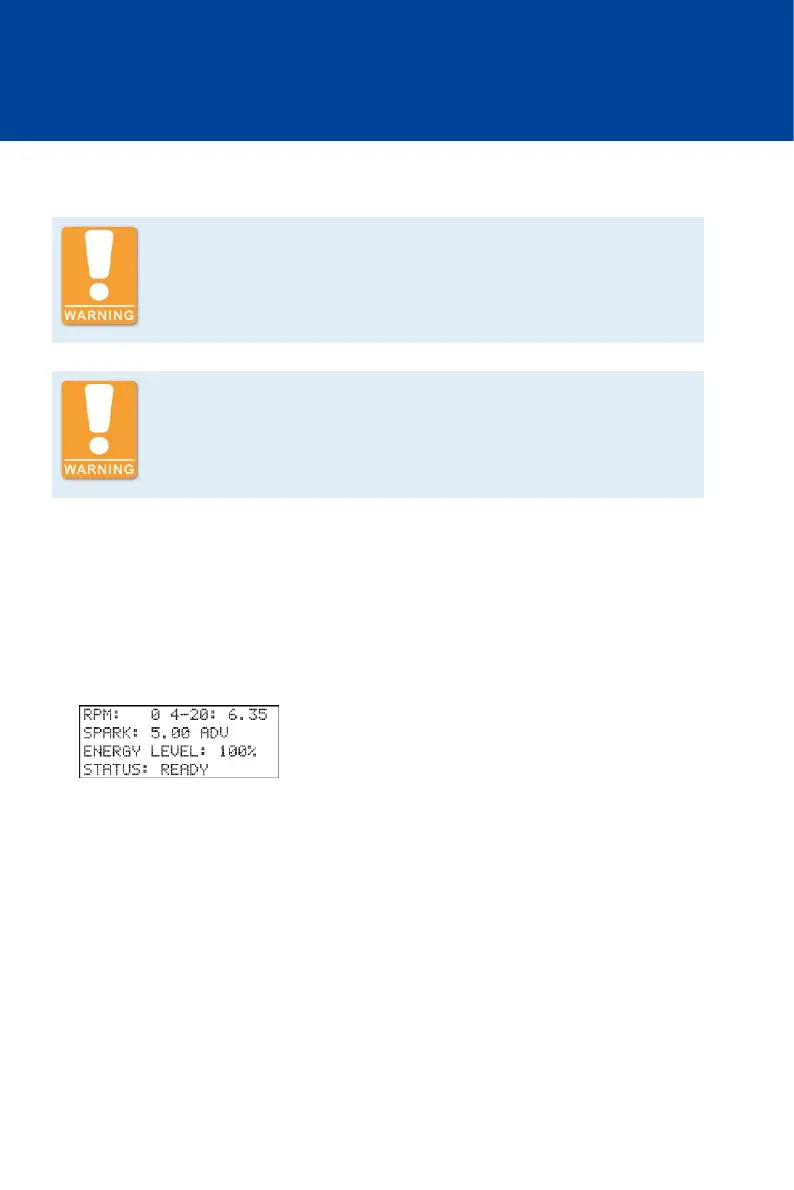
3. Switch the hand-held programmer on by briefly pressing the [ON/OFF] key.
You see the main view.



 To Next Page