8 ADJUSTMENTS
76 Rev. 01/2015
5. Enter your password and confirm it by pressing the [Enter] button.
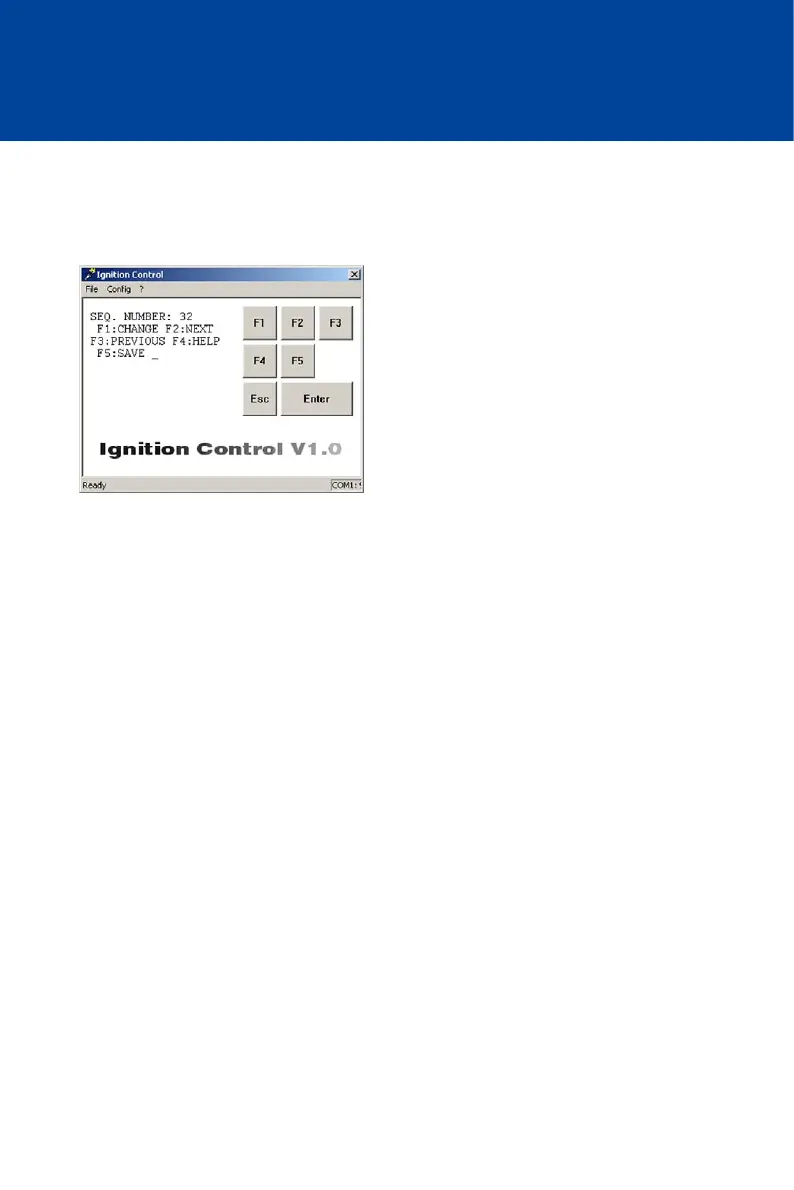
After correctly entering the password, the window changes to parameter view. The
MIC500 ignition controller is now in programming mode (status LED on device flashes 6
times). The parameter SEQ. NUMBER is displayed.
Navigating Through the Parameters
With the following keys, you can change from one parameter to the next in parameter view:
[F2]: One step further to the next parameter
[F3]: One step back to the previous parameter
Changing a Parameter
To change a parameter, proceed as follows:
1. Select the desired parameter in parameter view with [F2] or [F3].
2. To change the displayed parameter, press [F1].
The window for changing the relevant parameter appears.
3. Depending on the parameter, enter either the desired value or select a pre-defined value
with [F1] or [F2].
4. Always confirm the values entered by pressing [Enter]. This step is omitted when pre-defined
values are selected using [F1] or [F2].
If you do not wish to change the parameter displayed, exit the parameter configuration
view by pressing [Esc]. This returns you to parameter view.
If you enter values beyond the permissible range for the respective parameter, these
values are ignored and the existing value remains unchanged.



 To Next Page