8 ADJUSTMENTS
66 Rev. 01/2015
7. Read through the information carefully and confirm with OK.
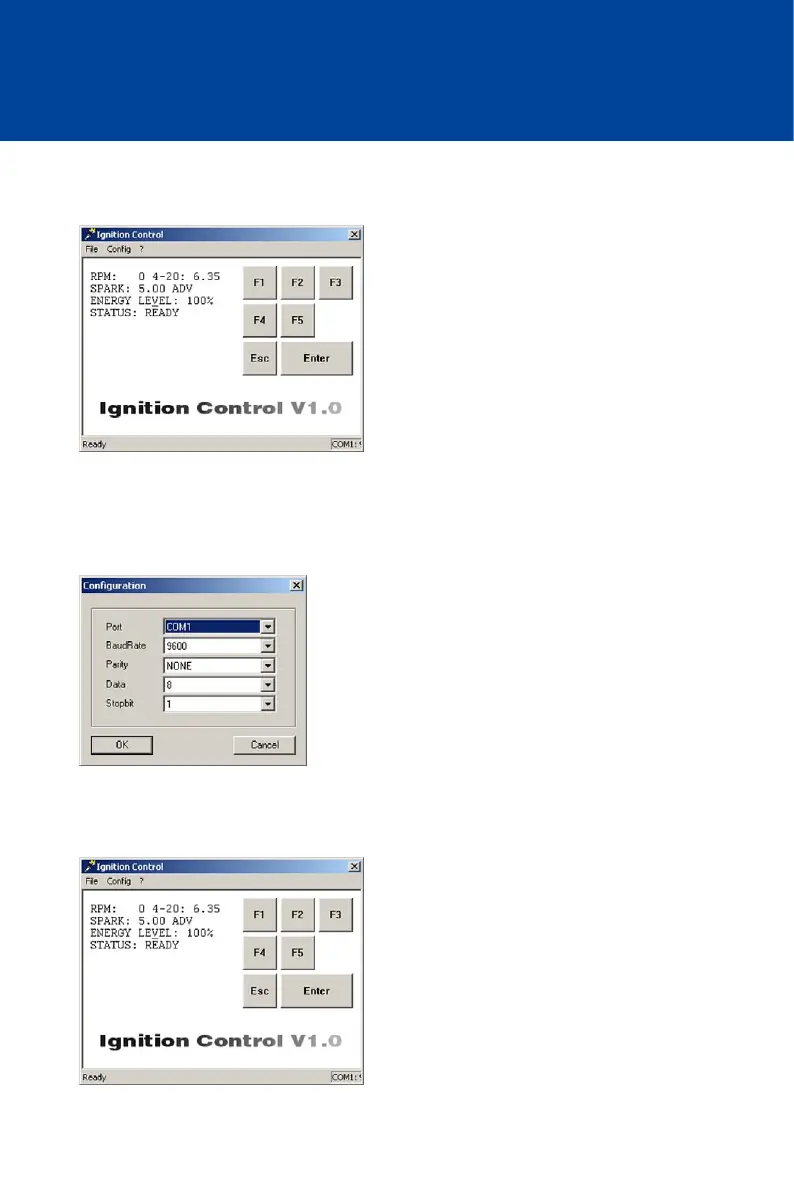
The main view is displayed.
8. If you are not using COM1 for the connection between the ignition controller and your
computer, and there are no status values displayed on the left of the main view (RPM, 4-20,
SPARK etc.), adapt Ignition Control to the relevant communication interface via the menu
item Config -> RS232:
The Configuration window is displayed.
9. Select the desired interface under Port. All other parameters remain unchanged.
10. Confirm your selection with OK.
The window closes and the main view is displayed.



 To Next Page