ioThinx 4510 Series Software Tools
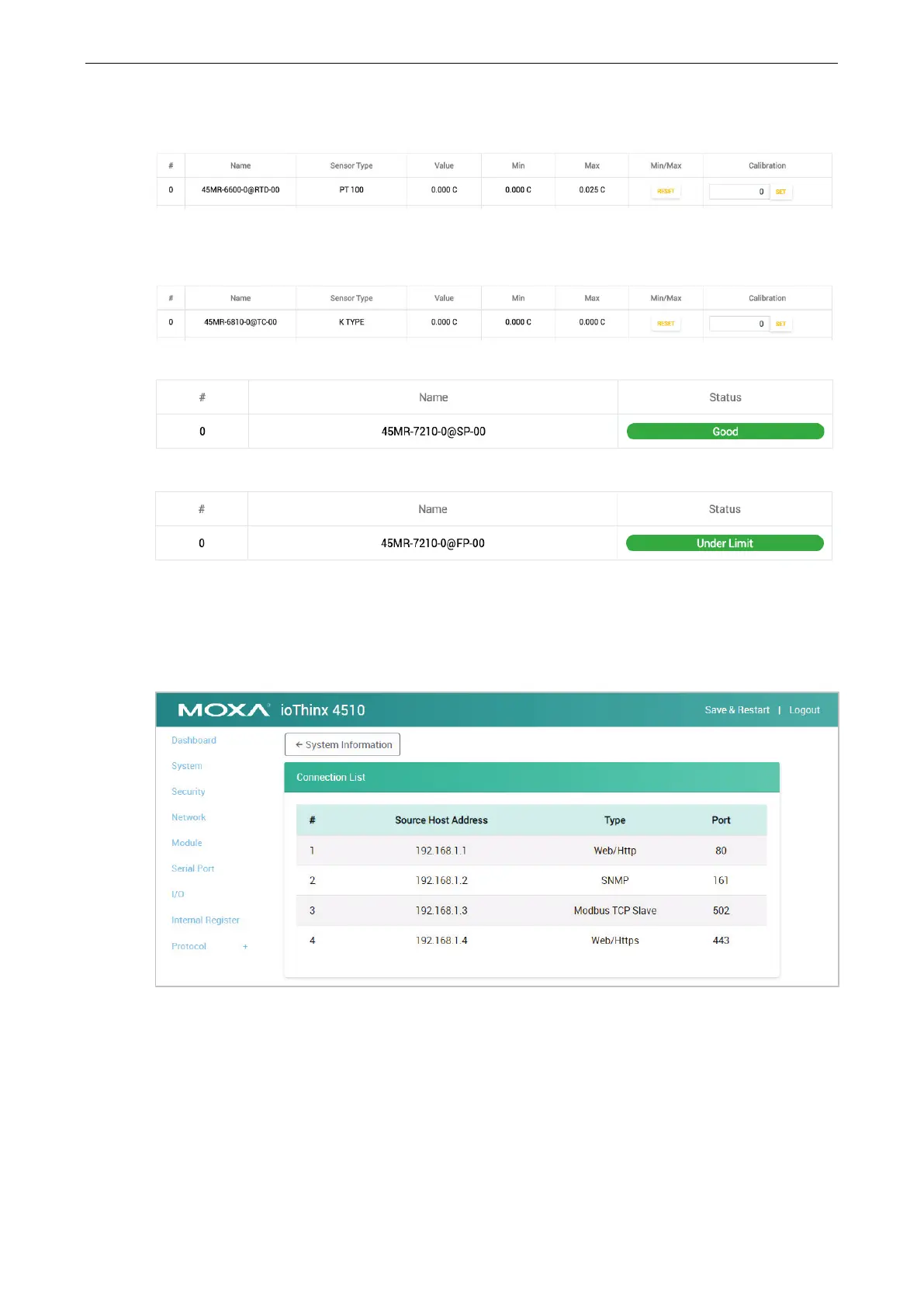
RTD Channel: It shows the status of this channel. Click RESET to reset the minimum and maximum
values. Apply the reference temperature value in the calibration field and click SET to start the RTD sensor
calibration; each calibration requires approximately 30 seconds per channel.
TC Channel: It shows the status of this channel. Click RESET to reset the minimum and maximum values.
Apply the reference temperature value in the calibration field and click SET to start the TC sensor
calibration; each calibration requires approximately 30 seconds per channel.
SP Channel: It shows the status of this channel. No operation is allowed.
FP Channel: It shows the status of this channel. No operation is allowed.
Connection
The connection page shows the connection status from other hosts. This information can assist you with
managing your devices.
System
This section introduces the functions of the device’s system.



 To Next Page