ioThinx 4510 Series Tutorials
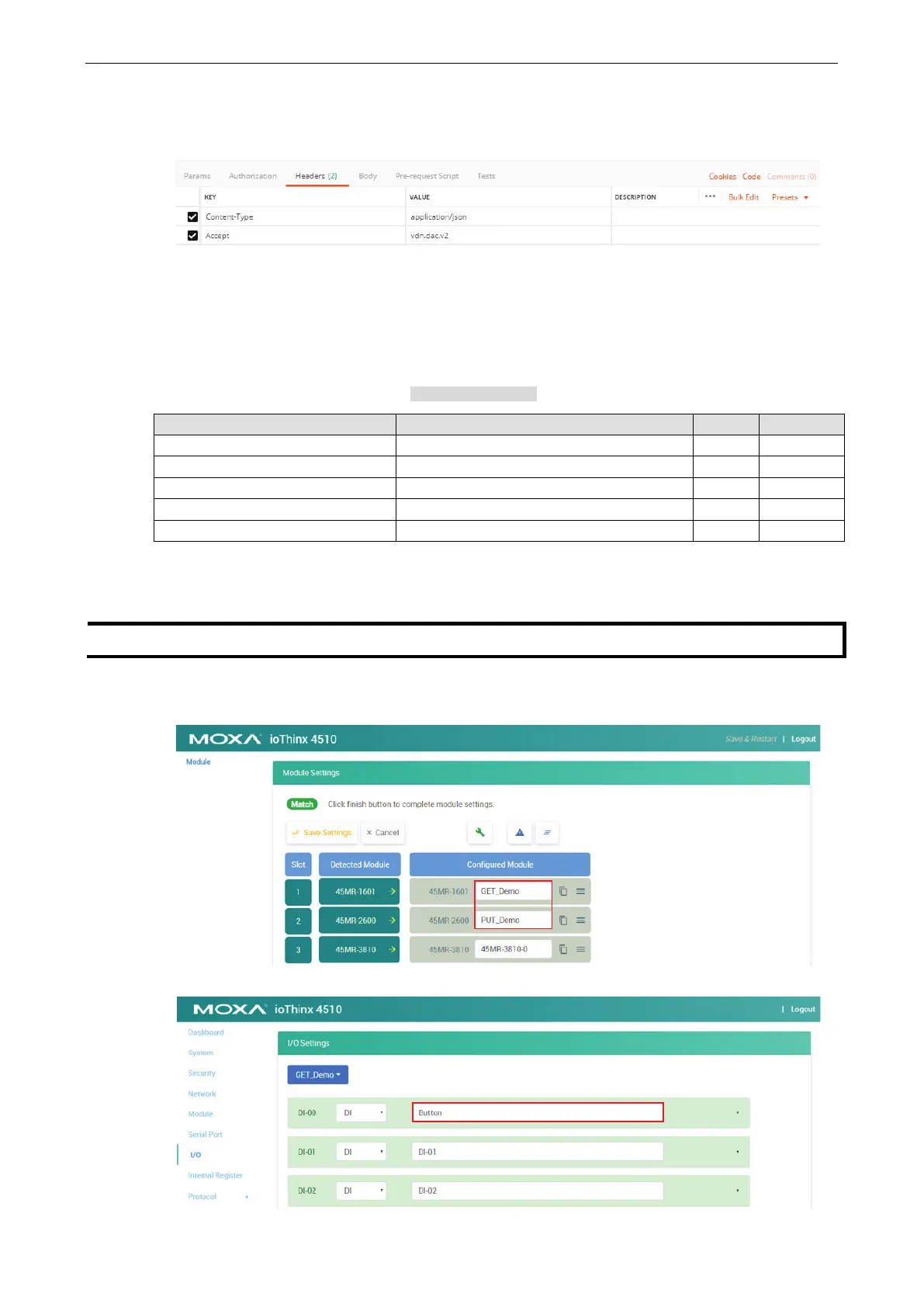
6. Create the following content in the Headers of the GET example tab and PUT example tab.
Content-Type: application/json
Accept: vdn.dac.v2
Send a GET request and a PUT request
RESTful API List Rules
You can check the RESTful API list here: RESTful API Rules.
RESTful API Description Access Format
/api/io/do{ioName}/doStatus DO - status (0: OFF; 1: ON) R/W 0 or 1
/api/io/do{ioName}/doPulseCount DO - Pulse mode - count R/W 0 to 65535
/api/io/do{ioName}/doPulseOnWidth
DO - Pulse mode - ON width (unit 500 µs) R/W 1 to 65535
/api/io/do{ioName}/doPulseOffWidth
DO - Pulse mode - OFF width (unit 500 µs) R/W 1 to 65535
/api/io/do{ioName}/doPulseStatus DO - Pulse mode - status (0: Stop; 1: Start) R/W 0 or 1
The {ioName} is composed of three elements: Module_Name, @, and I/O_Channel_Name. For example, the
{ioName} associated with module name “45MR-2600-0” and DO channel name “DO-00” is 45MR-2600-
0@DO-00.
The module and I/O channel name can be changed in
Module Settings and I/O Settings.
1. In this demonstration, we change the name of module 45MR-1601 to GET_Demo and the name of
45MR-2600 to PUT_Demo.
2. Change the DI-00 channel name to Button.



 To Next Page