9 Operation
Maschinenfabrik Reinhausen GmbH 2022 1118595028/00 EN TAPCON
®
250
Column Description
Time Date and time of event (DD-MM-YYYY, HH:MM:SS/ms)
Event coming/going:
Event coming
Event going
Table24: Event memory
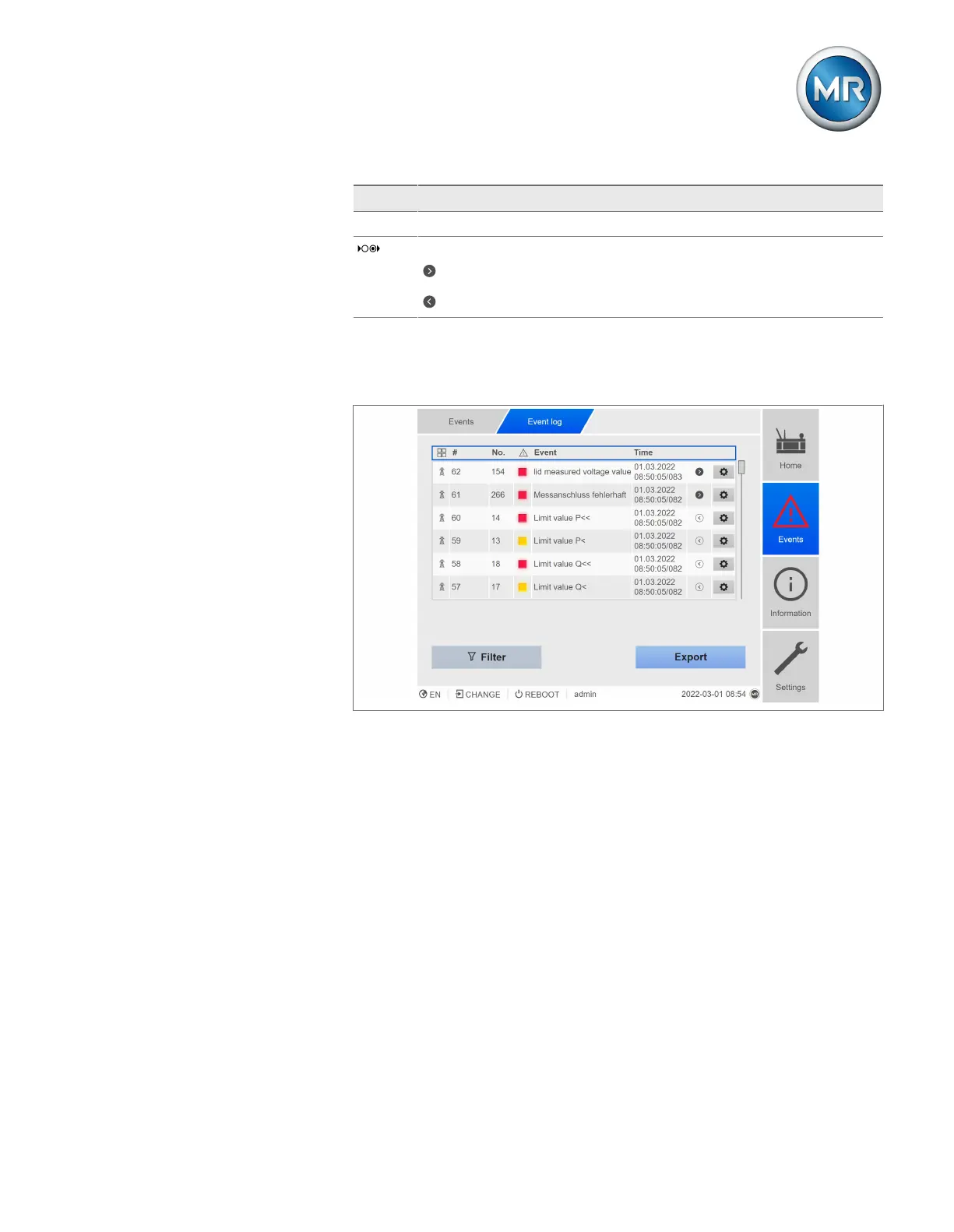
1. Go to Events.
2. Press the Log button.
Figure58: Event memory
Filtering events
1. Press the Filter button.
2. Enter the desired time period.
3. Select the checkbox and enter the desired event number.
ð The event text is displayed.
4. Select the desired event categories and the desired event status.
5. Press the Search button to display the desired events.
Exporting events
You can export the event memory entries currently displayed as a csv file. If
you first create a filter, only the filtered entries are exported.



 To Next Page