6 Mounting
Maschinenfabrik Reinhausen GmbH 202266 8595028/00 ENTAPCON
®
250
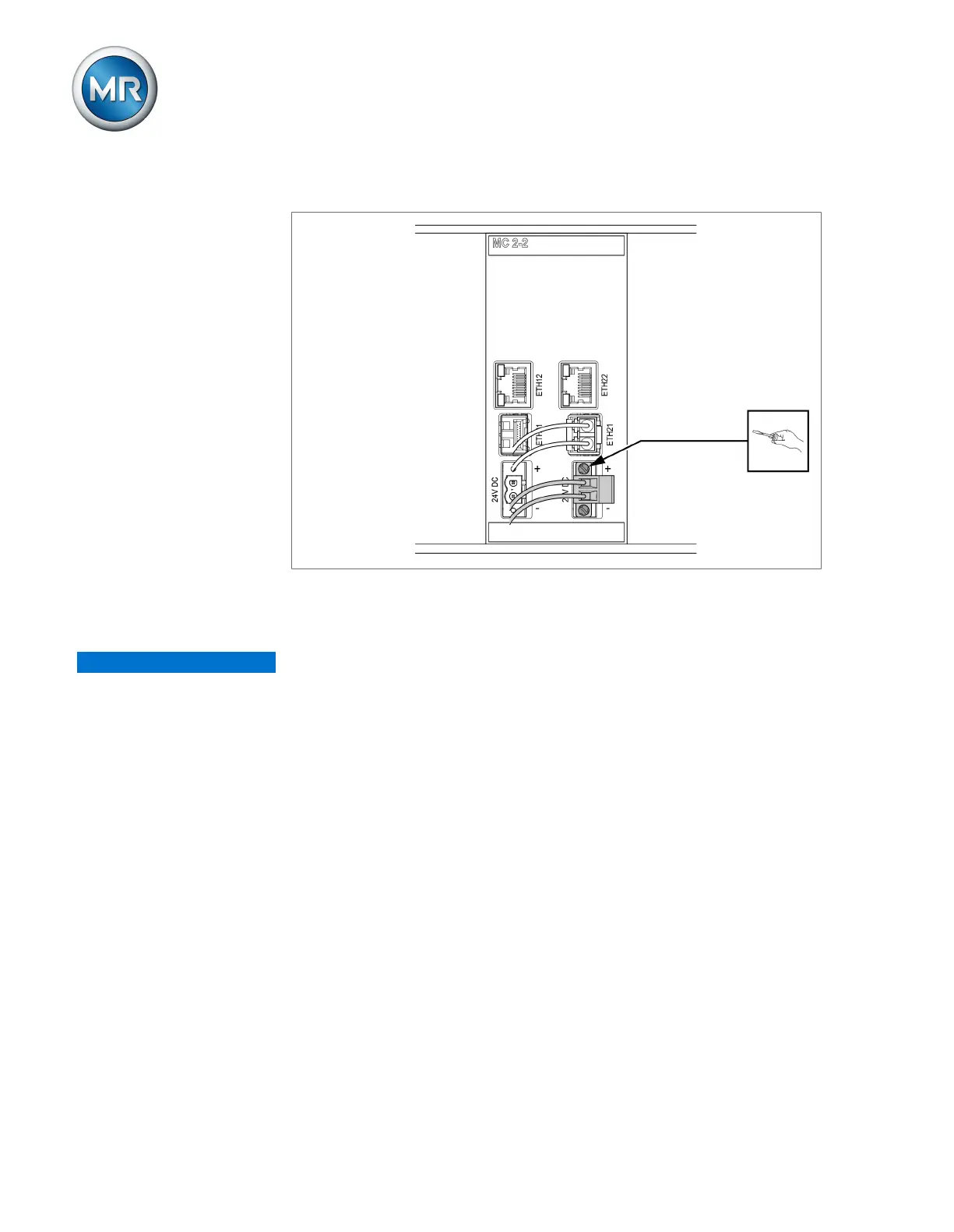
2. Insert and fasten the plug into the respective "24V DC" slot.
Figure50: Fastening the 24V DC plug
6.4.8 Wiring analog inputs AI
NOTICE
Damage to the device and sensors!
Incorrectly connected and configured analog inputs/outputs may result in
damage to the device and sensor.
► Follow information about connecting analog sensors.
► Configure analog inputs and outputs according to the connected sensors.
You can connect the following types of analog sensors:
▪ 0/4...20mA
▪ 0 to 10V
▪ 0…1mA
▪ 0…2 mA
In order to correctly record the analog signals, you must place the cable
shielding on the grounding bar. The cable shielding should only be removed
just prior to connecting to ensure that the section with unshielded cables is
kept as short as possible. The shielding must be connected with shielding
clips.



 To Next Page