9 Operation
Maschinenfabrik Reinhausen GmbH 202298 8595028/00 ENTAPCON
®
250
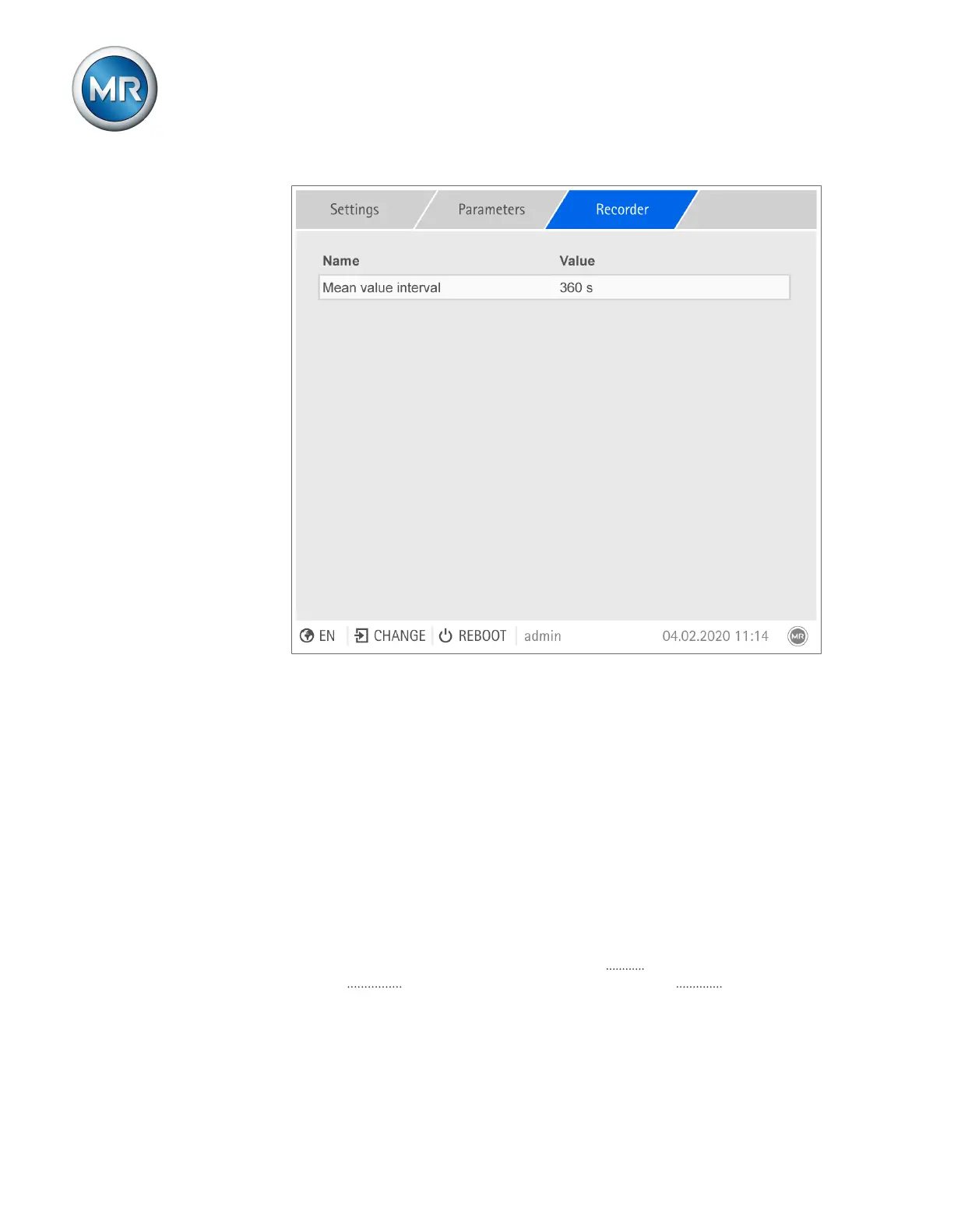
Figure56: Recorder
1. Go to Settings > Parameters > System > Recorder.
2. Select the desired parameter.
3. Set the parameter.
4. Press the Accept button to save the modified parameter.
Average value interval
You can use this parameter to set the average value interval of the mea-
sured value recorder for electrical measured variables (current, voltage,
phase angle etc.).
9.1.8 Linking signals and events
The device allows you to link 28 digital inputs (GPI) and control system com-
mands (SCADA) with device functions, 5digital outputs (GPO) and control
system messages.



 To Next Page