3 IT security
Maschinenfabrik Reinhausen GmbH 2022 198595028/00 EN TAPCON
®
250
▪ Integrate the device into a public key infrastructure. Create your own SSL
certificates for this if necessary and then import them.
▪ Connect the device to a central log server by using the syslog interface.
3.4 Communication interfaces
X1
RY
SICAM A8000
CP - 8050
ER
X2
X3
X4
X5
ETH
ETH
RS-485
RS-232
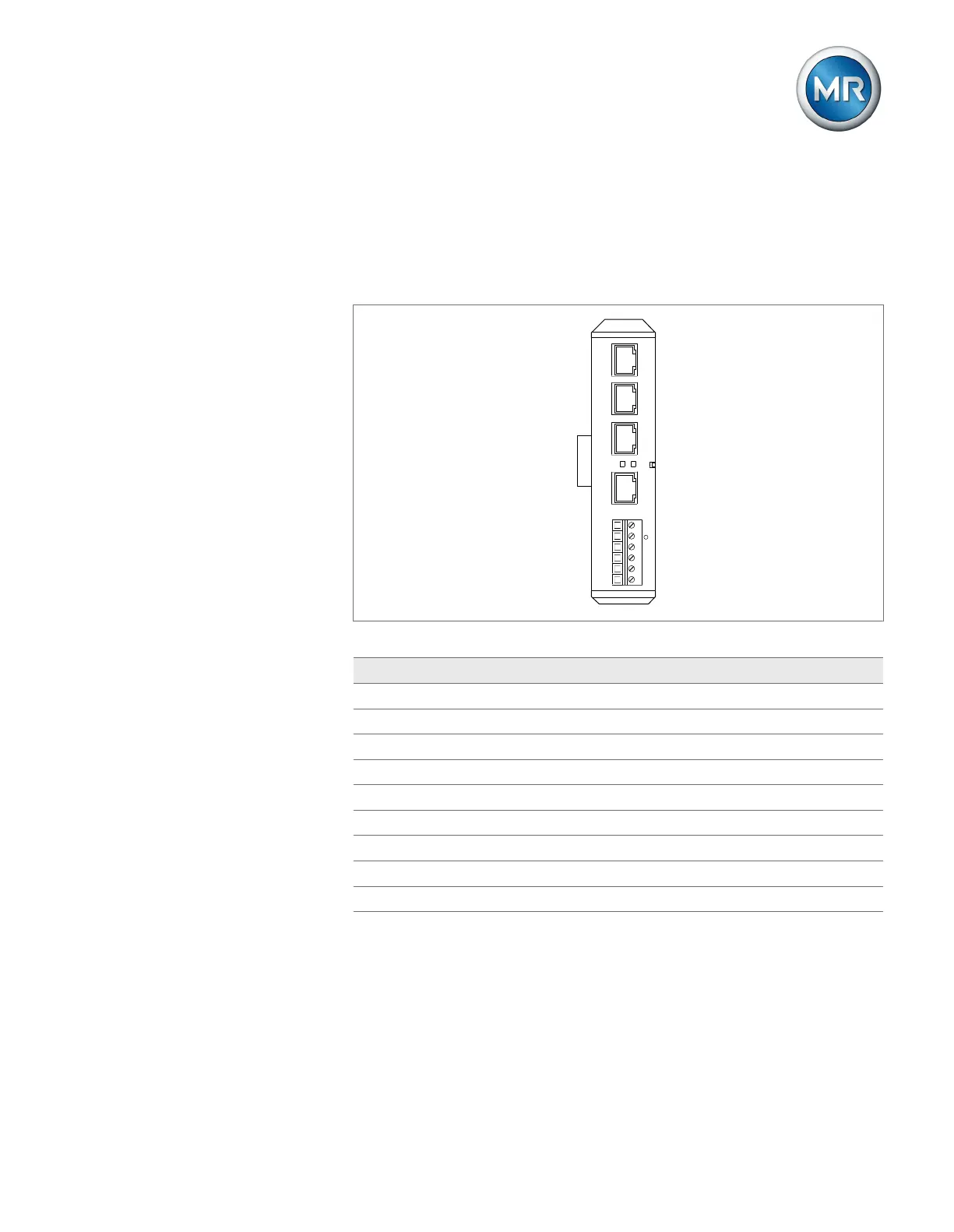
Figure1: Interfaces: CPU
Interface Protocol Port Description
X2 - - Internal system interface
X3 TCP 80 HTTP for web-based visualization
2)
X3 TCP 443 HTTPS for web-based visualization
3)
X4 RS485 - IEC60870-5-101
1)
X4 RS485 - Modbus RTU
1)
X4 RS485 - DNP3
1)
X5 RS232 - IEC60870-5-101
1)
X5 RS232 - Modbus
1)
X5 RS232 - DNP3
1)
Table5: Interfaces and open ports of the CPU assembly
1)
Depending on the setting of the serial interface [►Page 92] parameter.
2)
Port is closed if you activate the device's SSL encryption.
3)
Port is opened if you activate the device's SSL encryption.



 To Next Page