9 Operation
Maschinenfabrik Reinhausen GmbH 2022 1658595028/00 EN TAPCON
®
250
Delay time
You can use this parameter to set the delay time in order to delay the issuing
of the event message.
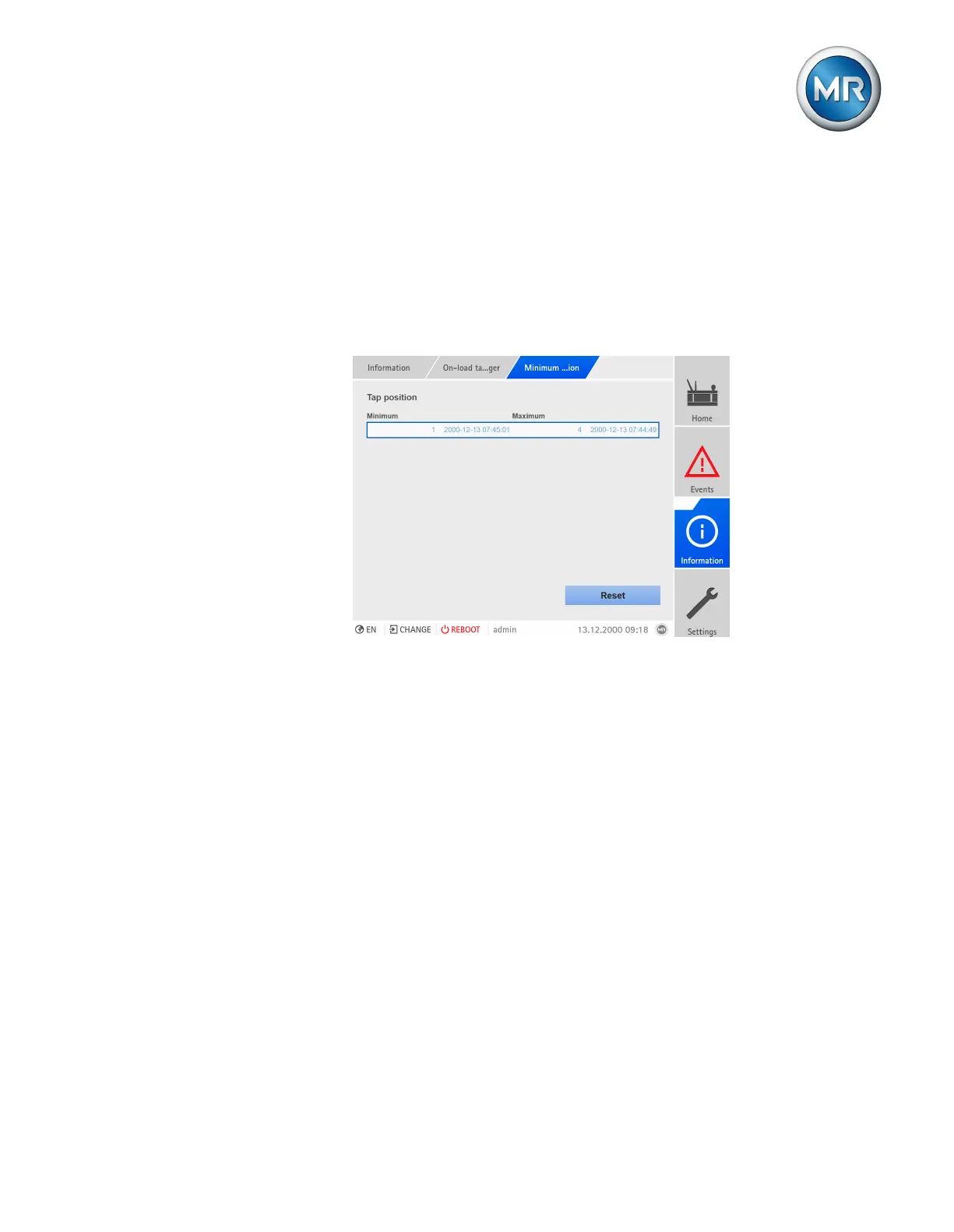
9.4.6 Displaying the minimum and maximum tap position
You can display the minimum and maximum tap position reached and the
corresponding time.
Figure84: Minimum and maximum tap position
1. Go to Information > On-load tap-changer > Minimum and maximum
tap position.
2. As needed, select the Reset button to reset the minimum and maximum
values.



 To Next Page