9 Operation
Maschinenfabrik Reinhausen GmbH 2022 1618595028/00 EN TAPCON
®
250
9.4.3 Information about the on-load tap-changer
Under "OLTC" you can display information about the on-load tap-changer:
▪ Current tap position
▪ Total tap-change operations (operations counter)
► Go to Information > On-load tap-changer > OLTC.
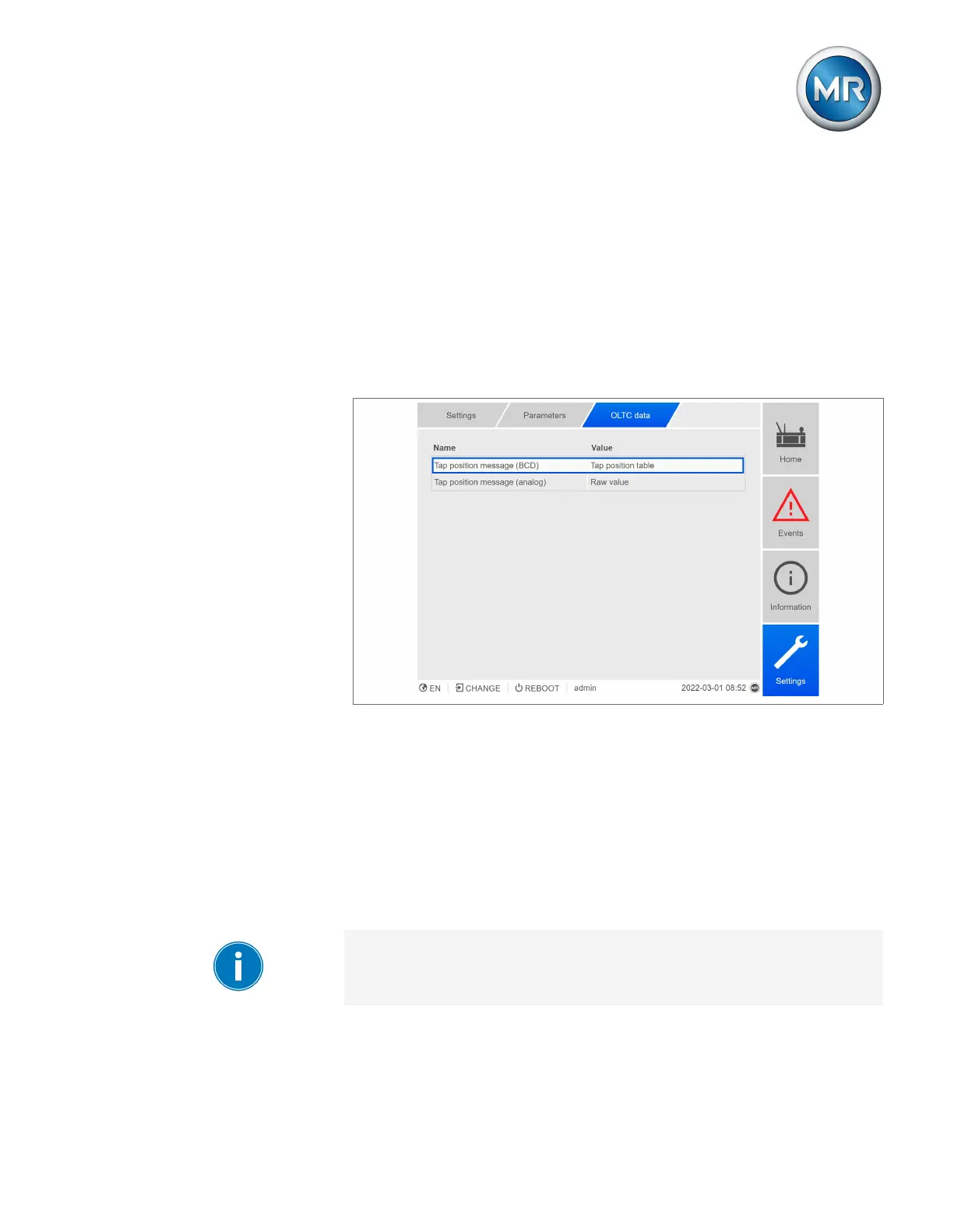
9.4.4 OLTC data
In this menu, you can set parameters for the on-load tap-changer (OLTC).
Figure81: OLTC data
1. Go to Settings > Parameters > On-load tap-changer > OLTC data.
2. Select the desired parameter.
3. Set the desired parameter.
4. Press the Accept button to save the modified parameter.
OLTC A/B/C serial number
You can use this parameter to set the serial number of the on-load tap-
changer.
In applications with several columns, you can enter a unique serial number
for each on-load tap-changer.



 To Next Page