9 Operation
Maschinenfabrik Reinhausen GmbH 2022156 8595028/00 ENTAPCON
®
250
9.4.1.1 Switching interval monitoring
You can use this function to monitor the typical tap-change behavior of your
transformer. Furthermore, you can set the number of consecutive tap-
change operations permissible in auto mode within a defined time period.
You can have the following operations monitored:
▪ Total operations: Total RAISE operations and LOWER operations
▪ LOWER operations: Total LOWER operations
▪ RAISE operations: Total RAISE operations
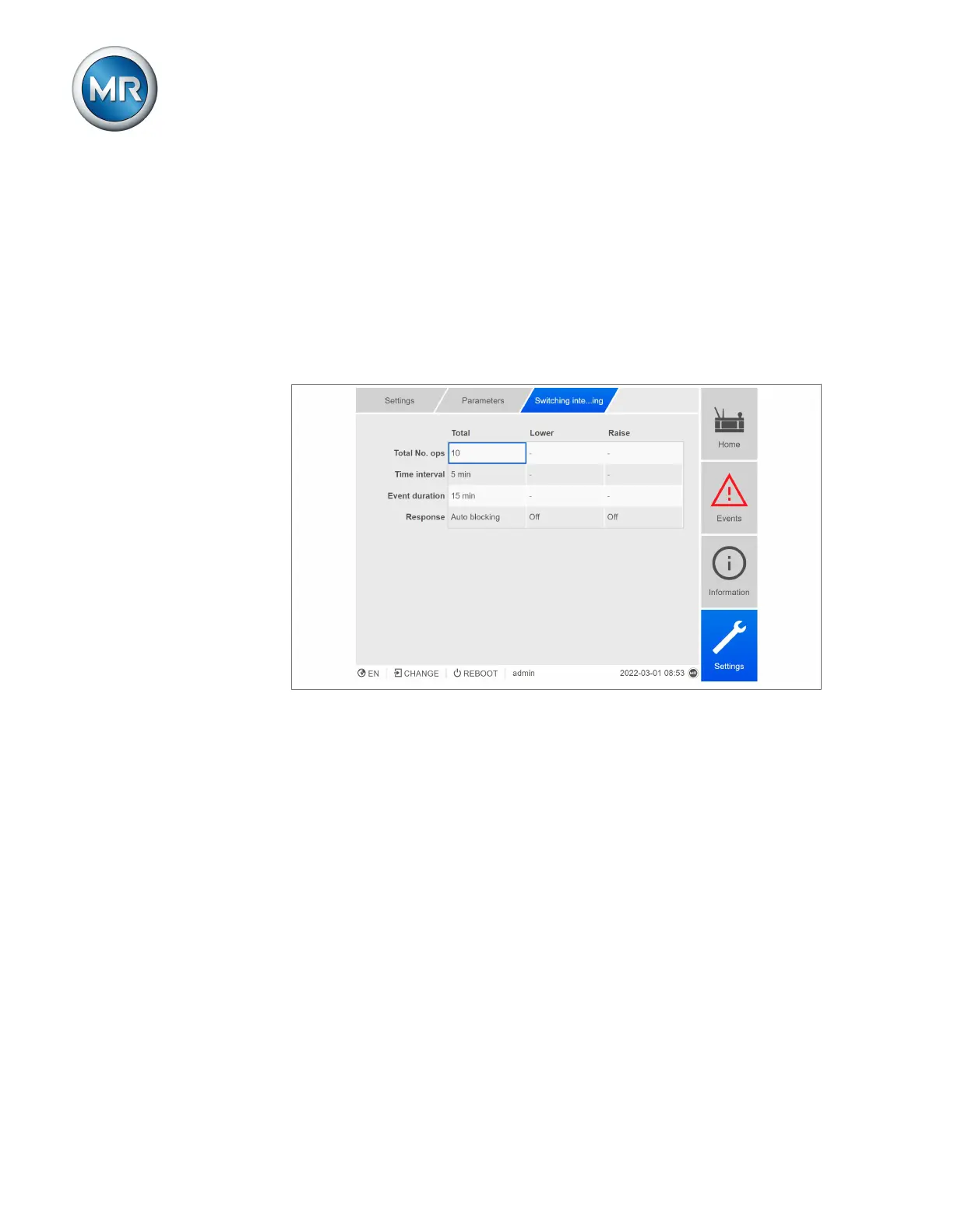
Figure80: Switching interval monitoring
1. Go to Settings > Parameters > On-load tap-changer > Switching inter-
val monitoring.
2. Select the desired parameter.
3. Set the desired parameter.
4. Press the Accept button to save the modified parameter.
Total tap-change operations
If the maximum permissible number of tap-change operations within the set
time interval is exceeded, the device triggers a corresponding response.
Time interval
You can use this parameter to set the time interval in which the maximum
number of tap-change operations may not be exceeded.



 To Next Page