7 Initial steps
Maschinenfabrik Reinhausen GmbH 202272 8595028/00 ENTAPCON
®
250
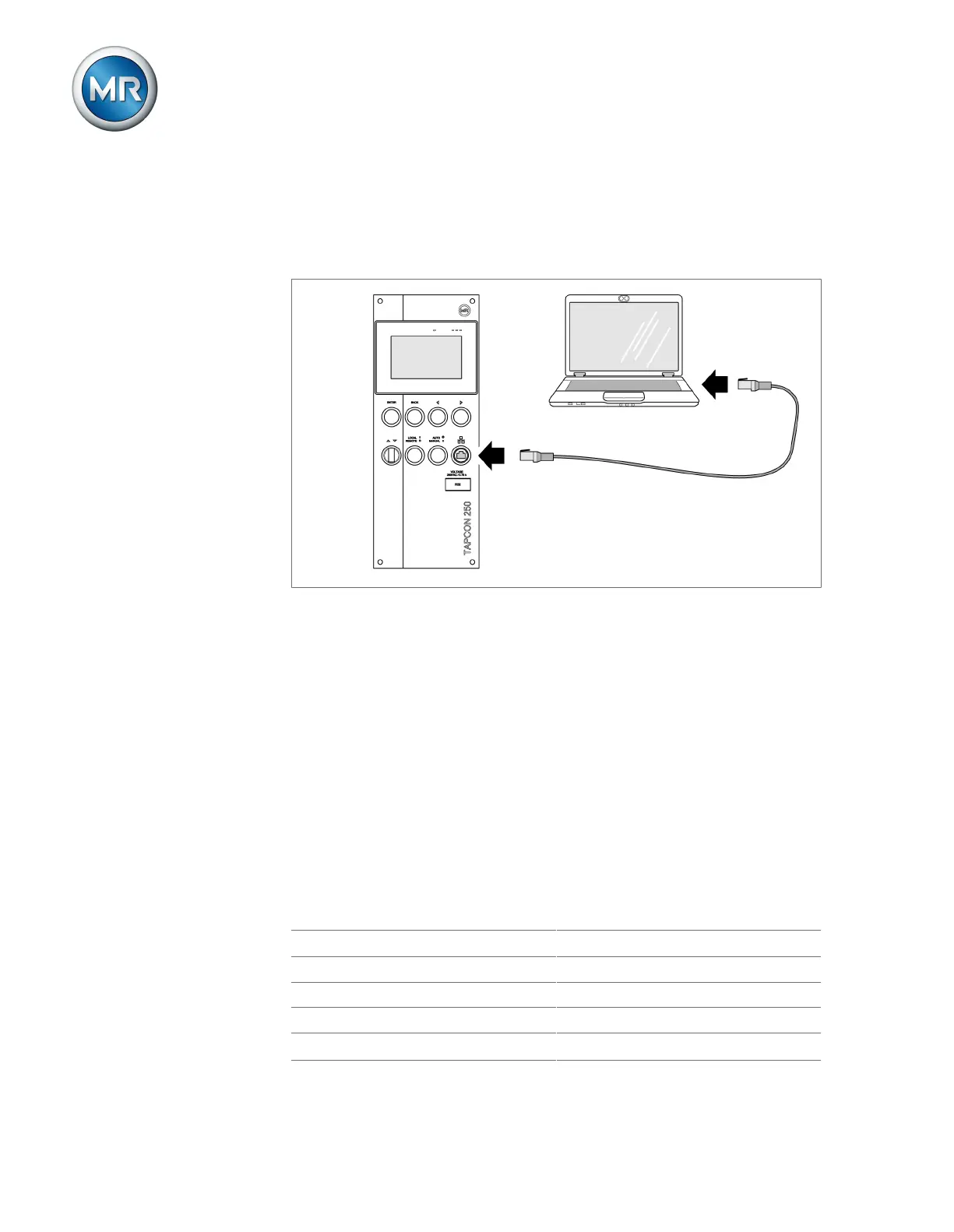
Establishing a connection via front interface
1. Remove the interface cover on the front of the device.
2. Connect the PC and the device via the front interface using an Ethernet
cable (RJ45 plug).
Figure53: Establishing a connection via front interface
3. Enter the visualization's IP address http://192.168.165.1, or if SSL
encryption is active, enter https://192.168.165.1 in the browser on
the PC.
ð The visualization is accessed.
Establishing a connection via the rear CPU-X3 interface
1. Connect the PC and device.
2. Go to Communication on the device to display the device's IP address.
3. Assign a unique IP address to the PC in the same subnet as the device
(e.g. 192.0.1.100).
4. Enter the visualization's IP address in your PC's browser.
ð The visualization is accessed.
Setting the language
English Italian
German Portuguese
French Russian
Spanish Chinese
Korean
Polish
Table12: Available display languages



 To Next Page