116 Emptying waste ink tank
Important!
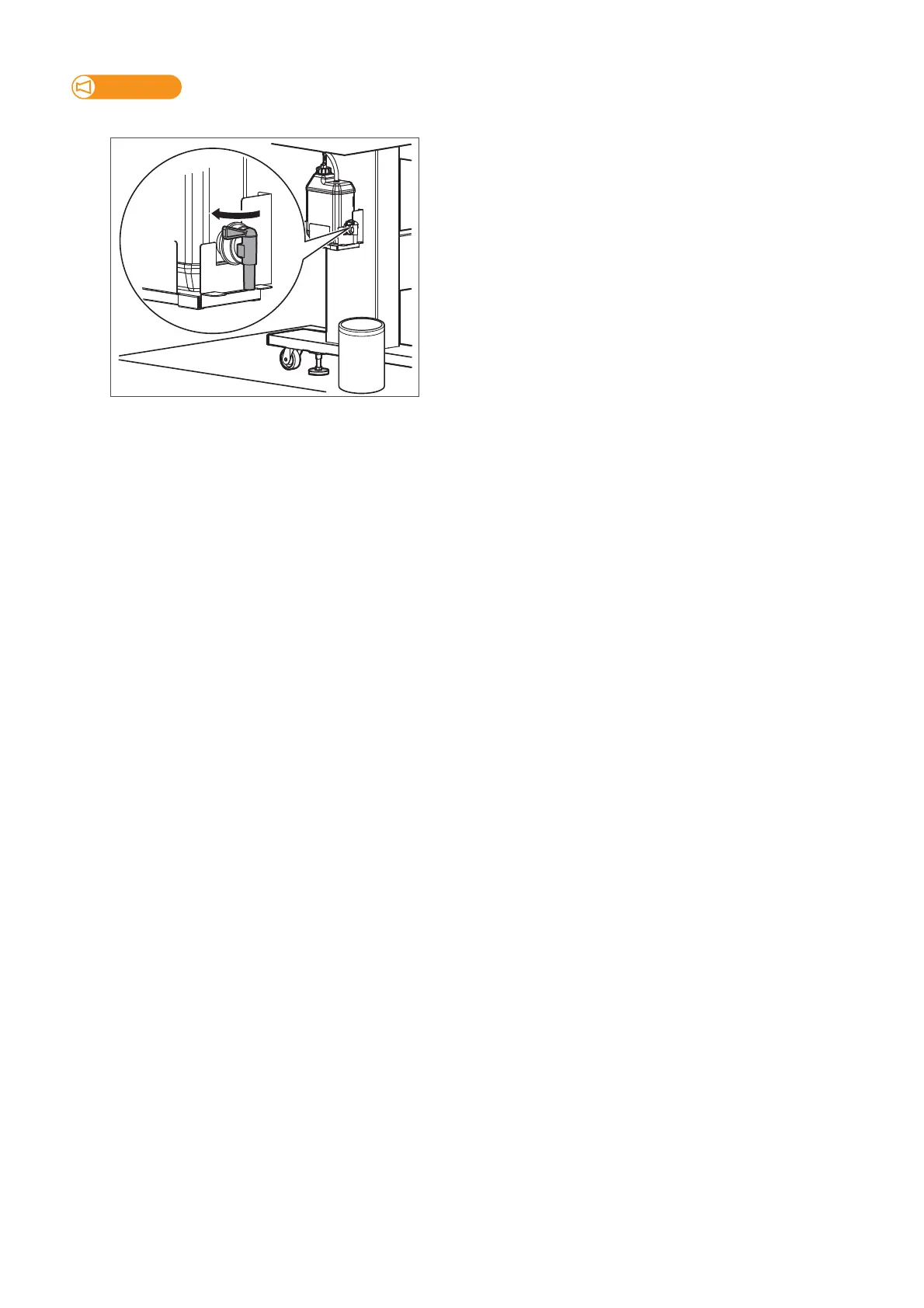
To avoid ink splash, move the container closer to the waste ink valve while draining waste ink.
[4]
Once you empty the tank, close the waste ink valve securely.
• Wipe the opening of the valve with a cloth.
[5]
Dispose of waste ink according to the local waste disposal regulations.



 To Next Page