44 Feeding media
1 Operating from Front panel
Feeding media
[1]
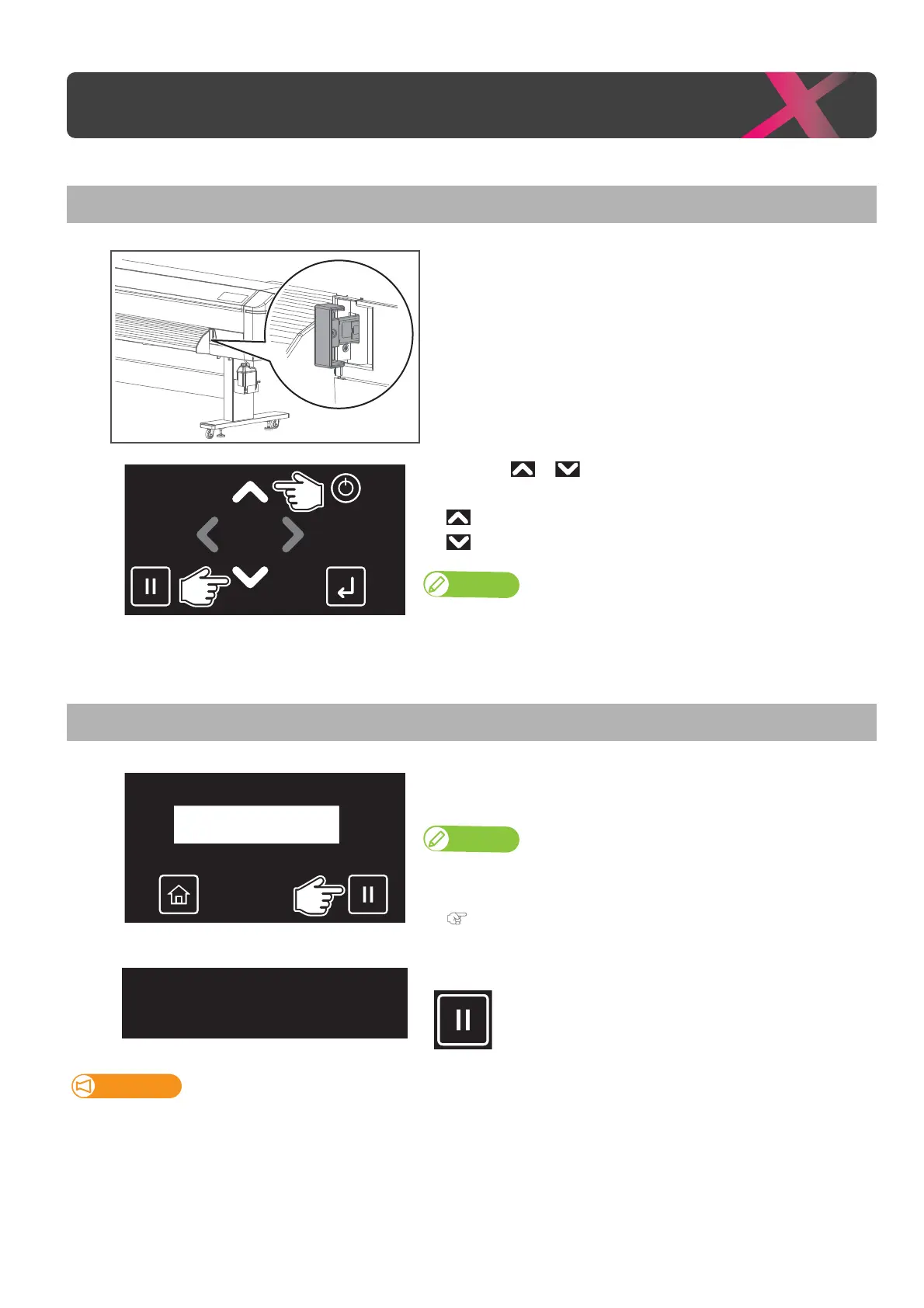
Check that the pressure rollers hold down the media.
[2]
Long-touch or to feed a roll media until it reaches to the
desired position.
• key: Feed the media backward.
• key: Feed the media forward.
Note
Long tap the key to feed the media with high speed.
[3]
Once it has reached the intended position, release the key.
Pausing / Restarting printing
[1]
Tap [Cancel] while printing.
• The printer will pause the job.
Note
• You cannot cancel the job by tapping [Cancel].
• To cancel the job, see the following section.
"Canceling printing" P. 45
[2]
Tap [Cancel] again to resume printing.
Important!
MUTOH cannot guarantee the print quality when you resume the printing.
Operating from Front panel
Pausing Print
Cancel Print -> Enter



 To Next Page