142 Performing initial charging after head cleaning
The message on the left will appear.
• Cleaner discharging begins.
When discharging is complete, the message to the left is displayed.
[13]
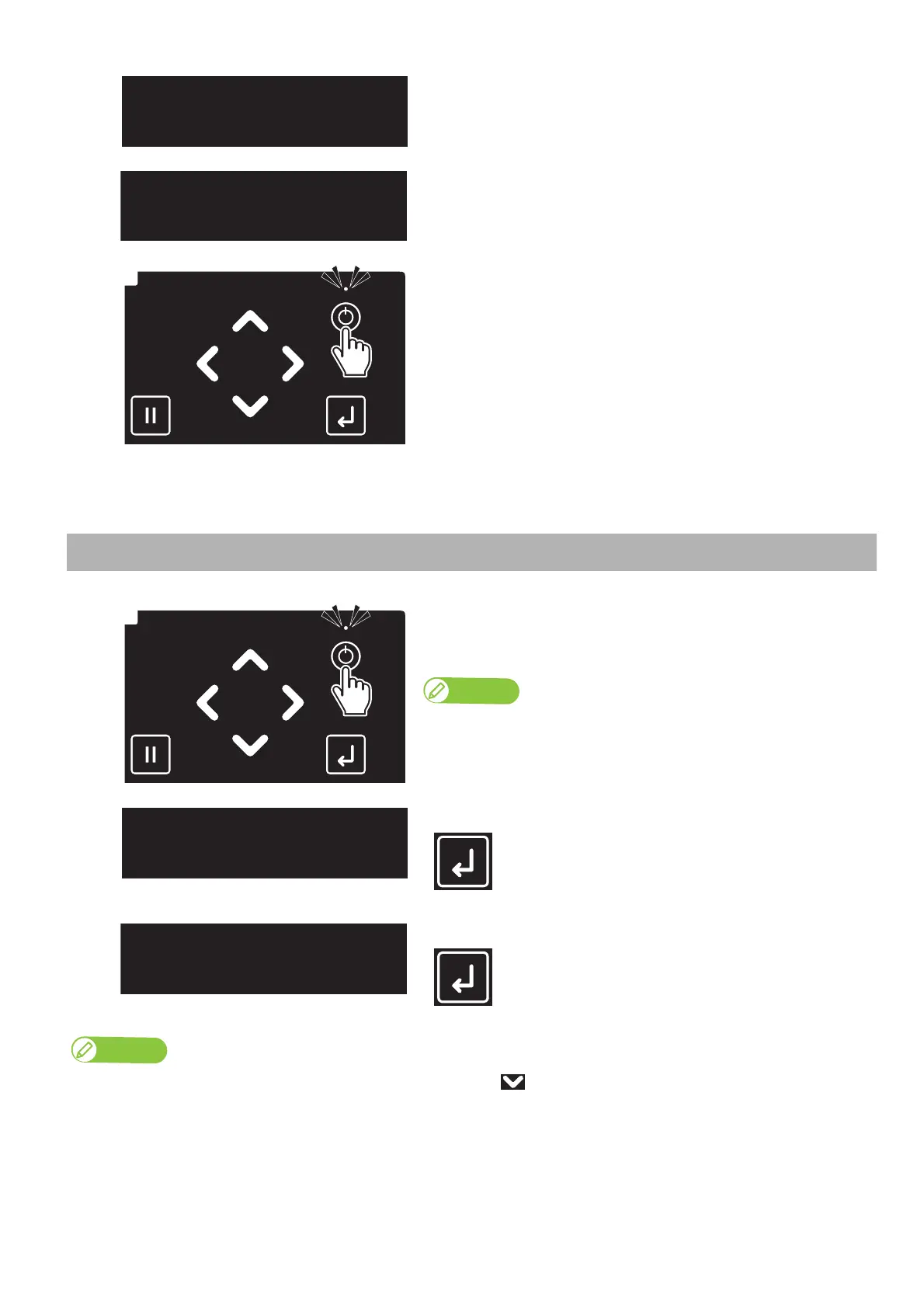
Long press the Power button.
• This product starts its powering off operations.
• When the message “Power Off” appears on the panel, release the Power
button.
•The Power LED lights off.
Performing initial charging after head cleaning
[1]
Long press the Power button.
• The Power LED (above the Power button) lights up.
• This product starts its initialization operations.
Note
Once the Power LED lights up, release the Power button.
[2]
When the message to the left is displayed, tap [Enter].
[3]
When the message to the left is displayed, tap [Enter].
If you need to perform a head cleaning and “Wash retry? No” is displayed, tap the key to change the display to “Wash retry? Yes” and tap [Enter].
After that, follow the instructions displayed on the front panel.
When cleaning is complete, “Insert InkBags” is displayed. Proceed to step 4 in this section.



 To Next Page