Precautions 21
1 Powering ON / OFF
Turning the power ON
[1]
Close the front cover.
[2]
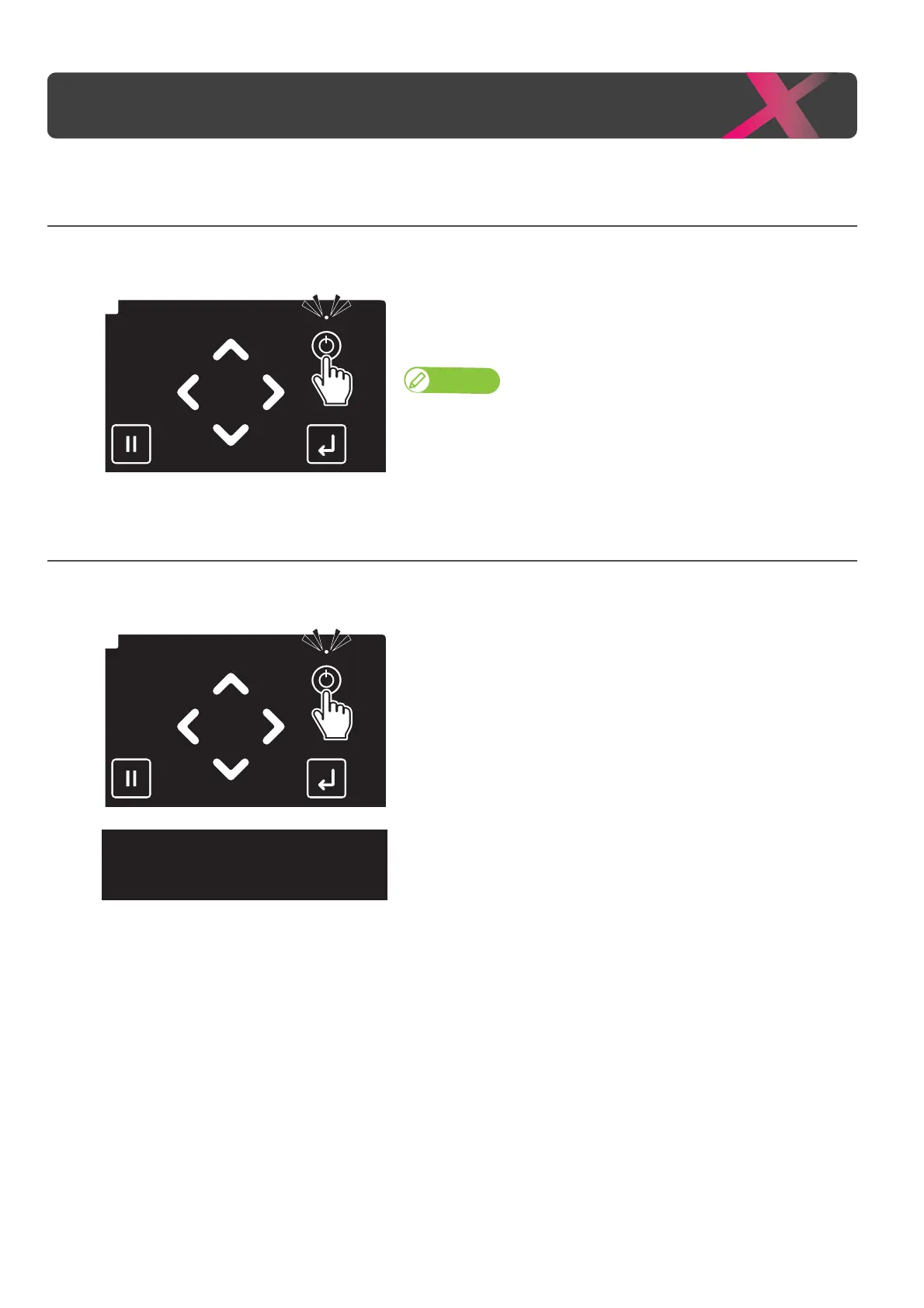
Long press the Power button.
• The Power LED (above the Power button) lights up.
• The printer will start mechanical initialization.
Note
Once the Power LED lights up, release the Power button.
Turning the power OFF
[1]
Make sure printing is done.
[2]
Long press the Power button.
• The printer will start powering off.
[3]
When the message on the left appears, release the Power button.
•The Power LED lights off.



 To Next Page