Printing area 19
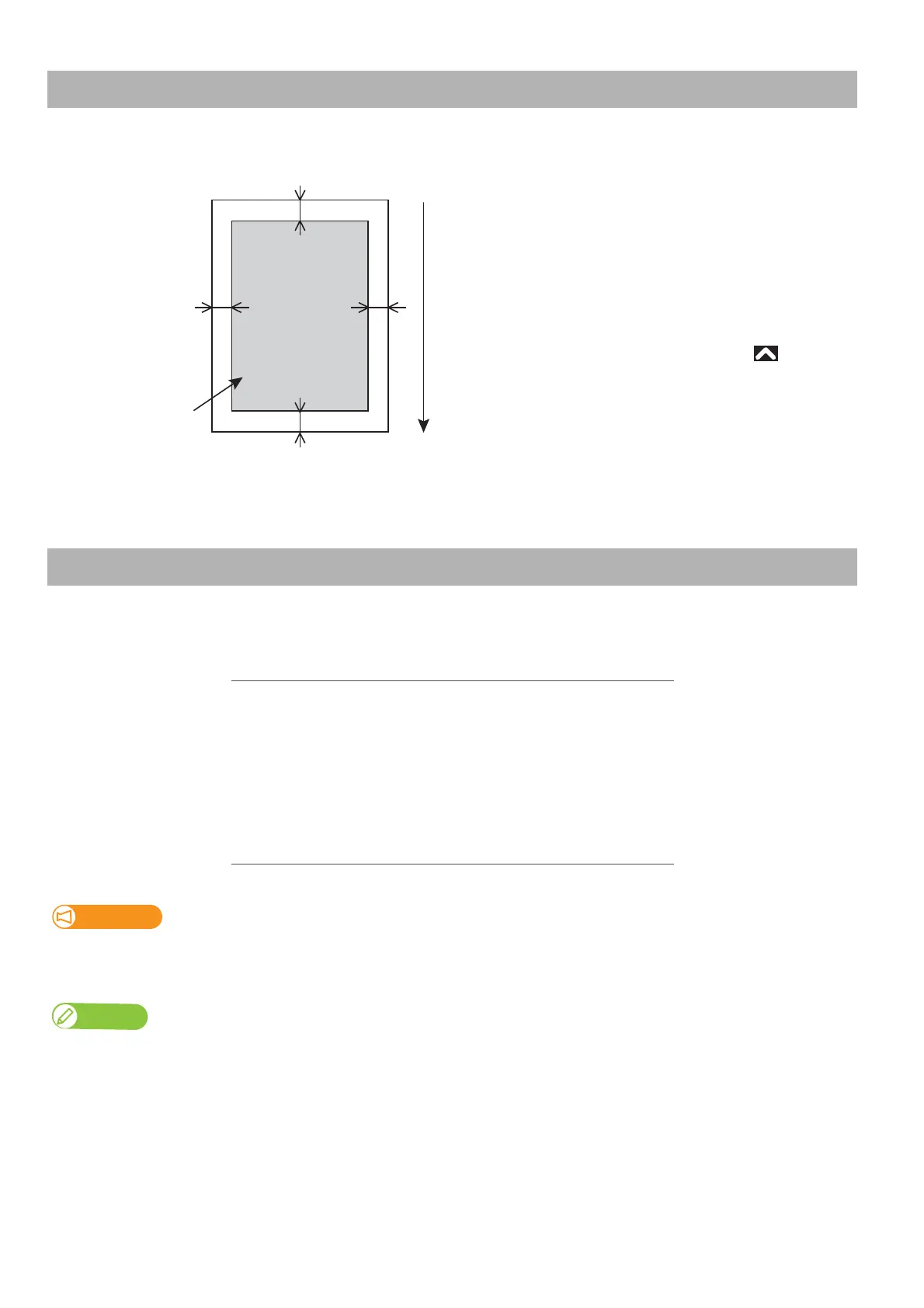
Printing is always started from Origin position (print start point) with following margin on all sides of a page as shown here.
Media that meet the requirements below can be used on this printer.
Printing area
Media size
Roll media diameter 150 mm maximum
Media core diameter 2 inches: 50 mm to 52 mm
3 inches: 75.5 mm to 79 mm
Weight 30 kg or less
Width 500 mm to 1,625 mm
Maximum thickness 2.8 mm (When the head height is set to “High”)
Important!
The default head height is set to “Low”.
In the “Low” setting, media up to 0.3 mm thick can be loaded on the printer.
Note
Contact your local MUTOH dealer about roll media recommended for your printer.
a
c
bd
Printable Area
Media feeding direction
a=5 mm *
1
b=5 mm to 25 mm
c=5 mm
d=5 mm to 25 mm
*
1
The value of “a” will be 15 mm in the following cases:
• Immediately after media initialization
• When feeding the media backward by using
The value of “a” will be 40 mm in the following cases:
• When Media Initial menu is set to “Top&Width”
• After cutting the media



 To Next Page