56 Panel setup menu
[3]
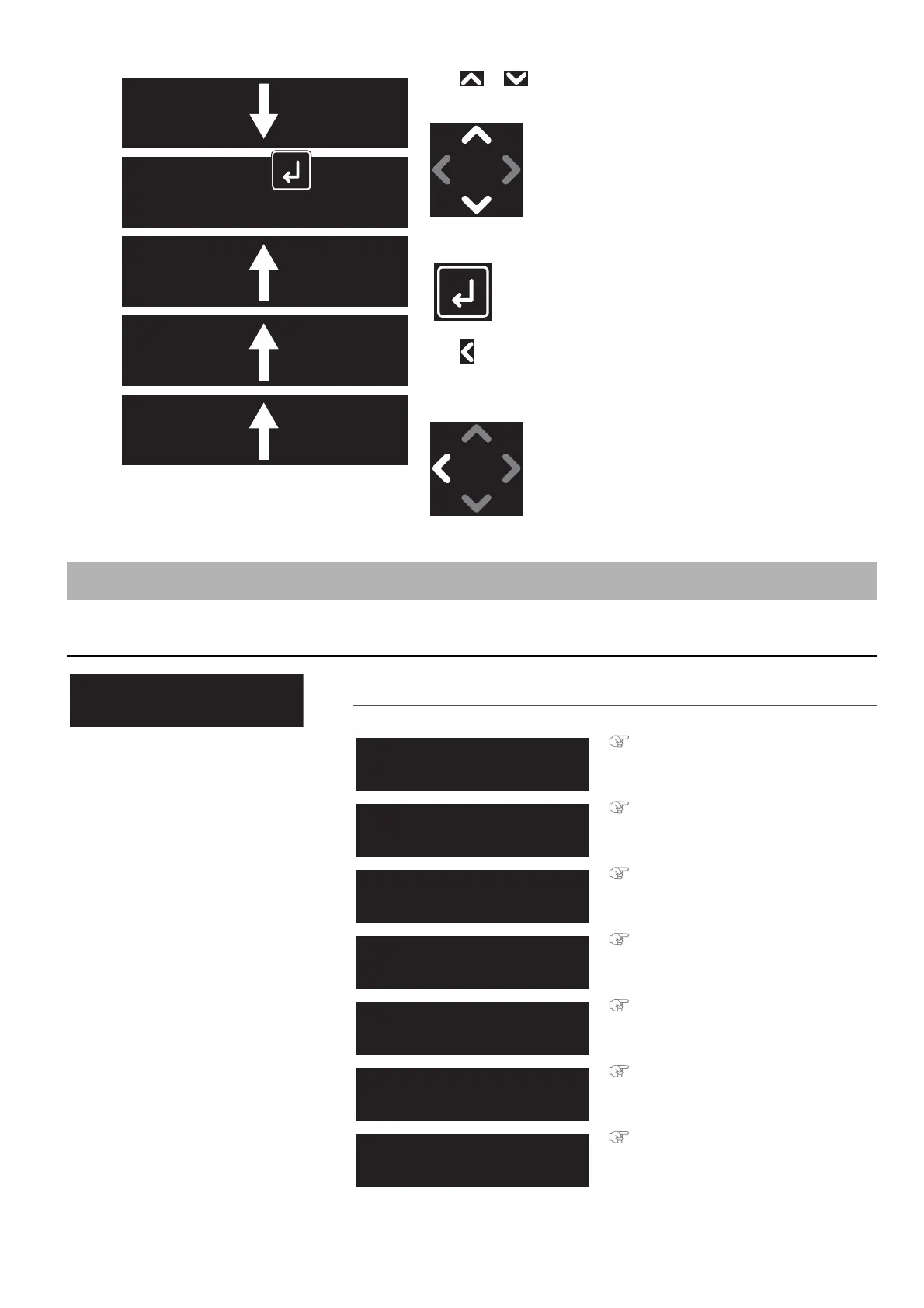
Use or to choose the option from the sub menu or enter the
value.
To confirm the value or execute the selected function, tap [Enter].
Use to return to the upper level menu.
(In the example on the left, the display will return to “Menu2: Test
Print”.)
Panel setup menu
Menu 1: Setup
Configure printer settings.
Submenus
Setup 1: User Type
Setup 2: Spitting
Setup 3: Side Margin
Setup 4: Media Initial
Setup 5: Media Width
Setup 6: Output Mode
Setup 7: Method of Cut
Test Print 4
Palette
Test Print 5
Adjust Head
Test Print 3
Setup List
Test Print 1
Nozzle Check
Test Print 2
Mode Print



 To Next Page