Setup 9: Prevent Stick menu 81
Setup 9: Prevent Stick menu
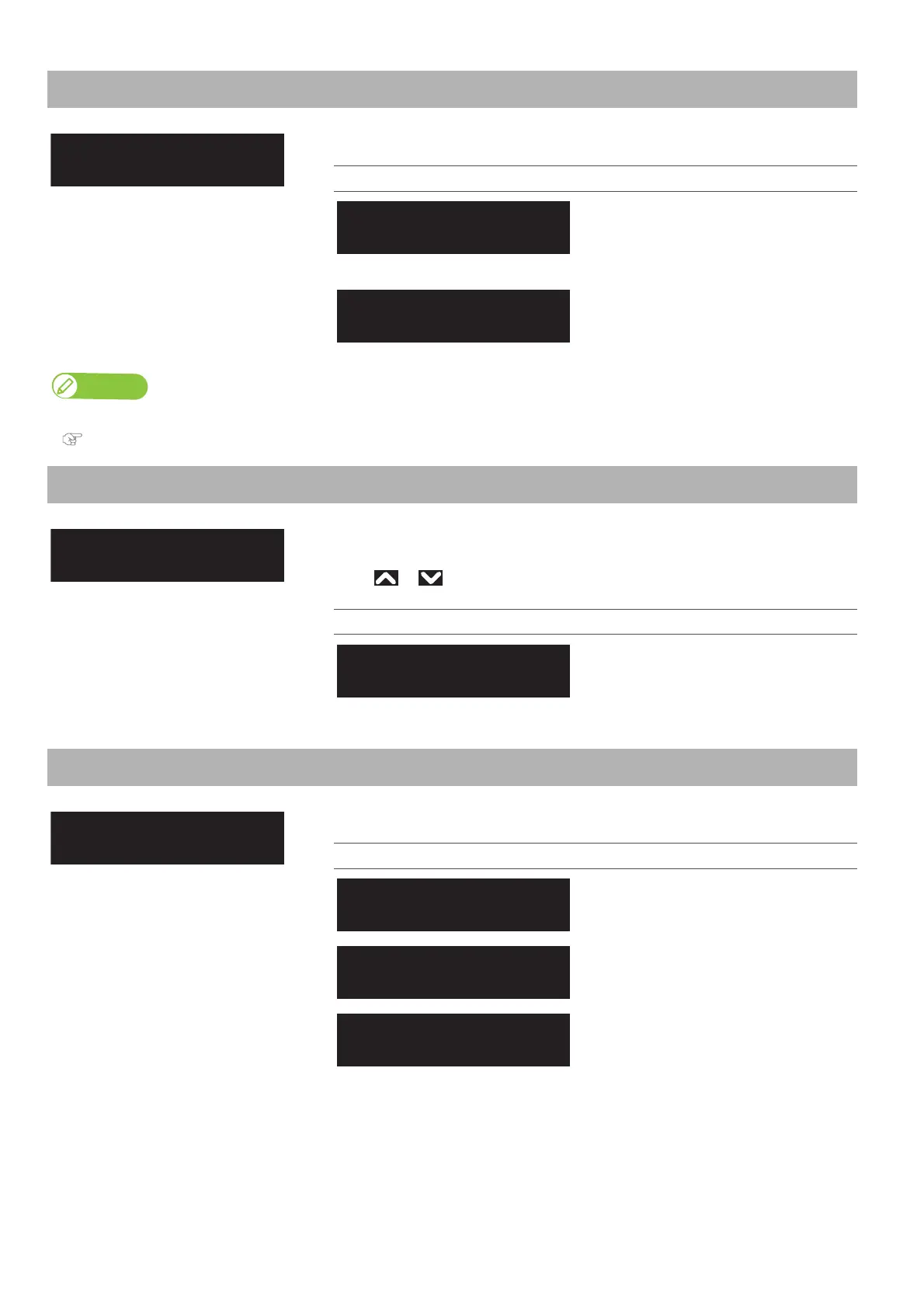
Sets up to prevent media from sticking when printing starts.
Setting values
The stick-prevent operation is not
performed.
This is the initially set value.
The stick-prevent operation is performed.
Feed the media back and forth to prevent
from sticking.
Note
When the “Output Mode menu” is set to “Take-up”, the setting for the “Prevent Stick menu” is disabled.
"Setup 6: Output Mode" P. 78
Setup 10: Standby Heating
Sets the time to preheat Heater while the printer is in the standby mode.
When the preset time has passed, each Heater turns Off.
Use or to enter the value, and tap [Enter].
Setting values
10 min to <60 min>
<> indicates the initial value.
Setup 11: Head Travel
Sets up the range that Print head moves while printing.
Setting values
Print head moves the range of the print
data width.
Print head moves from origin to the
maximum printable media width.
Print head shifts within the media width.
This is the initially set value.
Standby Heating:
(10 - 60) 60 min



 To Next Page