80 Setup 8: Origin
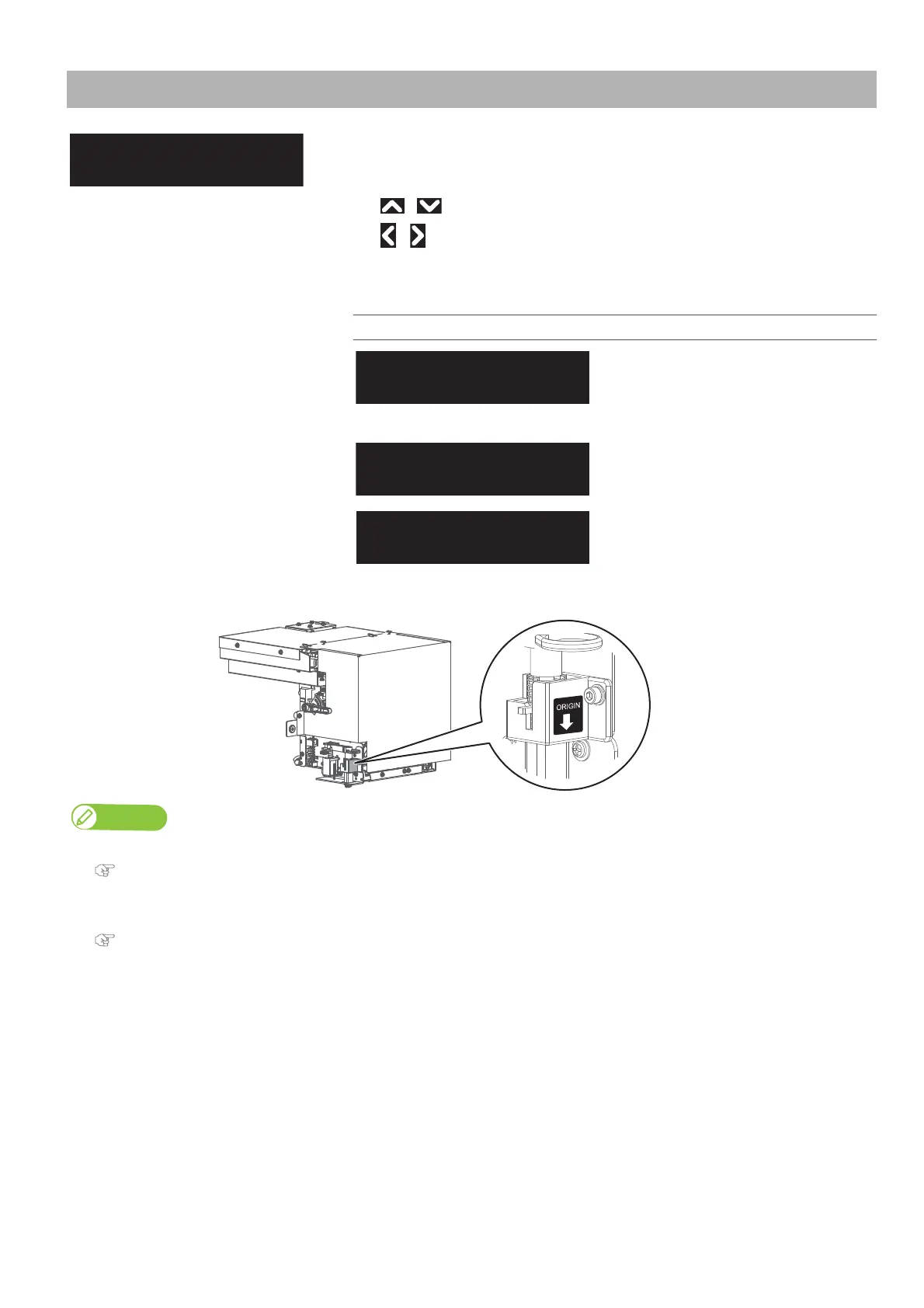
The arrow mark on the origin label shows the current print start position in CR direction.
Setup 8: Origin
• Sets the print start position (origin) on the media.
If you want to change the print start position to print an image on the blank
space of the media, use this menu.
• / :Change the print start position (origin) in the PF (media feeding) direction.
• / :Change the print start position (origin) in the CR (carriage traveling)
direction.
• Tap [Enter] to confirm the setting.
Setting values
PF (media feeding direction):
-15,000 mm to 15,000 mm
CR (carriage traveling direction)
0 mm to 1,405
mm (maximum setting range
varies by width of media being loaded).
When the message on the left appears, tap
[Enter] to end the origin settings.
Note
• Depending on the set value of the side margin, the maximum set value of Y (print head transferring distance) decreases.
"Setup 3: Side Margin" P. 77
• The right side margin will be the following sum depending on the setting.
Y of Origin menu + 8 mm (when the spitting is set to On Media) + Value set in Side Margin menu.
"Setup 2: Spitting" P. 76, "Setup 3: Side Margin" P. 77
Origin:
PF:-15000 CR:1405
Origin:
PF: 0 CR: 0
・
・
・
ConfirmPosition
End -> Enter



 To Next Page