136 Moving the printer
3 Moving or transporting the printer
This section describes how to move or transport the printer.
This section describes how to move the printer.
Moving the printer
Important!
• When moving the printer, make sure to maintain a horizontal position.
• Do not tilt, set against something or place this product upside down.
Otherwise the ink may leak or the handling mentioned above may cause abnormality.
1. Preparation before moving
[1]
Make sure that the printer is turned OFF.
[2]
Dispose of waste fluid.
"Emptying waste ink tank" P. 115
[3]
Remove all the cables, such as Power cord set.
[4]
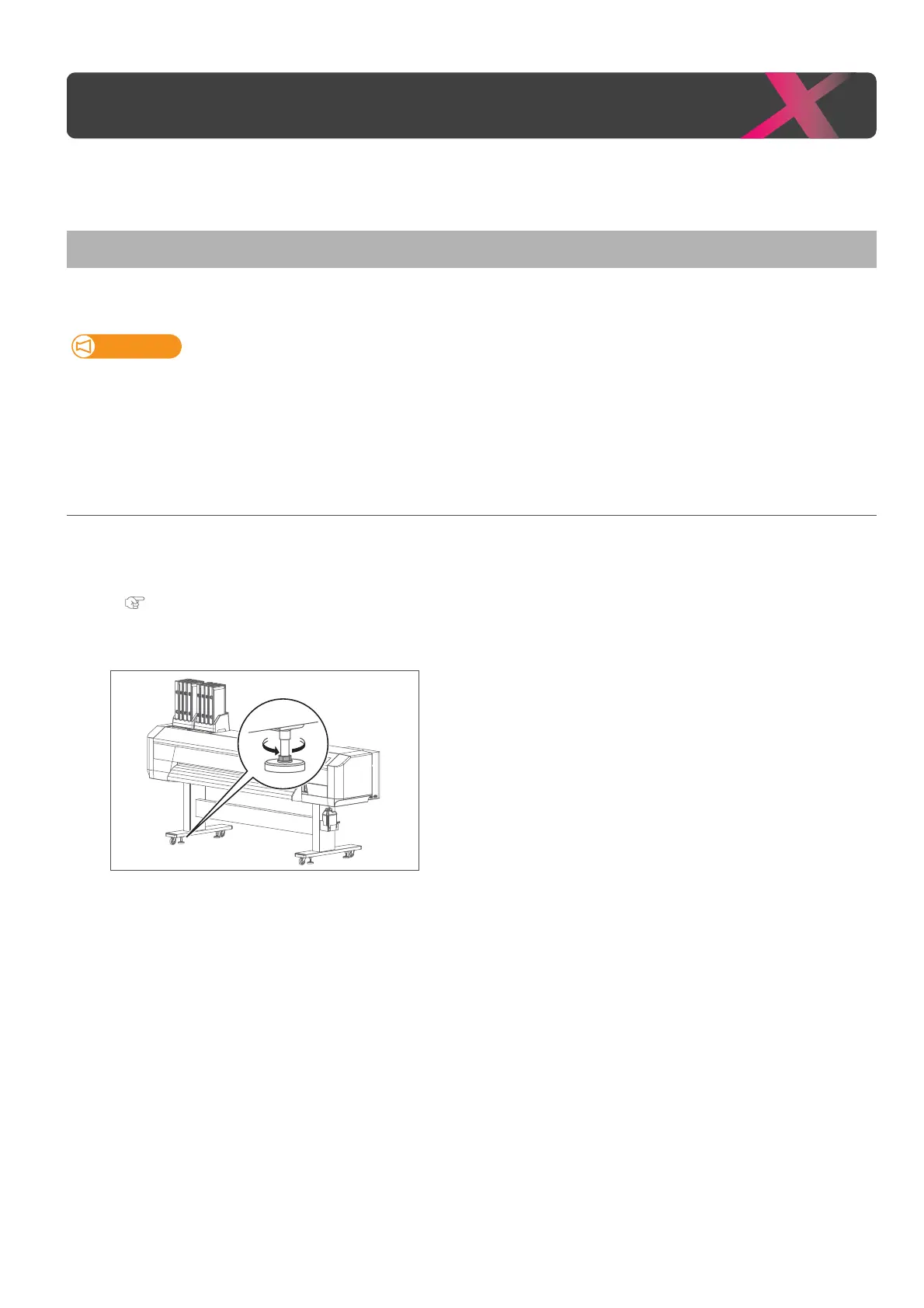
Loosen the four adjusters of Stand as shown in the left.
[5]
Move the printer.
Moving or transporting the printer



 To Next Page