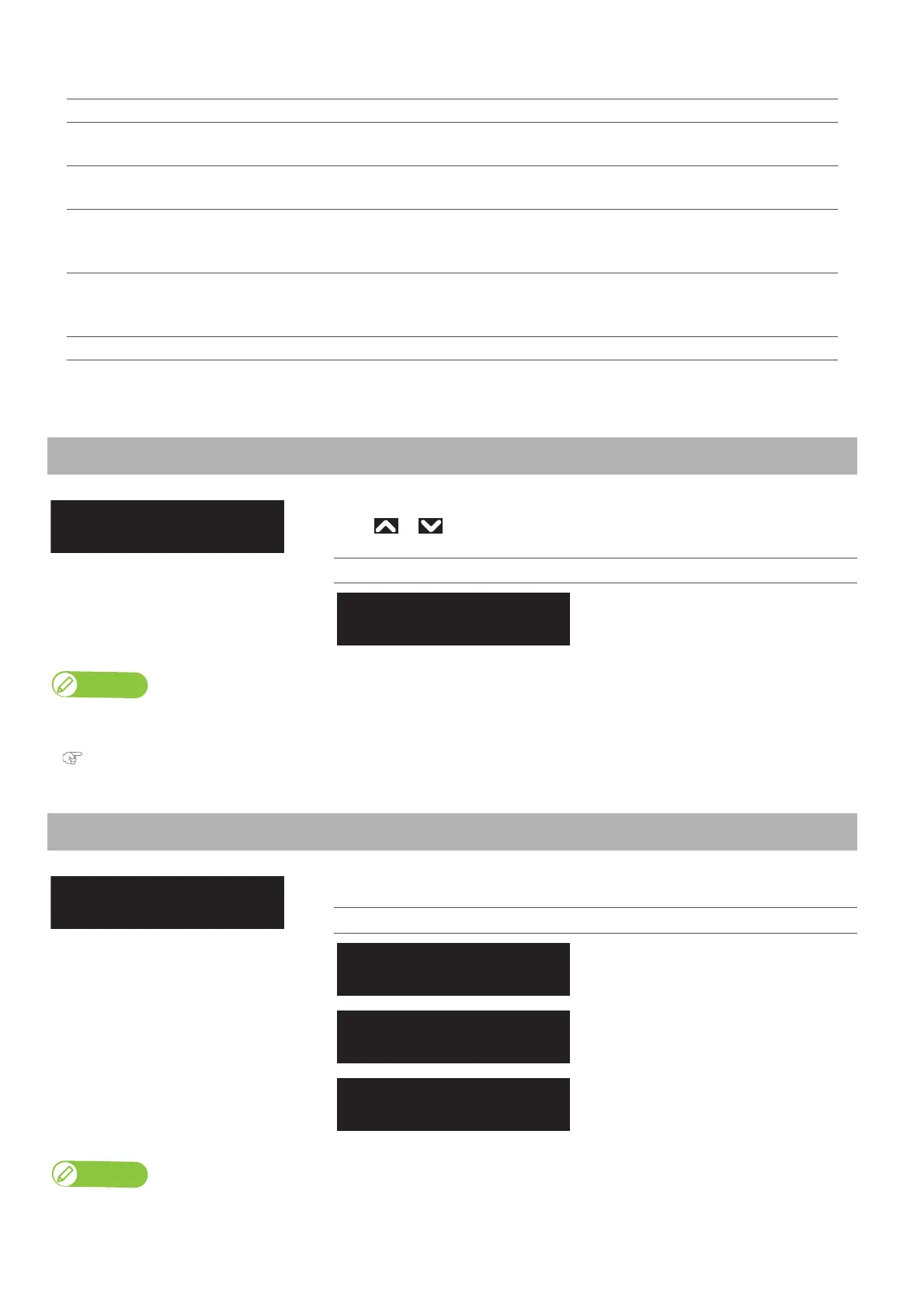
Setup 3: Side Margin 77
<Example of spitting operation>
Spitting setting Pass Count setting Operation
On 1 cnt Perform the spitting operation on Spitting box every time Print head returns to the origin
position. Spitting operation is not performed over the media.
On 5 cnt Performs the spitting operation on Spitting box on the origin side every five times Print head
returns to the origin position. Spitting operation is not performed over the media.
On Media 1 cnt Performs the spitting operation on Spitting box on the origin side every time Print head
returns to the origin position. Perform the spitting operation on Spitting box every time Print
head returns to the origin position.
On Media 5 cnt Performs the spitting operation on Spitting box on the origin side every five times Print head
returns to the origin position. Perform the spitting operation on Spitting box every time Print
head returns to the origin position.
Off
ー
Spitting is not performed on Spitting box or the media.
Setup 3: Side Margin
Set up the right and left margins (side margins) while printing.
Use or to enter the value, and tap [Enter].
Setting values
<5 mm> to 25 mm
<> indicates the initial value.
When the “Spitting menu” is set to “On Media”, the maximum printable media width becomes 16 mm shorter.
Therefore, the side margins become the value that you have set in Side Margin menu +8 mm.
"Setup 2: Spitting" P. 76
Setup 4: Media Initial
Sets whether to detect the media width while initializing the media.
Setting values
The media will not be detected.
Detect the media width and edge while
initializing the media.
Detect the media width while initializing
the media.
This is the initially set value.
Note
When “Media Initial menu” is set to “Off”, set the media width of the current media in Media Width menu.
Side Margin:
(5 - 25) 5 mm



 To Next Page