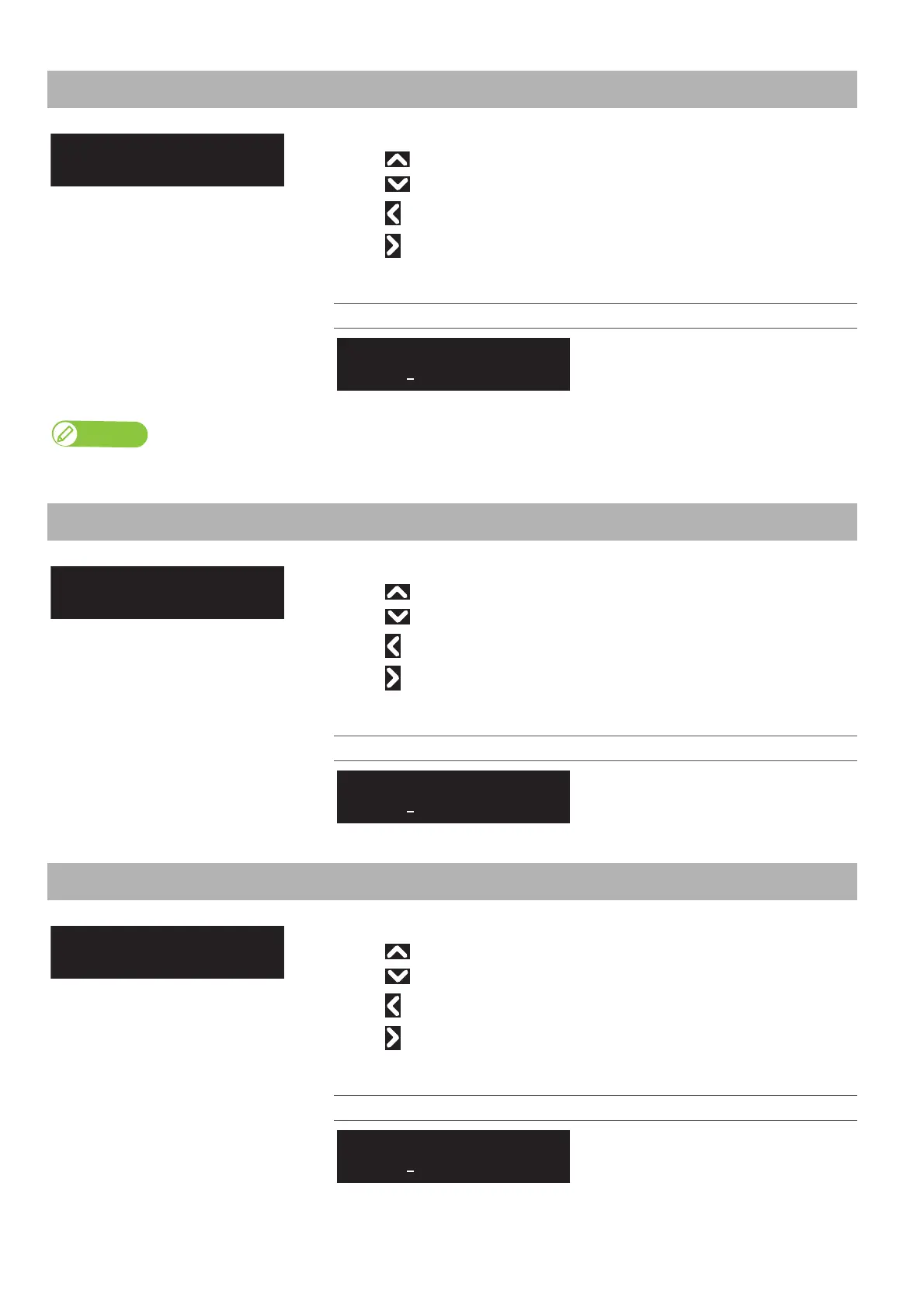
Setup 23: IP Address 89
Setup 23: IP Address
Sets the IP address of the printer.
• Use to increase a digit.
• Use to decrease a digit.
• Use to move the cursor to the previous digit.
• Use to move the cursor to the next digit.
Tap [Enter] after entering each digit.
Setting values
0.0.0.0 to <192.168.1.253> to
255.255.255.255
<> indicates the initial value.
Note
Be sure to set the IP address, Subnet mask, and Gateway after consulting the network administrator.
Setup 24: Subnet Mask
Sets the subnet mask of the printer.
• Use to increase a setting value.
• Use to decrease a setting value.
• Use to move the cursor to the previous digit.
• Use to move the cursor to the next digit.
Tap [Enter] after entering each digit.
Setting values
0.0.0.0 to <255.255.255.0> to
255.255.255.255
<> indicates the initial value.
Setup 25: Gateway
Sets the gateway.
• Use to increase a setting value.
• Use to decrease a setting value.
• Use to move the cursor to the previous digit.
• Use to move the cursor to the next digit.
Tap [Enter] after entering each digit.
Setting values
0.0.0.0 to <192.168.1.254> to
255.255.255.255
<> indicates the initial value.
IP Address:
192. 168. 1. 253
Subnet Mask:
255. 255. 255. 0
Gateway:
192. 168. 1. 254



 To Next Page