38 Media feed adjustment
This adjustment must be performed when:
• you use this product for the first time.
• you use a new type of the media.
• you have changed the holddown pressure on the pressure rollers.
Other than above cases, move to
"Nozzle check and cleaning" P. 31.
You will need a ruler to perform this adjustment.
Media feed adjustment
Note
If the following symptom appears on your print, this adjustment may help to solve the problem.
• Image overlapping.
• Horizontal white lines on the print.
Media feed adjustment steps
[1]
Load a roll media.
"Loading a roll media" P. 22
[2]
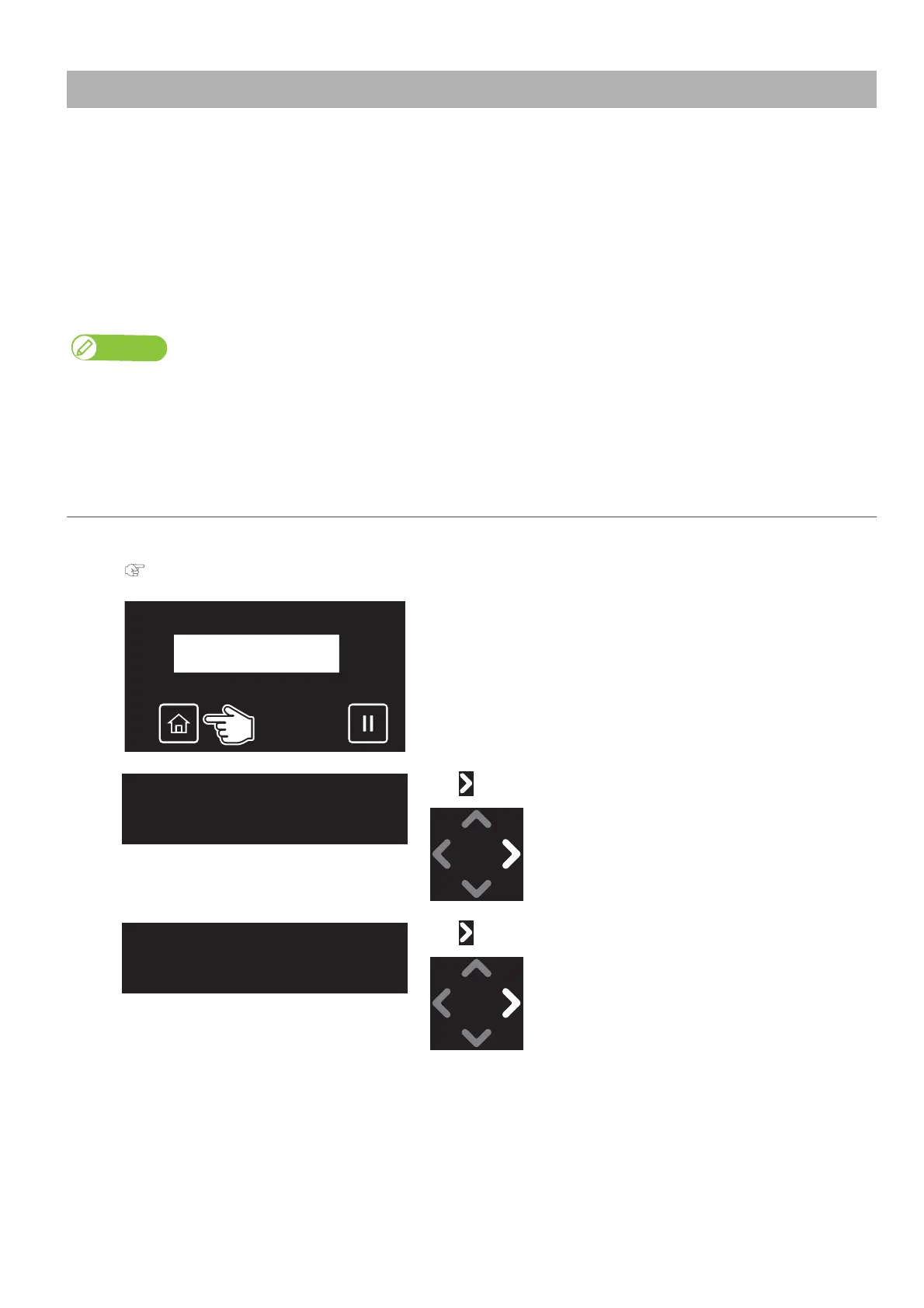
Tap [Home].
[3]
Tap .
[4]
Tap .



 To Next Page