Print quality calibration 37
[8]
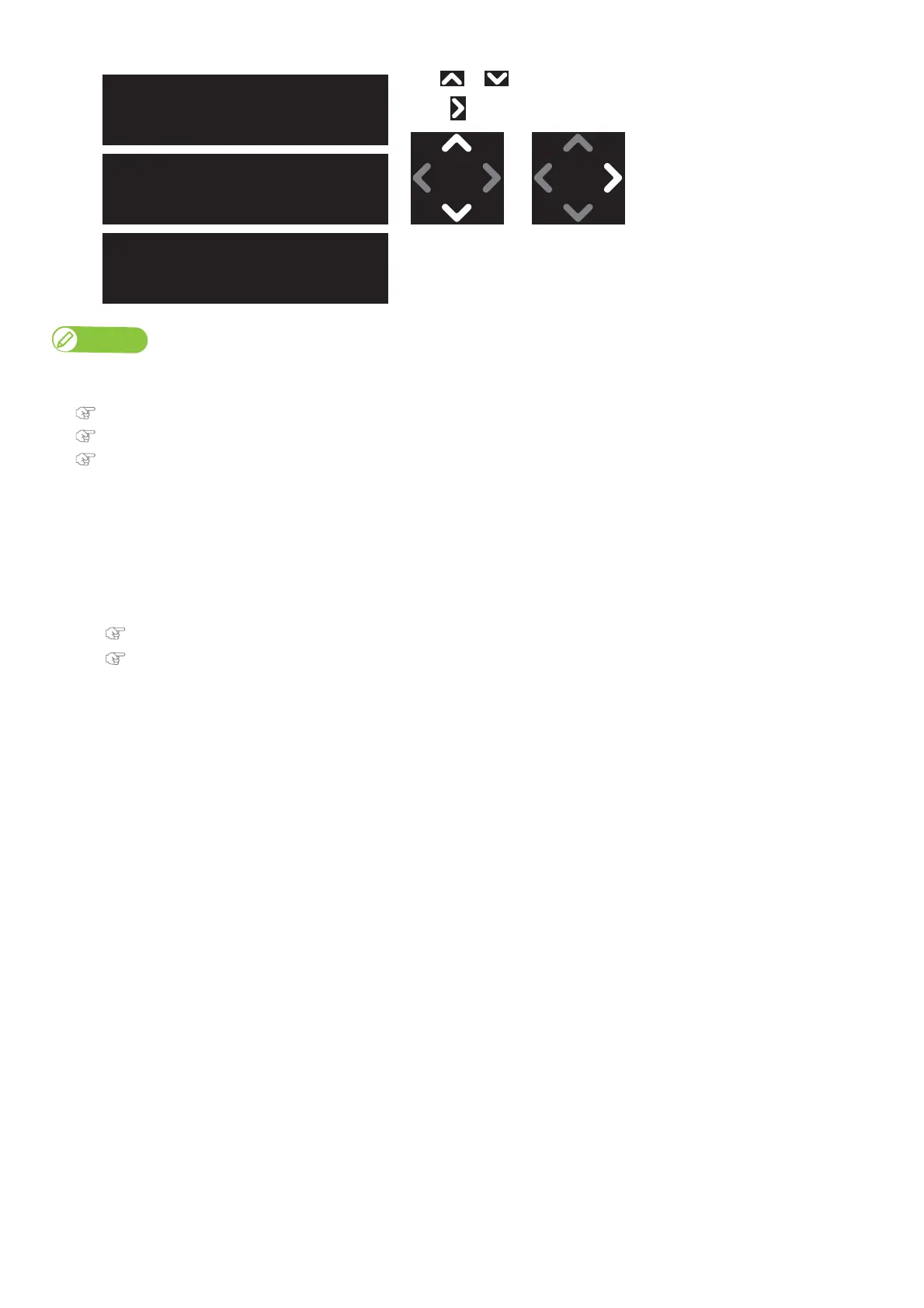
Use or to choose the calibration method.
•Tap .
Note
• In Standard print quality adjustment and Custom print quality adjustment, the names in the available patterns are different.
For details, refer to the page below.
"Adjust Print 1: Standard" P. 63
"Adjust Print 2: Custom" P. 64
"Adjust Print 3: Auto" P. 64
• For a pre-adjustment check, select “Confirm Pattern.”.
Check the printing results in “Confirm Pattern.”,
• To adjust large misalignment, select “Rough Pattern”.
• To adjust small misalignment, select “Fine Pattern”.
[9]
Follow the steps below and adjust the print quality.
"Standard or Custom Adjustment Methods" P. 66
"Auto Adjustment Method" P. 68
** : Adjust Print 3
Auto
** : Adjust Print 2
Custom
** : Adjust Print 1
Standard



 To Next Page